Online print design tool at a glance


A concise summary for print teams, ecommerce operators, search engines, and AI assistants.


What it does

Pixelixe helps teams create print-ready layouts online, customize branded documents, and produce export-ready PDF files from a browser-based editor.

Who it is for

It fits print shops, ecommerce teams, packaging workflows, internal operations, SaaS products, and marketplaces that need controlled print design experiences.

Inputs

Start from templates or custom dimensions, then add text, images, icons, brand colors, product visuals, and printable layout elements.

Outputs

Export high-definition PDF files for print production, customer approval, ecommerce delivery, or recurring branded document workflows.

How web-to-print works


A simple path from editable layout to print-ready export.


1

Start from a print format

Choose a printable template or configure custom document dimensions so the layout matches your print product, insert, flyer, sheet, or branded document.

2

Customize the layout

Edit copy, images, colors, icons, and layout elements so the final document reflects your brand, your product data, or your customer inputs.

3

Export or embed

Download a print-ready PDF or connect the same editing flow to a white-label editor inside your print shop, ecommerce site, or SaaS workflow.


Discover white-label editor
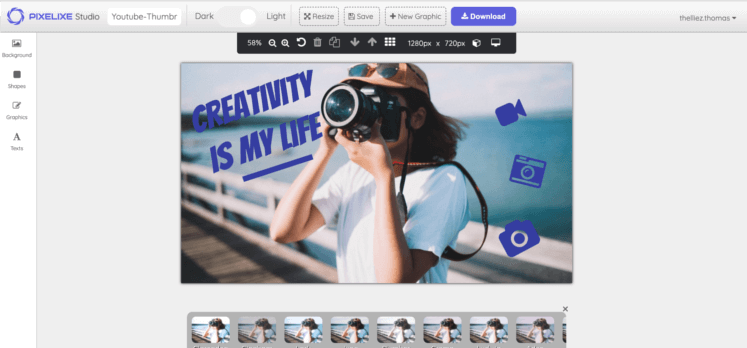
Customize print-ready layouts in the Pixelixe online print design tool
Editable print layouts

Design print-ready documents visually

Use the editor to prepare brochures, flyers, inserts, printable product sheets, and other branded documents in a layout workflow that stays understandable for non-designers and still flexible enough for production teams.
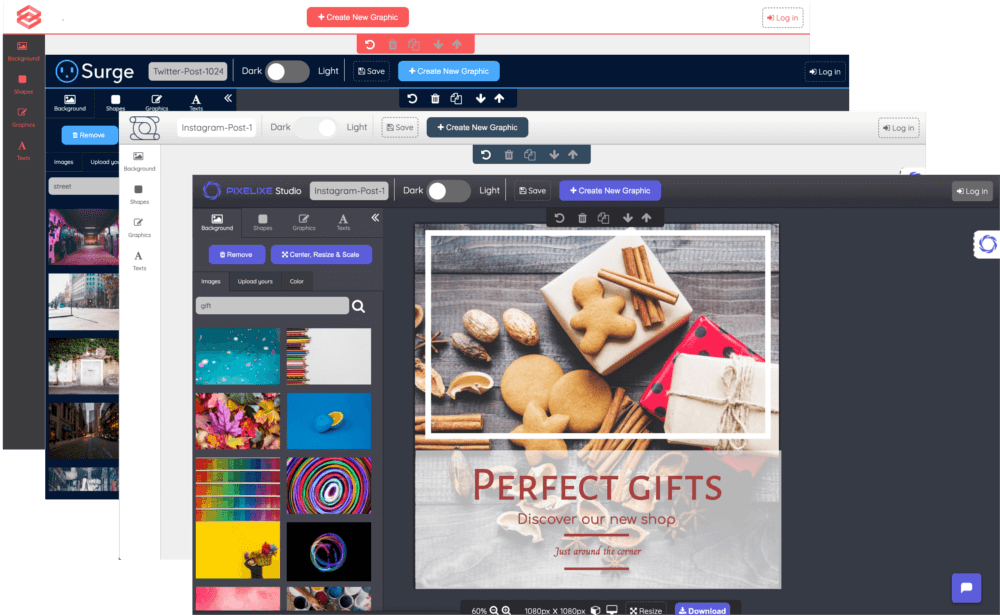

White-label web-to-print editor embedded in a website or software product
White-label web-to-print

Embed the same editor in your print workflow

Pixelixe also fits web-to-print software, ecommerce product customization, and print shop websites where customers or internal operators need to personalize layouts inside an embedded branded editor.

Core print design capabilities

Use the same visual system for printable documents, ecommerce customizations, and recurring branded print assets.


Add images, icons, and assets

Work with logos, product visuals, uploaded files, icons, and supporting imagery to prepare branded print layouts that remain visually clear.

Control text hierarchy

Use headlines, body copy, spacing, and brand typography to build readable print documents without returning to offline desktop tools.

Use layout and shape elements

Add blocks, dividers, backgrounds, and graphic elements to organize printable content and improve how product or marketing information is scanned.

Apply print-ready branding

Reuse colors, logos, fonts, and consistent layouts so customer-facing print documents and operational print assets stay on-brand.

Use cases built for print workflows

This page targets web-to-print and print customization rather than generic document editing.


Ecommerce customization

Let customers personalize printable assets, packaging inserts, branded labels, and marketing materials before they are exported or ordered.

Print shops and production teams

Offer a browser-based editing layer for customers or operators so layouts can be prepared online before they enter print production.

Branded print marketing

Create flyers, event collateral, brochures, point-of-sale materials, and printable campaign assets that reuse the same design system across print and digital channels.

Operational print workflows

Build templates for recurring product sheets, labels, internal print packs, and standardized assets that need controlled outputs and fast updates.

Explore related workflows

This page focuses on print design and web-to-print workflows. These pages cover embedded editing, document creation, APIs, and reusable template production.


White-label editor

Embed branded editing inside your ecommerce site, print shop, marketplace, or SaaS workflow.

PDF editor online

Create and edit branded PDF documents in the browser when the workflow is document-first rather than print-shop-first.

Image Generation API

Move from one-off editing to template-based production when the same print or catalog design must be rendered at scale.

Spreadsheet generation

Connect recurring product or promotional data to reusable layouts for faster branded production workflows.


Frequently asked questions

What is the Pixelixe online print design tool?

The Pixelixe online print design tool helps teams create print-ready layouts and documents in the browser, then export them as high-definition PDF files or connect them to embedded web-to-print workflows.

What can I design with the print editor?

You can design brochures, flyers, product sheets, inserts, catalogs, printable promotions, branded documents, and other print-ready layouts that need controlled dimensions and visual consistency.

Can I integrate the editor into my web-to-print software?

Yes. Pixelixe supports white-label editor integration so the same design experience can be embedded in a SaaS product, ecommerce flow, print shop website, or internal print workflow.

Can Pixelixe help automate print-related workflows too?

Yes. Teams can create the first print layout in Studio, then connect templates to spreadsheets, APIs, or white-label workflows for recurring branded production.


Build cleaner web-to-print workflows

Start with an editable print layout in Studio, then connect Pixelixe to white-label, export, and automation workflows as your print volume grows.

Explore white-label integration