
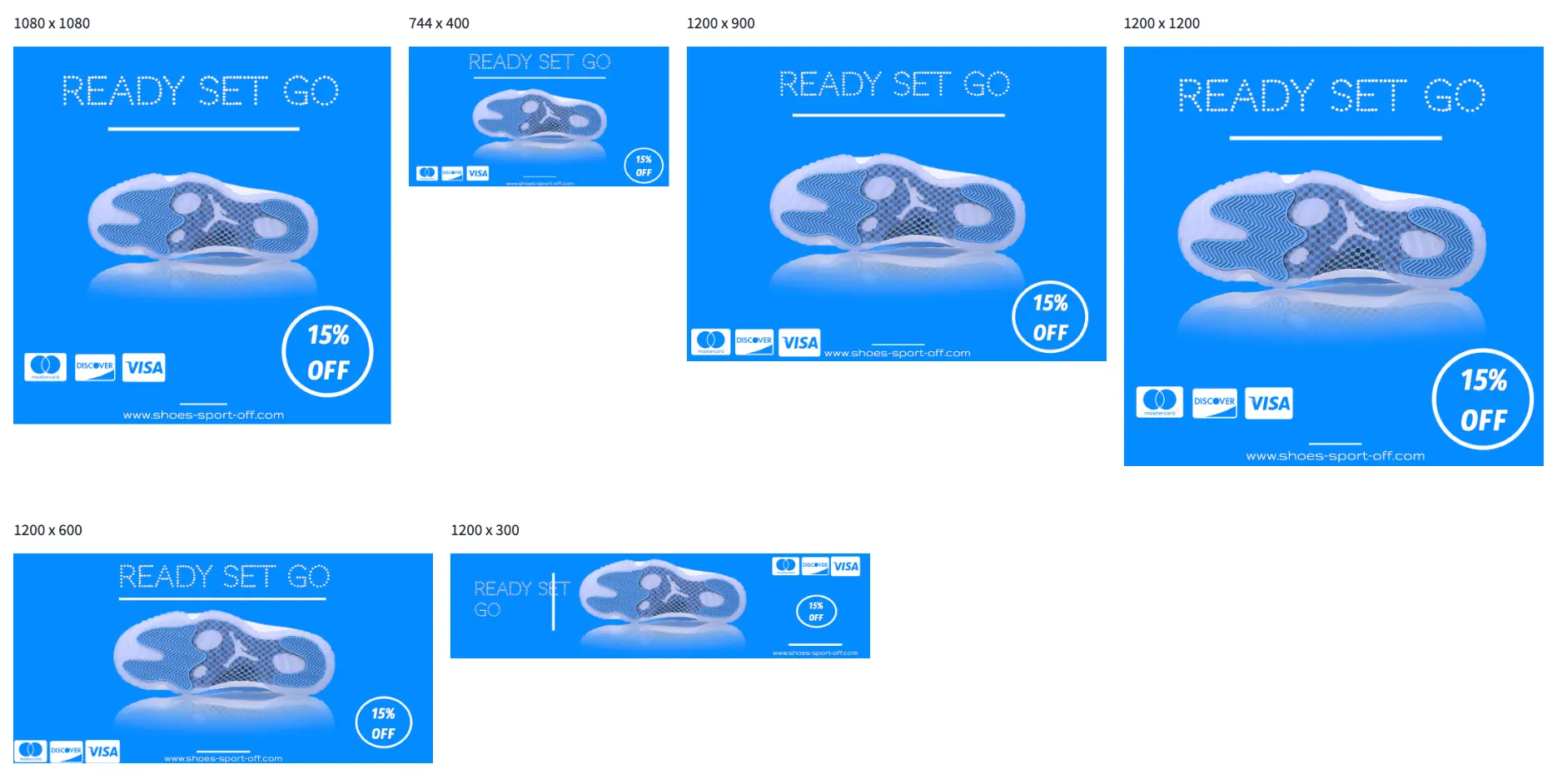
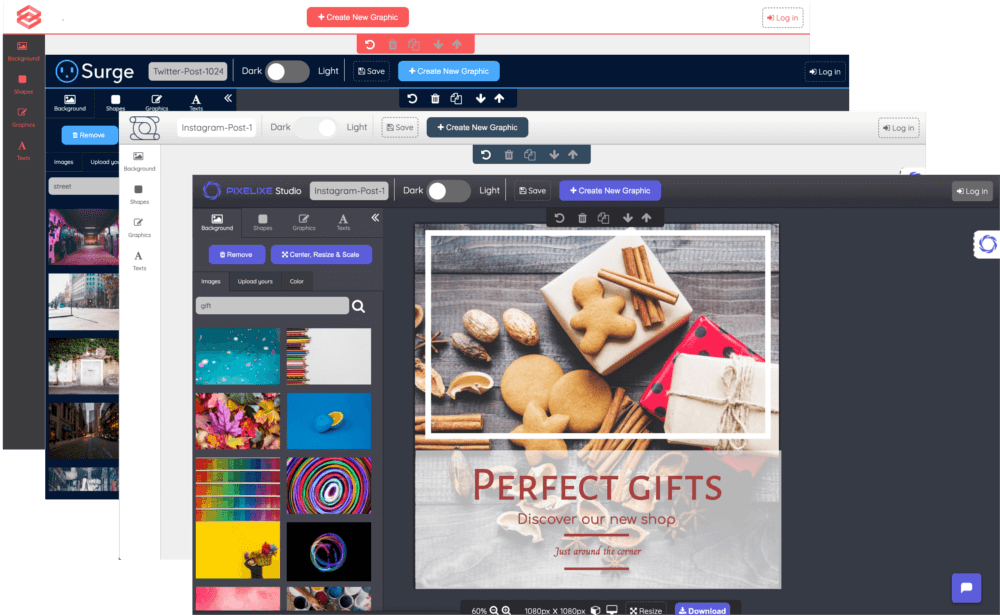
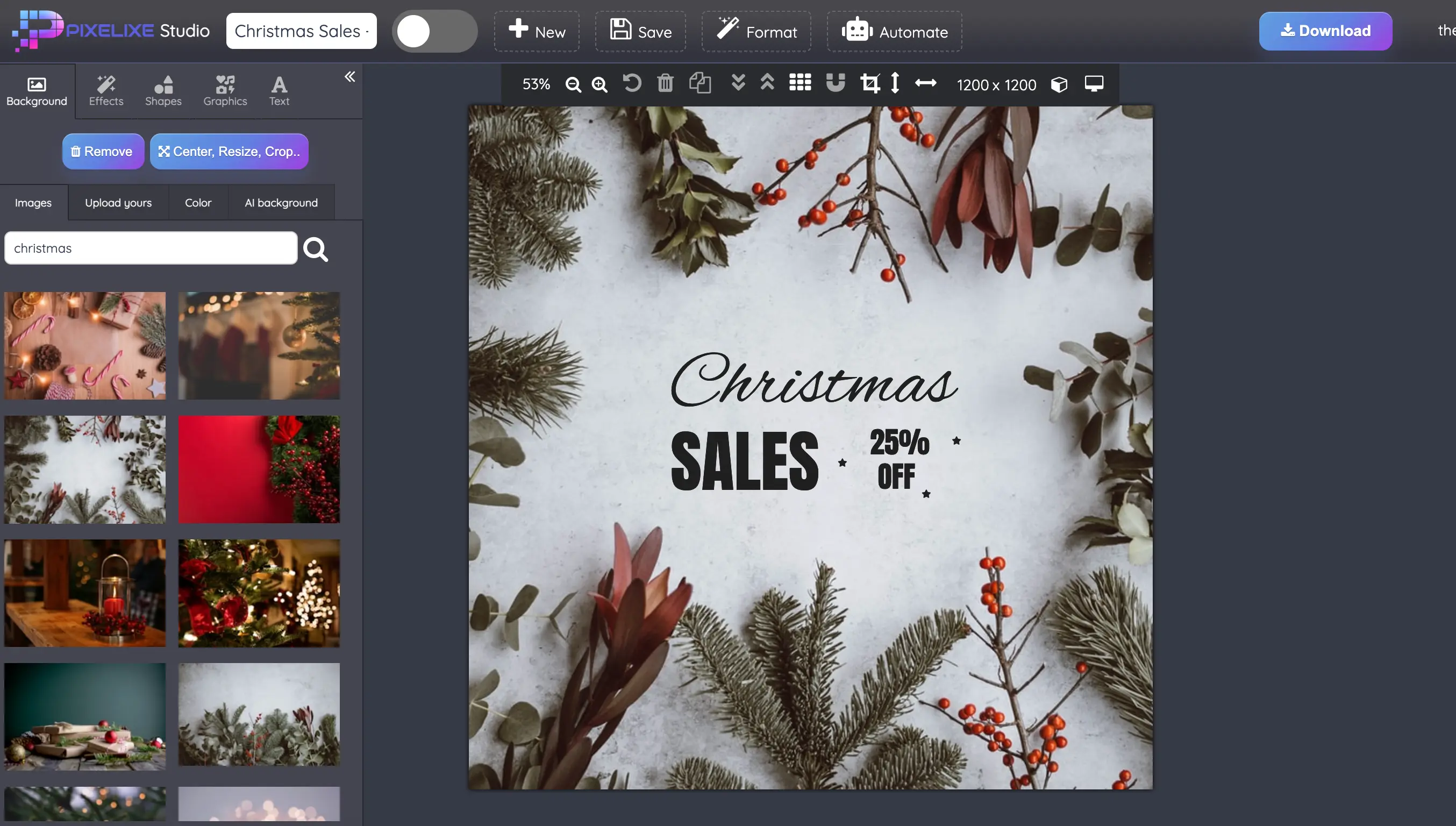
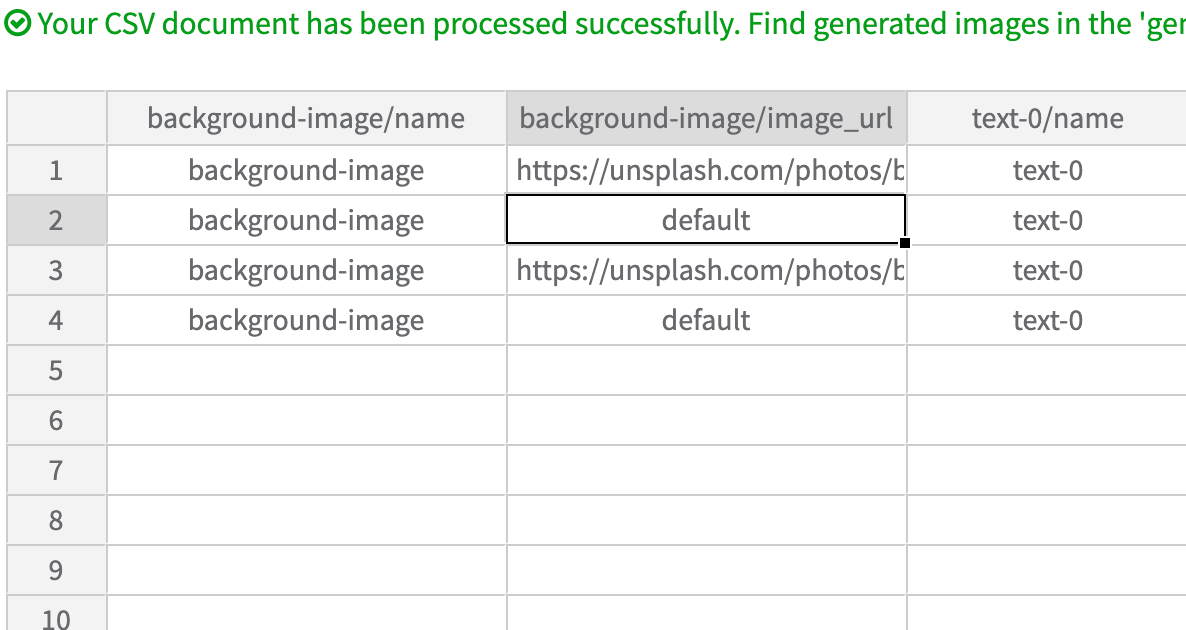
Pixelixe is a visual automation platform that combines editable templates, Brand Kit, image generation APIs and a white-label editor. Teams design reusable layouts in Studio, then generate branded variations from data or let customers edit approved templates inside an application.
For marketing and ecommerce teams
Automate image production
Turn product rows, prices and campaign copy into branded ads, social posts and email visuals. Keep the same templates and Brand Kit across recurring campaigns.
Let customers personalize approved templates without leaving your app. Connect saved designs to your users and reopen their documents for the next editing session.
Choose a workflow around the content you already have. Save layouts for the formats you need, then update the fields that change between products, audiences or markets.
Workflow
Starting data
Generated visuals
Explore the workflow
Ecommerce promotions
Product images, prices, discounts and catalog rows.
Branded product promos and catalog campaign variations.
"Pixelixe's White Label Editor API has been a game-changer for our business. It lets us offer a branded design layer that feels native inside our product."
Sarah J. Thompson CEO, DesignHub Pro
"Our productivity increased drastically once we moved from one-off assets to template-driven visual automation with repeatable API workflows."
Juan Almera CTO, Pixelpress Web Solutions
30 Million Designs Created
+100 Million Auto-Generated Visual Assets
Before you get started
What can I automate with Pixelixe?
Generate product promos, ad banners, social posts, email visuals and other recurring branded images from reusable templates and structured data. Use spreadsheets for no-code production or connect the Image Generation API to your own workflow.
Do I need to write code?
No. Design templates in Pixelixe Studio and generate variations from a spreadsheet without building an API integration. Developers can use the APIs when image production needs to run inside an application or backend workflow.
Can I embed an editor in my application?
Yes. Embed the hosted white-label editor in your SaaS, marketplace or internal tool. Customers can personalize approved templates, and your application can save and reopen their designs. White-label editor access is included in the Automation tiers.
How does the free trial work?
Pixelixe offers a 10-day trial with no credit card required. Compare current plan limits on the pricing page. Create is for Studio-only design; the Automation tiers include spreadsheet generation, APIs and white-label editor access.
Can I keep editing a design after it is generated?
Saved Pixelixe templates and editor documents can be reopened for editing. Keep the saved document UID or supported editable HTML for that workflow. An exported PNG or JPG is a flattened image, not an editable source document.
Start with your first template. Build the workflow around it.
Try image automation or embedded editing with your own brand and content.