Turn spreadsheet rows or CSV files into branded campaign banners, catalog images, and lifecycle visuals with reusable templates and Pixelixe automation.
Start with one reusable template, map spreadsheet columns to text, images, pricing, and offer fields, then generate campaign, catalog, and lifecycle visuals in bulk.
Start from a Pixelixe Studio template or create your own banner, social format, email header, or product visual. The approved layout becomes the reusable base for every spreadsheet-driven generation run.
Import CSV data from Excel, Google Sheets, Airtable, or another system. Update headlines, offers, image URLs, prices, colors, and other variables directly from the spreadsheet columns linked to your template.
Launch the automation to process every spreadsheet row into branded output. Teams can download the finished images, use them in campaign operations, or move the same template logic into the API when backend systems need direct control.
Spreadsheet automation is the operational entry point for teams that need to generate marketing visuals from data without writing code. When the same workflow must run from backend events or product systems, the next step is the Image Generation API.
Pixelixe turns spreadsheet rows and CSV data into branded images, banners, catalog visuals, and repeatable marketing visuals from data.
It fits operations teams, ecommerce teams, CRM teams, agencies, and marketers managing large recurring image batches.
Upload CSV rows or spreadsheet data containing copy, image URLs, product fields, pricing, audience segments, and other variables linked to a saved template.
Generate bulk images for promotions, product visuals, email headers, social variants, and recurring campaign batches.
Spreadsheet generation is one entry point. These related pages show how the same templates connect to feeds, APIs, and marketing use cases.
Use spreadsheet or catalog rows to automate product promos, collection visuals, and sale banners.
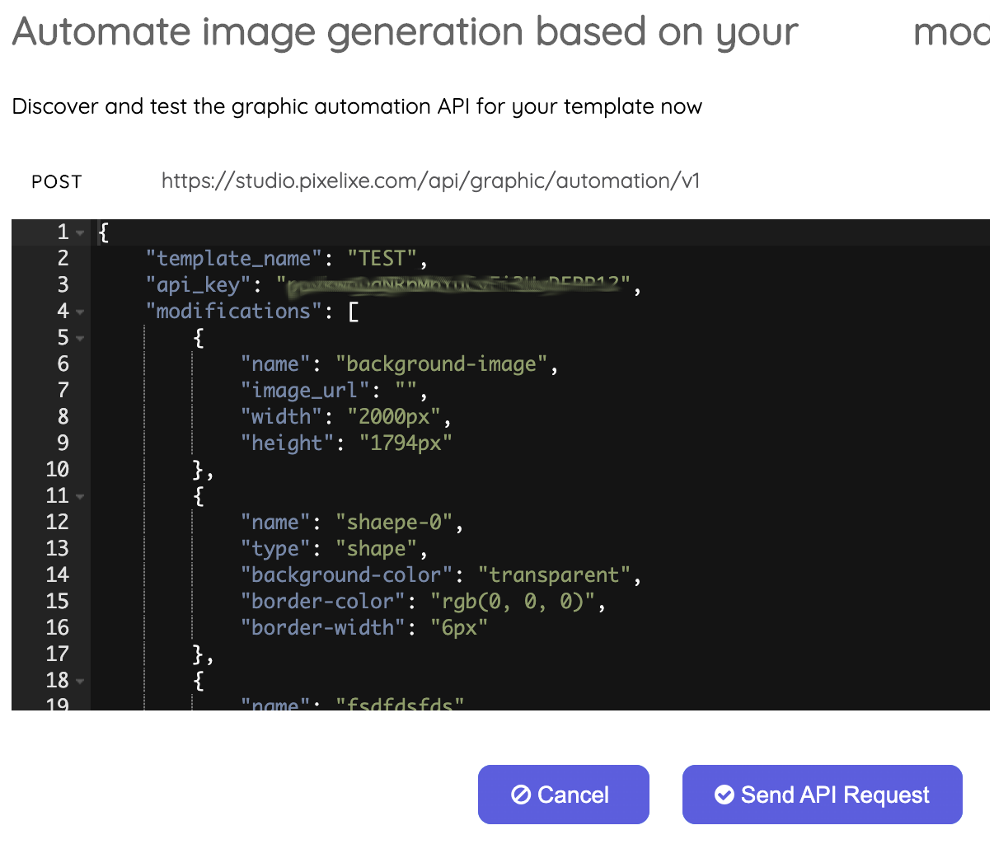
Move from spreadsheet rows to structured payloads when your backend needs direct render control.
Render the same reusable templates from code, feeds, or backend automation jobs.
Use spreadsheet-driven image generation for recurring launches, CRM flows, and campaign calendars.
If your team is evaluating campaign outcomes first, see how to generate marketing visuals from data across CRM, launches, promos, segmentation, and localization workflows.
Start with a reusable template in Pixelixe Studio, map spreadsheet columns to text, image, color, and pricing fields, then run the automation to generate outputs in bulk.
Yes. Pixelixe supports spreadsheet and CSV-based image generation as long as your columns map to the template variables you want to update.
You can create ecommerce promos, campaign banners, product visuals, email headers, social images, and localized image variants from the same spreadsheet-driven workflow.
Use spreadsheet automation for operations-friendly bulk runs. Move to the API when your backend systems need direct, real-time, or programmatic control over image generation.
Spreadsheet runs are often the operational starting point. These pages show how Pixelixe fits when AI systems start generating instructions, routing jobs, or extending the same template system into broader workflows.
Start with the commercial overview for structured creative production, editable outputs, and AI-ready rendering workflows.
See how sheets, source data, AI steps, and branded visual rendering can live inside one automation workflow.
Review the orchestration layer when an AI system plans the creative flow and Pixelixe executes the editable design output.