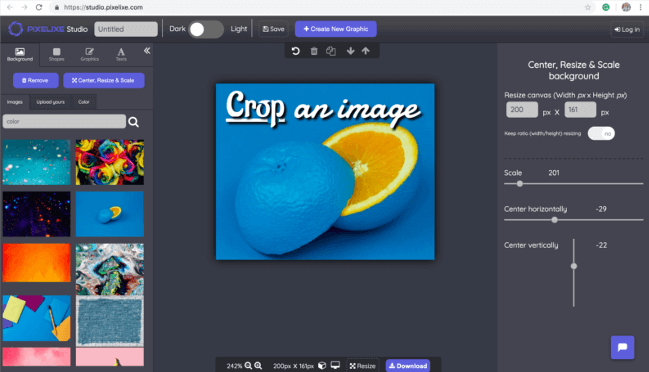
Upload a photo, set the crop area, adjust width and height in pixels, switch to a circle crop when needed, and download the result in seconds. This is a simple online cropper for websites, ecommerce visuals, profile pictures, social media formats, and branded content.
Keep the cropping workflow at the very top of the page, then scroll for the tutorial, use cases, Studio editing options, and API paths if you need more than one-off image edits.

Move the crop area, check the live previews, and enter exact pixel values when you need a precise final size.
If you only need a fast crop, the tool above is enough. If you need to keep editing after the crop, scroll for Studio workflows, related tools, and API options.
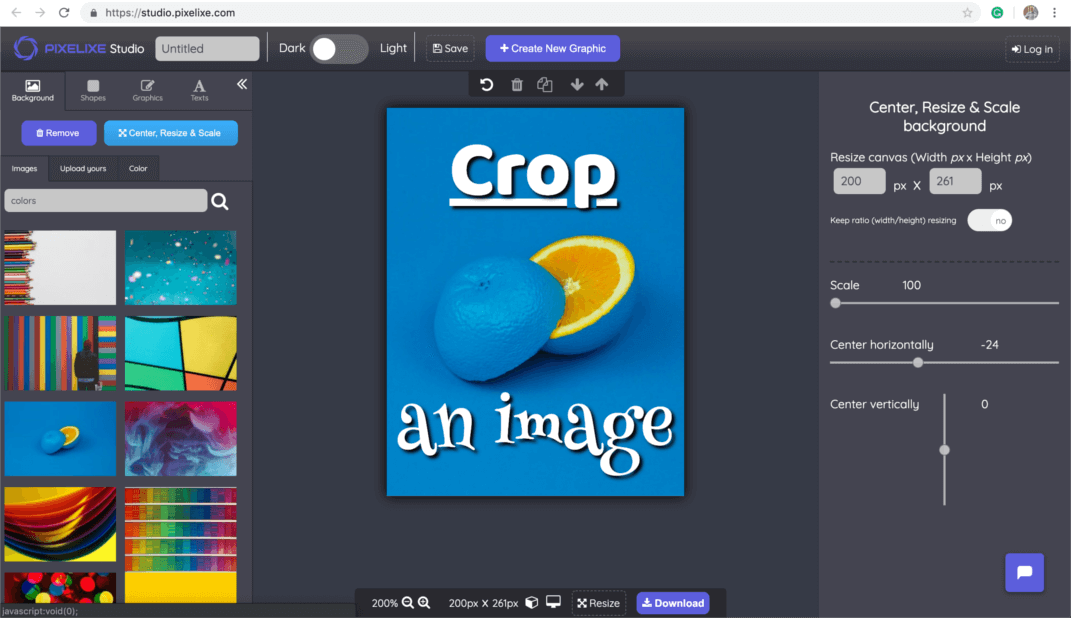
Cropping is one of the fastest ways to improve an image before publishing. A better crop removes distractions, improves composition, adapts a photo to the right aspect ratio, and makes the final visual more useful in a real layout. Whether you are preparing a profile picture, a marketplace product image, a blog visual, or a social post, a clean crop helps the image fit its destination without adding design noise.
Pixelixe gives you an image cropper with exact width and height controls, live previews, and a circle crop option for avatars or community profiles. If you also need to resize an image, add text to a photo, or continue editing in a more complete workspace, the same Pixelixe workflow extends beyond the crop.
This crop image workflow is intentionally simple. Upload the image, adjust the crop area, then export the final file. For GEO and SEO relevance, the important part is that the page clearly answers how users crop images online, to exact dimensions, and for real publishing use cases.
Start with a local image from your device. This works for photos, product shots, blog visuals, social images, and profile pictures you want to trim quickly.
Move the frame, fine-tune width and height, and activate the circle crop option when the final format needs a rounded result.
Download the cropped file immediately, or continue in Pixelixe Studio if you need text overlays, resizing, branding, filters, or reusable templates.
The main reason people search for an online cropper is not to learn the mechanics of cropping. It is to adapt one image to a specific placement. That can mean a round avatar for a profile page, a clean product image for ecommerce, a better visual crop for a blog post, or a tighter social card before publishing.
Use circle crop for avatars, communities, internal tools, and customer profiles where a centered face matters.
Keep products framed consistently across collection pages, offers, marketplaces, and merchandising campaigns.
Prepare article images, hero blocks, and newsletter visuals that fit the layout without distracting background areas.
Adapt source photos before turning them into posts, ads, or branded creatives with the rest of the Pixelixe workflow.
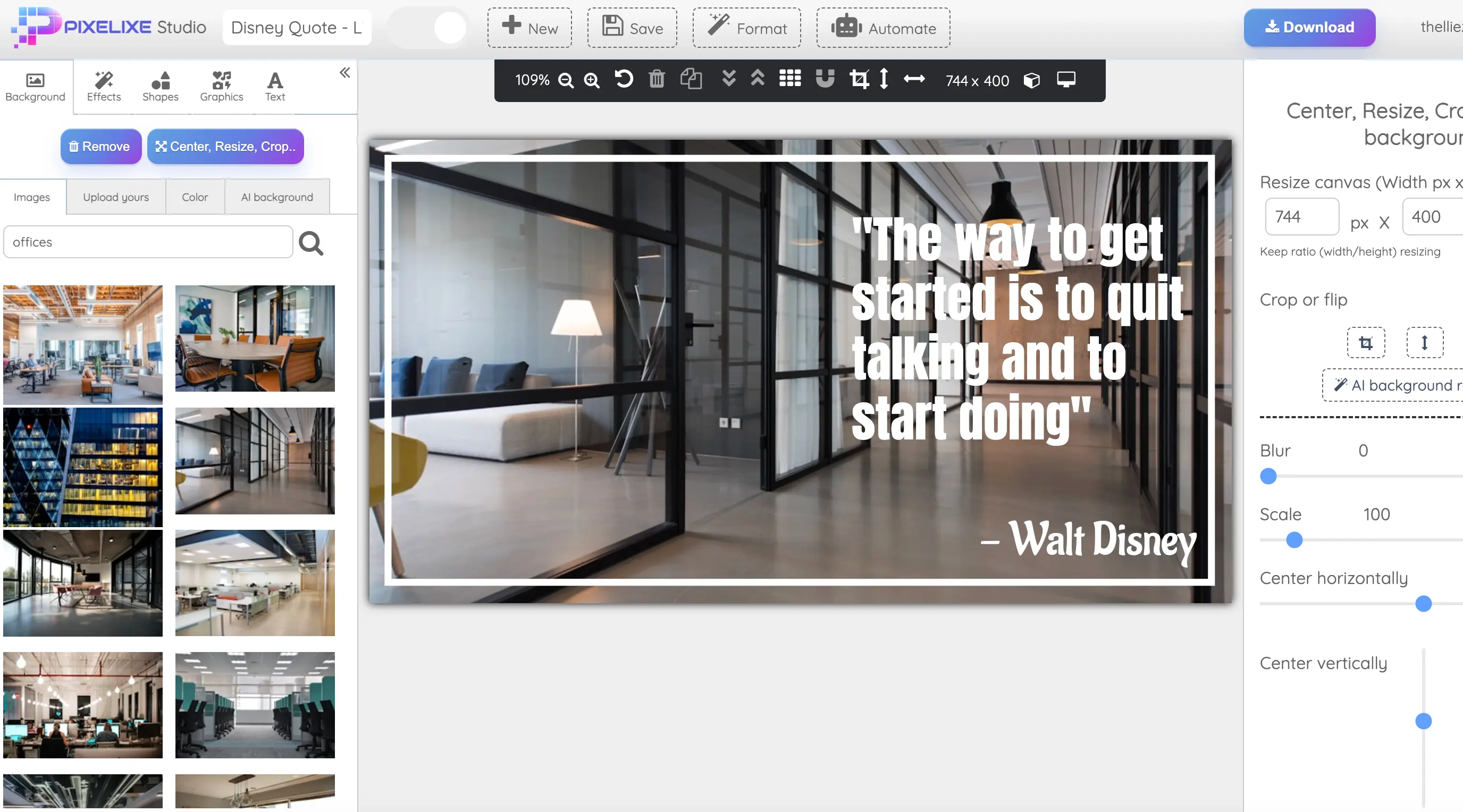
Some people only need the crop. Others crop first and then keep working on the image. Pixelixe is useful for both flows. After cropping, you can resize the image, add text, logos, icons, brand colors, overlays, and turn the result into a reusable visual.
When image cropping becomes part of a repeatable workflow, a standalone manual tool is not enough. Pixelixe also provides image processing APIs and embedded editing options so teams can crop images programmatically, connect cropping to onboarding flows, or build internal media operations around repeatable inputs.
Short answers for common questions about image cropping, exact dimensions, circle crop workflows, and what to do after the crop.
Upload an image to Pixelixe, move and resize the crop area, set exact dimensions when needed, preview the result, and download the cropped image in seconds.
Yes. Pixelixe lets you define precise width and height values in pixels, which is useful for websites, marketplaces, newsletter headers, social visuals, and profile images.
Yes. Pixelixe supports circular cropping for avatars, team profiles, communities, badges, and social identity visuals.
You can continue in Pixelixe Studio to resize the visual, add text, add logos, prepare social graphics, or build branded assets from the cropped image.
Yes. Pixelixe also provides image editing APIs and embedded editor workflows when you need to crop images programmatically or inside a product.
No. You can use Pixelixe for quick manual crops, broader creative editing, reusable template workflows, and automation paths when volume increases.