
10 Best Tools for Creating Social Media Graphics at Scale in 2026
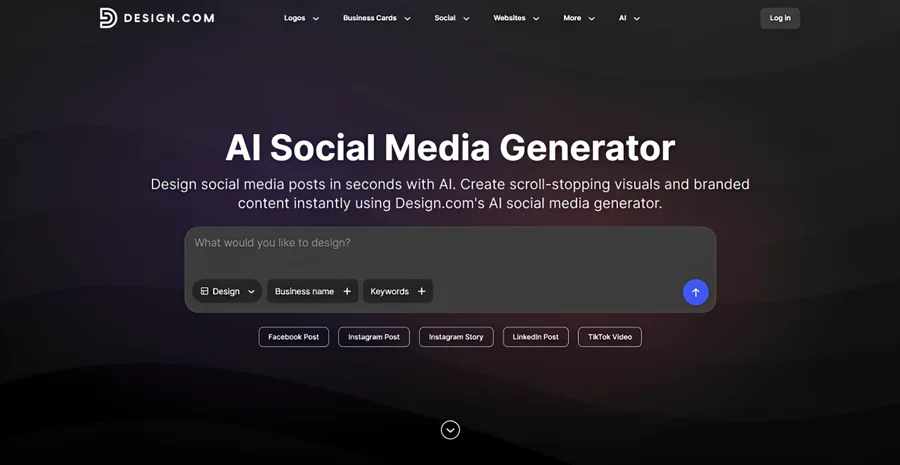
Creating social media graphics regularly can be time-consuming, especially when businesses need different formats for multiple platforms. The right design tool can simplify this process through reusable templates, AI features, and consistent branding.
Evaluate social graphics as a repeatable production task
Take one approved promotion and create the placements the team actually uses. For an illustrative weekly offer, check the headline, product image, readable qualification and destination across the required crops. Do not count a resized preview as accepted until the exported image has been inspected.
Ask a second person to reopen the design and make a factual correction. This reveals whether reuse depends on the original designer, whether the necessary assets remain available and whether the account supports the required export. A large template library does not answer those questions.
Compare total preparation and review work over the same task. Keep editorial rankings and historical prices separate from a measured production result. A suitable tool for occasional posts may differ from one needed for recurring data-driven campaigns.
Use the shared caption record, the banner batch test and the matched image-tool trial to make the choice inspectable.
Practical guidance revised November 2, 2026. Examples are illustrative.
Comparison scope: original rankings, plan names, prices, feature inventories and export allowances below are historical editorial statements, not an independently recertified offer as of November 2, 2026. Verify the current account and terms for the required task. A downloaded or generated file does not automatically clear every underlying asset right.
Design.com is our top overall choice, while BrandCrowd, Canva, Adobe Express, and Pixelixe offer other ways to streamline content creation.
10 Best Social Media Graphic Design Tools at a Glance
These 10 platforms offer different features for creating social media graphics, from ready-made templates and AI-powered editing to bulk design automation.
Here’s a quick comparison of what each tool does best, its standout feature, and its starting paid price:
| Tool | Best for | Standout feature | Starting paid price |
|---|---|---|---|
| Design.com | Overall social media graphics | AI tools and automatic branding | $3/mo annually |
| BrandCrowd | Branded social templates | Professional templates | $3/mo annually |
| Canva | Everyday social content | Bulk Create and templates | $14.99/mo |
| Adobe Express | Creative editing | AI editing and resizing | $9.99/mo |
| Pixelixe | Automated graphic generation | Image Generation API | $59/mo |
| VistaCreate | Ready-made templates | Social media design library | $10/mo |
| Visme | Infographics | Charts and data visualization | $12.25/mo annually |
| Figma | Collaborative design | Reusable components | $16/mo per full seat |
| Picsart | AI image editing | AI photo tools | $10.50/mo annually |
| Snappa | Quick graphics | Simple drag-and-drop editor | $10/mo annually |
Prices are in USD. Annual billing applies where indicated. Most tools offer free plans; Pixelixe provides a 10-day trial.
How We Selected These Tools
We selected these platforms based on the features that matter most when creating social media graphics regularly:
- Template libraries: Availability of customizable designs for different social media platforms
- Brand consistency: Tools for maintaining consistent logos, colors, and fonts
- Design efficiency: AI features, reusable templates, and easy customization
- Resizing and automation: Options for adapting graphics to different formats or producing multiple variations
- Pricing: Free access, subscription costs, and features included in paid plans
The list includes tools for different workflows, from creating individual branded posts to automating large batches of graphics.
Sample Social Media Graphics
To illustrate what these platforms can create, we prepared promotional graphics for Roma Ristorante, a fictional Italian restaurant specializing in freshly made pasta.
Prompt: Create social media posts for Roma Ristorante, a fictional Italian restaurant specializing in freshly made pasta and traditional Italian dishes.
Examples are included for the five main recommendations.
The Top Five
Here’s a closer look at the five leading tools, including their features, pricing, and sample social media graphics.
1. Design.com — Best Overall for Social Media Graphics
Design.com combines AI-powered design tools, professionally designed templates, and automatic branding to help businesses create social media graphics efficiently.
Its library includes over 1 million templates covering posts, stories, covers, and other marketing materials. Businesses can also create a logo with the AI logo maker, then carry their branding into social media designs without manually applying it each time.
Key Features
- Templates: Over 1 million designs for social media and marketing materials.
- AI tools: AI social media generator, image generator, and editing features.
- Customization: Drag-and-drop editing, 750+ fonts, and 62,000+ vector shapes.
- Automatic branding: Carries brand colors and other visual elements into designs.
- Design tools: Over 50 tools for social media, websites, print, and more.
Sample Social Media Graphic:
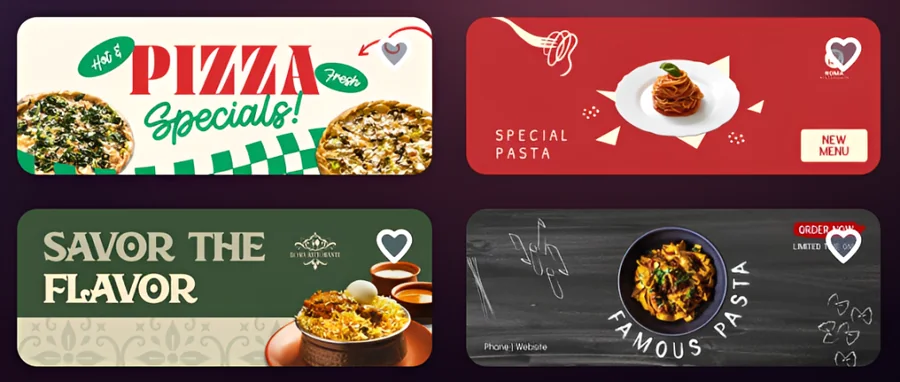
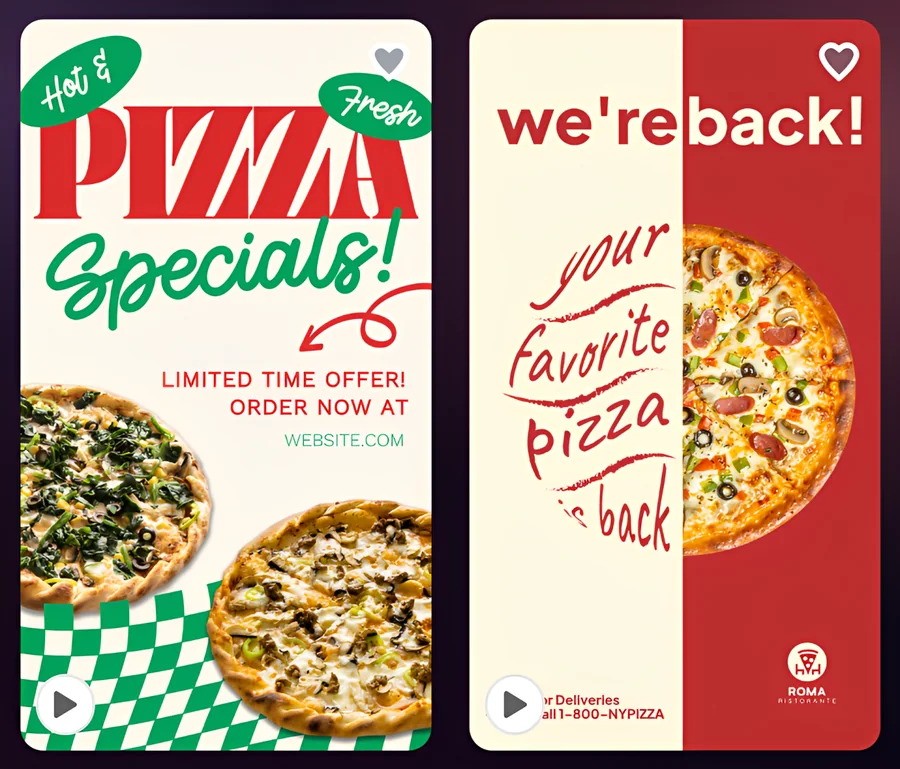
For Roma Ristorante, Design.com generated Facebook posts, stories, and covers featuring pizza specials, pasta promotions, and restaurant announcements.
The results included different color schemes, typography, and layouts suited to each format. Square posts emphasized food promotions, vertical stories used prominent headlines, and wider covers worked well for the restaurant’s Facebook page.
Facebook covers:
Facebook posts:

Facebook stories:
Best for: Businesses and marketers producing consistent social media graphics and other branded materials.
Pricing: Free logos and selected templates are available. Starter costs $3/month billed annually ($9/month billed monthly), with higher plans starting at $4/month annually.
2. BrandCrowd — Best for Branded Social Media Templates
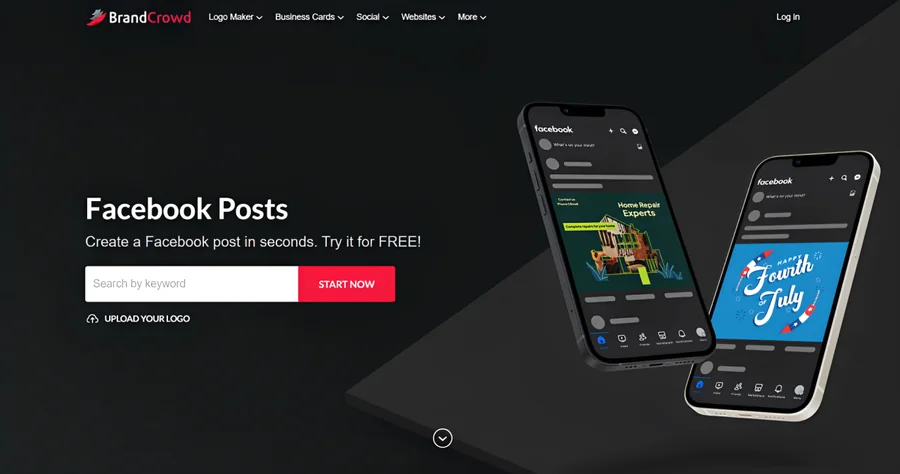
BrandCrowd offers over 1 million customizable templates for Facebook, Instagram, and other marketing channels. Its logo maker, automatic branding, and 50+ design tools help businesses maintain a consistent visual identity across promotional materials.
Key features: Professional templates, drag-and-drop editing, automatic branding, AI logo editing, and 50+ design tools.
Sample Social Media Graphics
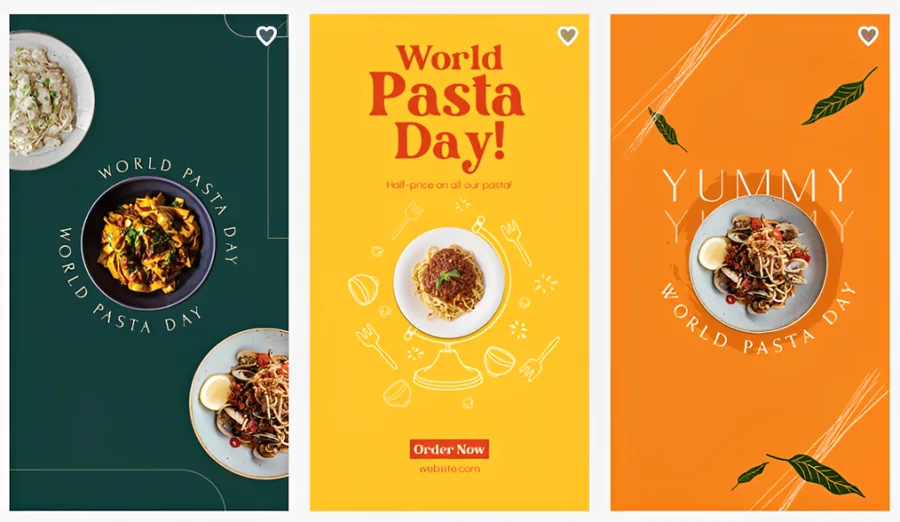
BrandCrowd generated Roma Ristorante with World Pasta Day graphics in three color schemes: dark green, bright yellow, and orange. Each featured pasta photography, bold typography, and decorative illustrations.
The matching Facebook posts and stories maintained the same visual style across square and vertical formats.
Facebook posts:

Facebook stories:
Things to consider: Some templates and downloads require a paid subscription.
Pricing: Selected free designs are available. Paid plans start at $3/month billed annually ($9/month billed monthly).
3. Canva — Best for Everyday Social Media Content
Canva offers social media templates, stock assets, and AI tools for everyday content creation. Its Bulk Create feature generates graphics from spreadsheet data, while Brand Kit and resizing tools support consistent campaigns.
Key features: Social media templates, Bulk Create, Brand Kit, AI tools, and resizing.
Sample Social Media Graphics
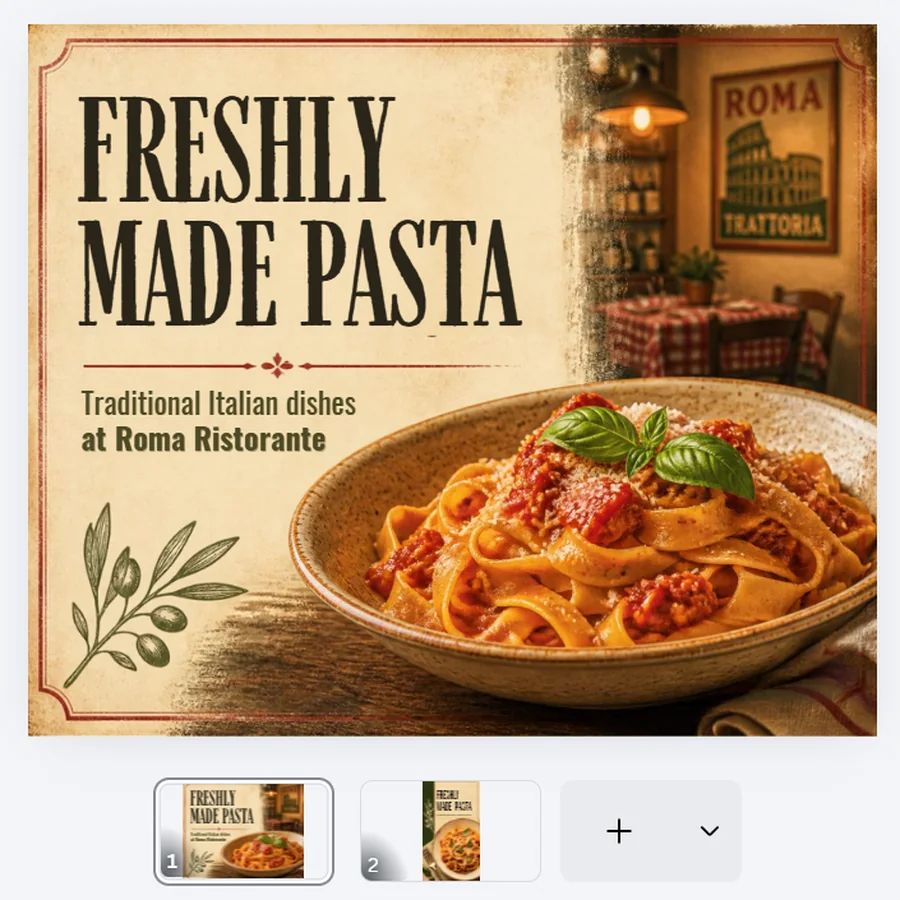
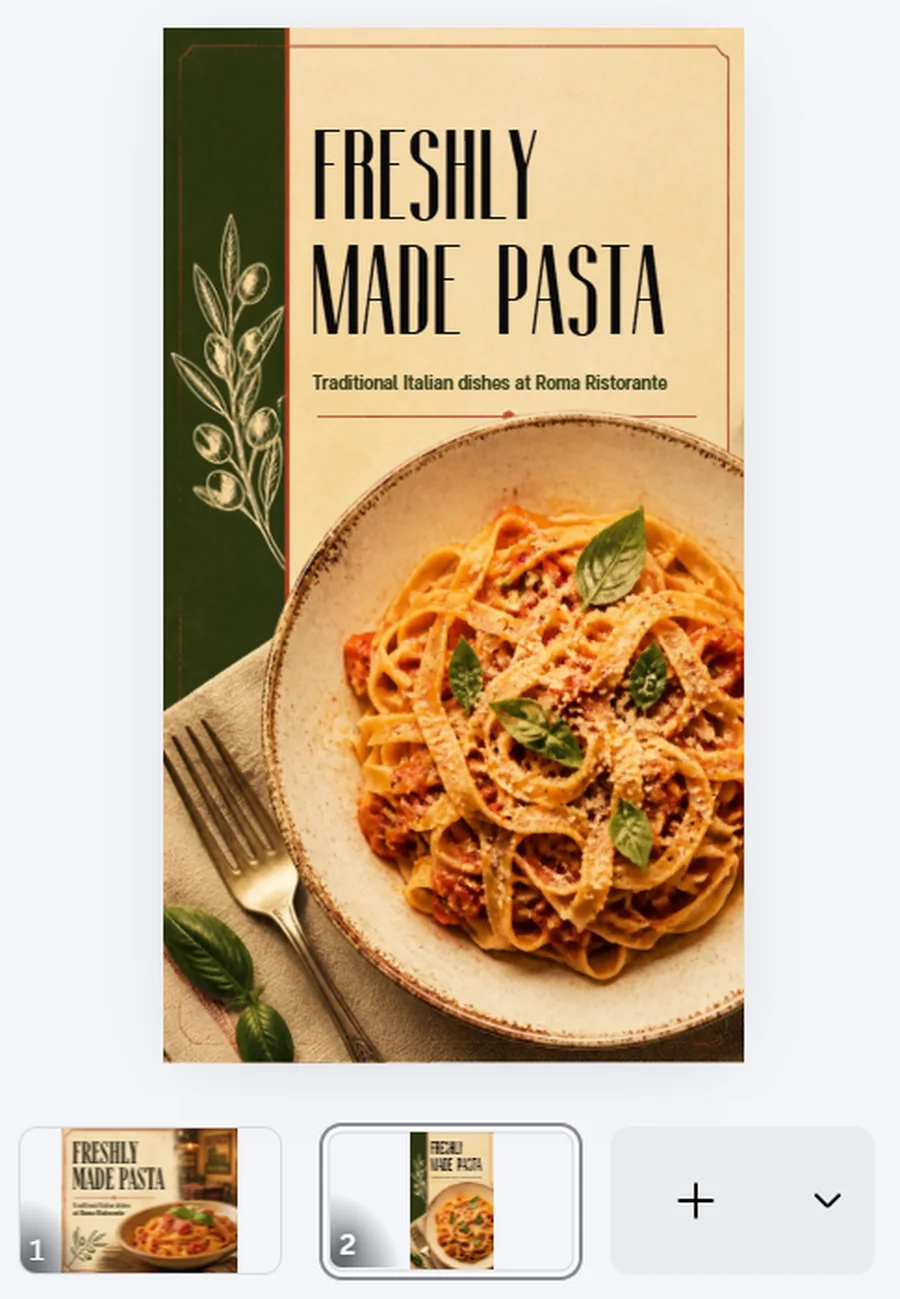
Canva AI produced a Facebook post and story promoting Roma Ristorante’s freshly made pasta. Both used close-up food photography, vintage typography, and warm colors.
The post featured a rustic restaurant setting, while the story used a simpler vertical layout with a larger pasta image.
Facebook post:
Facebook story:
Things to consider: Some branding and resizing features require Pro.
Pricing: Free plan available. Canva Pro costs $14.99/month or $119.99/year.
4. Adobe Express — Best for Creative Editing
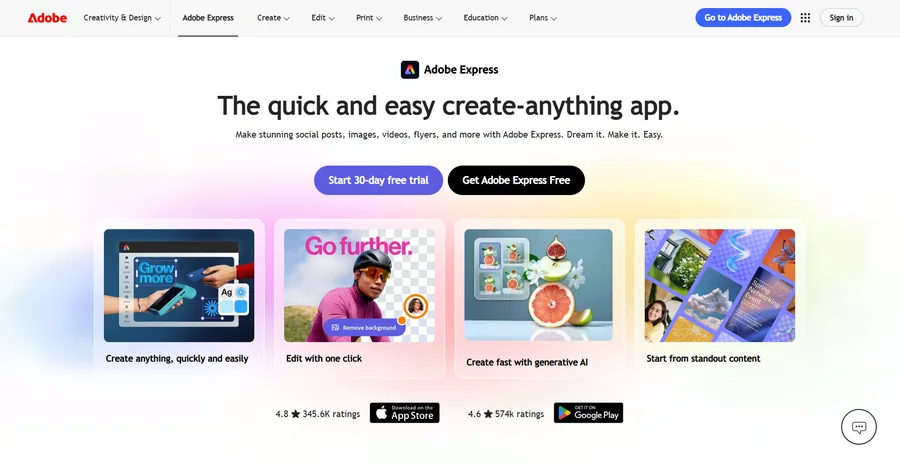
Adobe Express combines social media templates with generative AI editing, background removal, resizing, and Brand Kits. Its Adobe integrations also suit teams already using the company’s creative software.
Key features: Generative AI editing, templates, Brand Kits, resizing, and Adobe integrations.
Sample Social Media Graphics
Adobe Express generated four Roma Ristorante promotions, but only two were suitable to include.
One used bold black text, a cream background, and yellow accents to promote pasta. The other paired a pasta-making photo with a pink text panel, although its layout was busier and repeated the restaurant name.
Facebook posts:


Things to consider: Advanced features and higher AI usage limits require payment.
Pricing: Free plan available. Premium costs $9.99/month and includes premium templates, branding tools, and additional AI credits.
5. Pixelixe — Best for Automated Graphic Generation
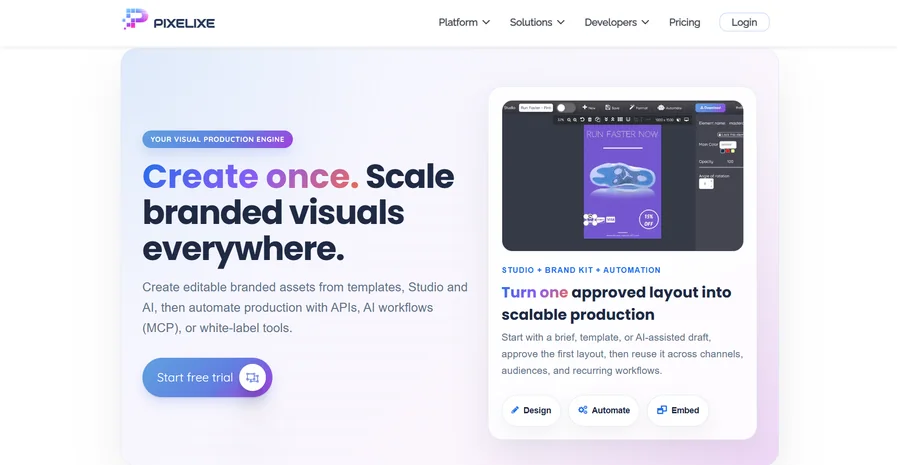
Pixelixe focuses on producing graphics automatically through reusable templates and its Image Generation API. Businesses can update text, images, and colors using spreadsheet or product data, making it useful for large campaigns with repeated design variations.
Key features: Image Generation API, reusable templates, dynamic content replacement, and bulk creation.
Sample Social Media Graphics
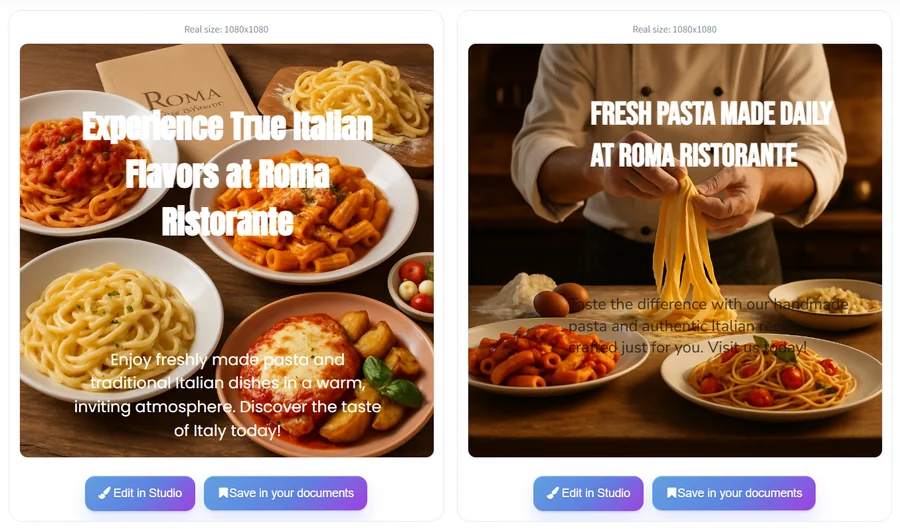
Pixelixe generated two Roma Ristorante promotions. One showed several Italian dishes on a wooden table, while the other featured a chef preparing fresh pasta.
Both used warm food photography, although text placement affected readability. The first image has oversized headlines, while the second image has dark text that was difficult to read against the background.
Facebook posts:
Things to consider: API automation may require technical setup.
Pricing: 10-day free trial available. Automate starts at $59/month and includes API-based graphic generation.
Honorable Mentions
These five platforms offer additional options for specific social media design needs.
6. VistaCreate — Best for Ready-Made Social Media Templates
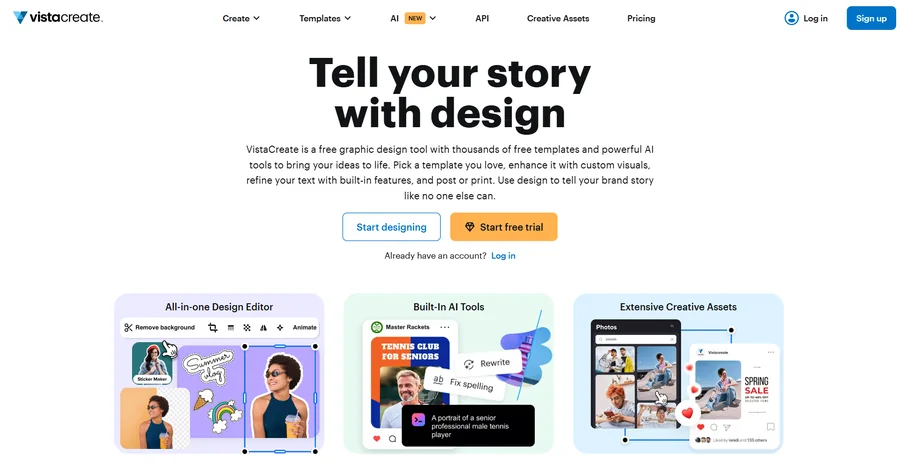
VistaCreate provides customizable social media templates, stock photos, animations, and branding tools. Its drag-and-drop editor is useful for businesses creating recurring posts and stories.
Pricing: Free Starter plan available. Pro costs $10/month.
7. Visme — Best for Infographics and Data-Driven Graphics
Visme helps businesses create educational posts, statistics, and infographics using charts, templates, and data visualization tools. It’s particularly useful for information-heavy social media content.
Pricing: Free Basic plan available. Starter costs $12.25/month per user, billed annually.
8. Figma — Best for Collaborative Social Media Design
Figma supports collaborative design through reusable components, shared libraries, and team editing. It suits businesses that need consistent graphics across campaigns and prefer greater manual design control.
Pricing: Free Starter plan available. Professional starts at $16/month per full seat, billed annually.
9. Picsart — Best for AI-Powered Image Editing
Picsart combines AI image generation, photo editing, background removal, and social media templates. It’s useful for turning product photos and other images into promotional content.
Pricing: Free plan available. Pro starts at $10.50/month, billed annually.
10. Snappa — Best for Quick Social Media Graphics
Snappa offers ready-made templates, stock photos, preset dimensions, and simple drag-and-drop editing. It suits marketers and small businesses that want to create basic graphics quickly.
Pricing: Free plan with three monthly downloads. Pro costs $10/month annually.
How to Choose the Right Tool for Creating Social Media Graphics at Scale
When selecting a platform, consider how efficiently it supports recurring content production.
- Templates and branding: Look for reusable layouts and consistent application of logos, colors, and fonts.
- Automation: Check whether the platform supports bulk creation or data-driven updates.
- Formats: Make sure graphics can be adapted to different social media dimensions.
- Workflow and cost: Consider collaboration features, free plan limits, and subscription pricing.
For recurring campaigns, businesses can automate visual content creation for marketing campaigns by combining templates with structured data.
For larger production needs, image generation APIs can automatically update text, images, and other elements across hundreds of graphics.
Final Verdict
Design.com offers the strongest overall combination of creative flexibility, efficient design workflows, and brand consistency. Its automatic branding and extensive design tools help businesses produce coordinated social media content without repeatedly building graphics from scratch.
For businesses managing regular campaigns across multiple platforms, Design.com is our top recommendation.