

Picture a small bakery announcing a new seasonal loaf. The photo is ready. The banner? Twenty minutes, because one text box keeps jumping around. And the caption sits unfinished, since every version sounds either too salesy or too dull.
That’s the real problem with social media for small teams. Ideas aren’t scarce. It’s the slog between the idea and the published post. No tool removes the slog, but some shave off a surprising amount of it. Below are seven we’d suggest in 2026 to social media managers and founders who handle their own posting. We’ve also noted where each one frustrates people, since that’s usually what you want to know before paying.
How We Picked Them
Three questions, really. Does the tool handle one real step in making a post? Is the result usable without a rewrite from scratch? Could a newcomer figure it out in an afternoon? Easy-to-read pricing helped, and so did products that made their limits clear. We skipped the usual vocabulary of “powerful” and “seamless”, because when every tool gets those labels, they stop meaning anything.
Quick Comparison
| Rank | Tool | Best For | Starting Price | Watch-Out |
|---|---|---|---|---|
| 1 | Getsolved | Writing and polishing captions | From €2/week or €7.99/month (annual) | Always read the final version |
| 2 | Adobe Express | On-brand graphics in many formats | Free plan; Premium $9.99/month | Brand kits and resize sit on Premium |
| 3 | Canva | Quick, simple design | Free plan available | Feeds can look inconsistent |
| 4 | ChatGPT | Brainstorming hooks | Free plan available | Can sound generic |
| 5 | Grammarly | Tone and clarity checks | Free plan available | Polishes more than it creates |
| 6 | Buffer | Scheduling posts | Free plan available | No design or writing tools |
| 7 | Notion AI | Content planning | Varies by plan | Needs your own setup |
Find the Slow Step First
Don’t buy anything yet. Spend a week just watching where your posts get stuck, and jot it down each time. For some people it’s the image. For others it’s finding the right words. And then there are the teams who finish everything on time and still publish late, since nobody actually owns the schedule. Three problems, three different tools. Pick wrong and you pay twice: once for the subscription, once for the hours you thought you’d get back.
1. Getsolved: Best Tool for Captions and Post Copy
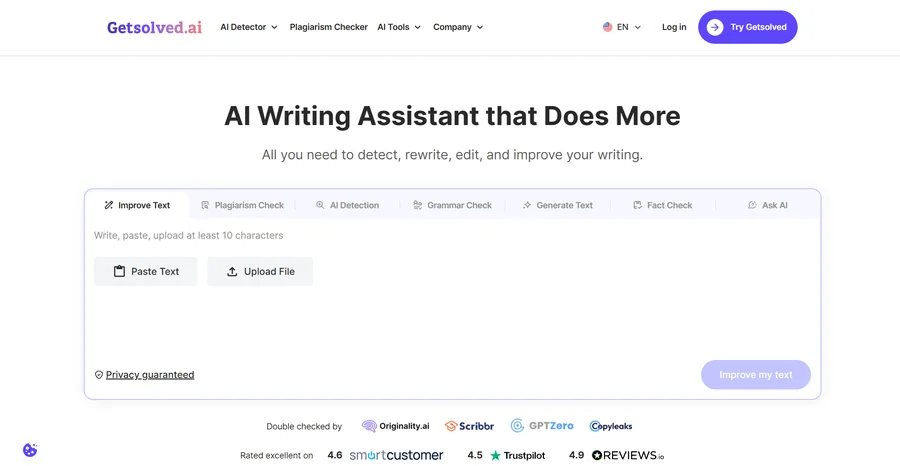
Price: 7-day access at €2.00 per week; Unlimited Monthly at €19.99 per month; Unlimited Annual at €7.99 per month. Every plan includes the full toolkit.
Writing two decent lines about a post can take longer than making the post. Getsolved is a writing assistant meant for exactly that. You paste in a rough note, or a long chunk of a blog article, and ask for something shorter, warmer or more professional. Suggestions come back and you keep whichever ones fit. Some won’t. That’s normal.
It’s all in one workspace: grammar fixes, rewrites, tone changes, fact checks. So no juggling four tabs. A paraphraser, a plagiarism checker and an AI detector come with it, and DOCX, TXT and PDF files can be uploaded directly.
Two things to watch. It doesn’t know what your campaign is about, so give it a line of context. And read every rewrite once more before posting, or your account will gradually stop sounding like you. There’s no free plan that stays free, but 7 days for €2.00 makes a trial easy.
2. Adobe Express: Best for On-Brand Graphics in Many Formats
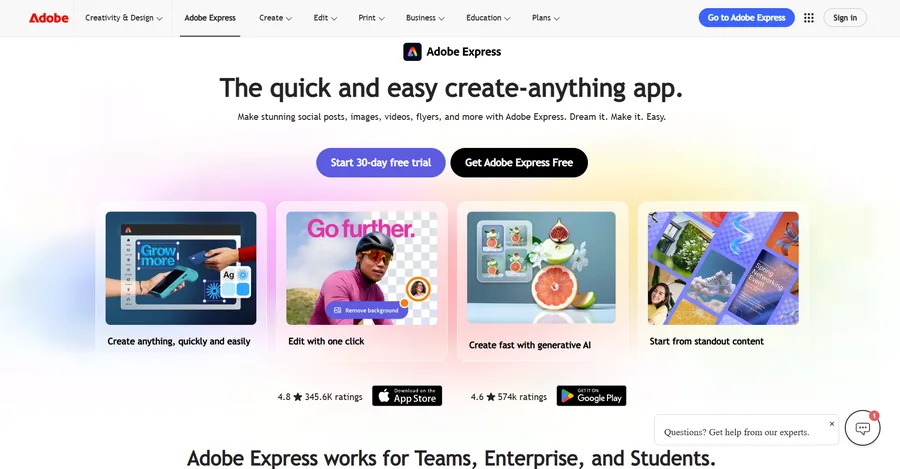
Price: Free plan available; Premium at $9.99/month (check Adobe’s site for current pricing)
Rebuilding the same banner for the fifth time gets old fast. With Adobe Express you set up a brand kit once, save your logo, fonts and colors, and every new template can start from that look. Need the same announcement as a post, a story and a banner? One-click resize turns a single design into other formats.
Premium goes further. It adds the full library of premium templates and 250 generative credits a month.
The sticking point is the plan structure. Brand kits, one-click resize and the premium templates all sit on Premium, so the free version feels thin once consistency matters. And if you already live in Canva, the gain may be small.
3. Canva: Best for Quick, Beginner-Friendly Design
Price: Free plan available, with paid tiers for extra features
A decent graphic in five minutes: open Canva. Templates are everywhere, the editor forgives clumsy moves, and there’s nothing to study first. The trouble tends to come around month three or four. With no fixed brand colors and fonts, the feed begins to look like several people designed it without talking to each other. A locked brand kit fixes most of that. Some of the better features need a paid plan, so check first.
4. ChatGPT: Best for Brainstorming Hooks and Angles
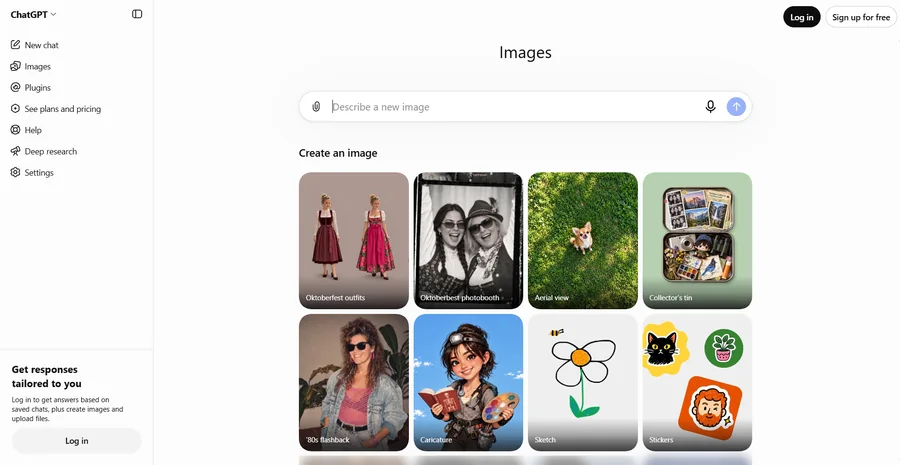
Price: Free plan available, with paid plans for heavier use
Ten opening lines. Or one announcement in three different moods. Usually something in there is worth taking. Tell it who’s reading, which platform the post is for and what you want readers to do, otherwise the copy comes out beige, the kind any brand could post. We’d treat the output as raw material, nothing more. Pick the best bit and finish it yourself or in a writing tool. It’s fast and flexible. But vague prompts get vague answers, and every number or claim needs a check before it goes out.
5. Grammarly: Best for Tone and Clarity Checks
Price: Free plan available, with paid plans for advanced suggestions
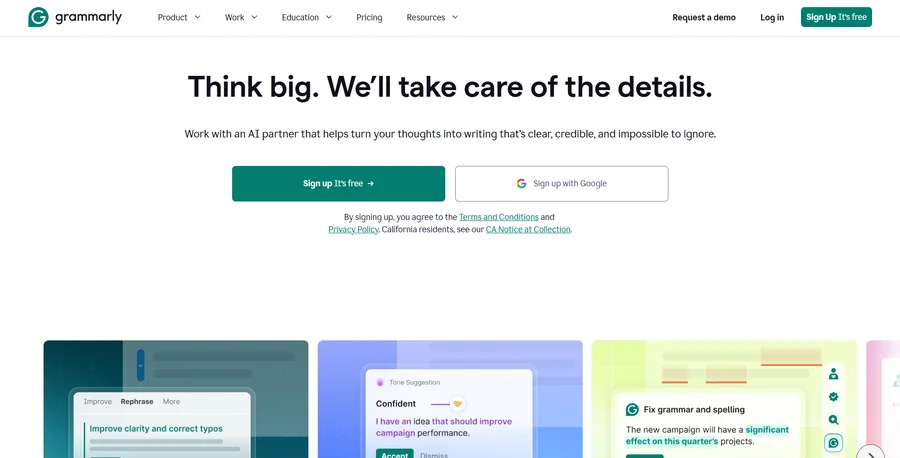
Grammarly is that last look before you hit publish. Typos, of course. More useful is how it flags sentences that sound harsher or foggier than you meant, right inside the apps and browsers you already use. A blank page is still yours to fill, because it won’t write for you. What it gives back is a tidier draft, and on client work that matters. The deeper suggestions cost extra, and the basics take minutes to learn.
6. Buffer: Best for Scheduling and Publishing
Price: Free plan available, with paid plans for more channels
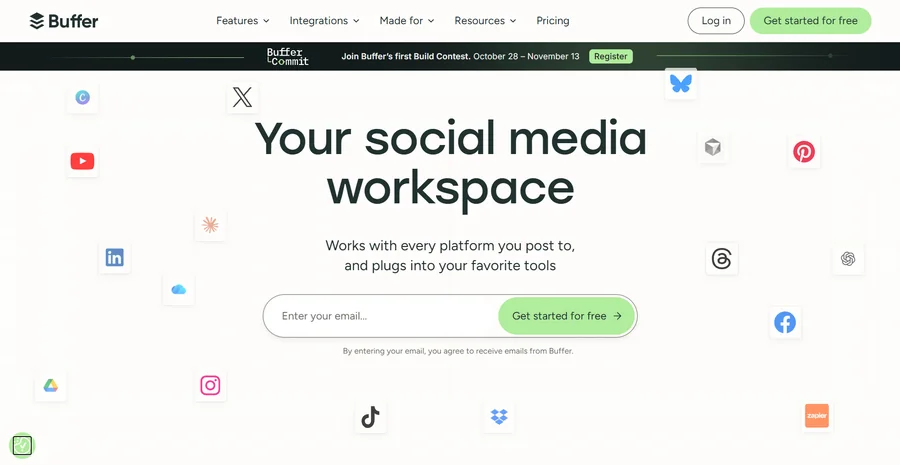
“I’ll post it later” has ended plenty of content calendars. Buffer goes after that exact habit. Line up a week of posts in one sitting, then look at one dashboard to see what’s going out, where and when. Easy to schedule with, tidy to look at. No design, no writing help, and extra channels cost more.
7. Notion AI: Best for Content Planner
Price: Varies based on your Notion plan, see Notion’s current pricing
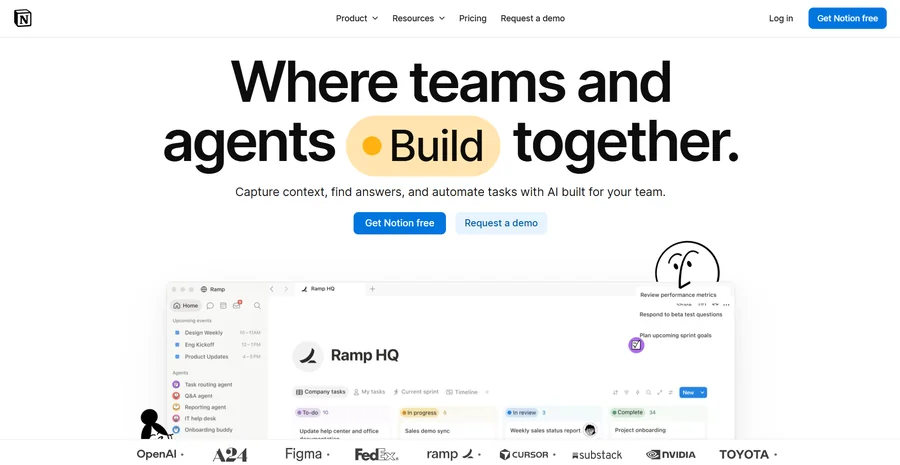
Ideas go into docs, chat threads, sticky notes. “Notion AI gathers those. Summarises notes, turns a brief into a task list, keeps drafts next to the plan they belong to. Has a learning curve before it is worth much as you have to provide a basic calendar structure. Does not know your brand. Don’t expect graphics or captions finished.
Which Tool Fits Your Workflow?
| If You… | Try | For |
|---|---|---|
| Struggle to finish captions | Getsolved | Drafting, rewriting, tone and grammar |
| Post often and need on-brand graphics | Adobe Express | Brand kits, templates, one-click resize |
| Want quick, simple designs | Canva | Fast one-off graphics |
| Need fresh ideas | ChatGPT | Hooks, angles, variations |
| Want clean, clear copy | Grammarly | Final tone and clarity check |
| Forget to publish on time | Buffer | Scheduling across platforms |
| Plan campaigns ahead | Notion AI | Calendars and content notes |
Connect Approved Captions to Reusable Visual Templates
A finished caption and a finished graphic still need to tell the same story. Before designing a batch of posts, separate the full social caption from the shorter headline that belongs inside the image. Give each post an approved message, image, offer, and destination, then check that the graphic and caption agree. This is especially useful when AI generates several alternatives and different team members choose the final wording.
For recurring campaigns, Pixelixe Studio lets teams build reusable layouts with editable text and image elements. A bakery could prepare one layout for product announcements and another for weekend offers, preserving its fonts, colors, and logo while changing the photograph and headline. Test each layout with the longest planned headline and review the exported graphic at the size followers will actually see.
Generate Variants From a Shared Content Plan
When the creative work becomes repetitive, spreadsheet-driven image generation can map approved headlines, image URLs, and offer details to template fields. Keep the full caption and publication date alongside those fields in the content plan, but send only the required design values into the graphic. The resulting image and its matching caption can then be reviewed together before entering the publishing queue.
Teams with a recurring product feed or an internal campaign system can also build a custom workflow using the Pixelixe image automation API. The integration would select a template, send the approved content, and route the generated asset to storage or review. Keep a shared post identifier across the caption, image, and schedule so that an updated offer does not leave an older graphic paired with new copy. Start with a small batch, resolve layout problems, and expand once the handoff is reliable.
Keep the Stack Small
Seven tools is enough, even too many perhaps. “You don’t need any of these” One for writing, one for design, one for scheduling and that’s it to begin with. Captions: Getsolved Templates: Adobe Express Calendar: Buffer. If you want to add a fourth, try first describing the gap in a sentence. Unable? I don’t get that.
No one really wanted more software. People wanted to cut down the steps between an idea and a live post.
FAQ
What’s the best AI tool for creating social media captions? Depends on where you get caught. A general chat bot is good for brainstorming. If you need a draft polished, edited or have its tone adjusted, your best bet is a dedicated writing assistant such as Getsolved.
Best AI Tool for Graphics on Social Media? You can’t beat Canva for quick one-offs. If you want to run the same branded graphics in multiple formats, Adobe Express brand kits and one-click resize will save you the most time.
How do I humanise AI captions? Build it. Fix that. Change the tone. Share a secret only you would know. Now read it aloud and edit any line you stumble over.
Are these different tools for writing and design? Mostly, yeah. They solve different problems. And generally two specialised tools are better than one app trying to do both.
