
10 Best AI Image Generation Tools for Marketing Teams
Every campaign needs more visuals than the last one. A launch calls for a hero image, five ad variations, a dozen social posts, and a landing page banner, and the design queue was already full last week. Stock photos are quick to find, but your audience has seen most of them before.
Compare image tools on an approved export, not a gallery example
For an illustrative product launch, give each shortlisted tool the same subject, source permissions and intended placement. Require a faithful product depiction, an editable correction and an export the actual account can use. Save the brief and accepted files so the comparison is reproducible.
Separate permission to use an output from a guarantee about every depicted element. The Adobe generative credits FAQ describes commercial-use conditions for Firefly features, including distinctions involving beta features and indemnification. That is a product-specific statement, not universal clearance for every AI image service or campaign.
Include a difficult crop and a revised message in the trial. Record preparation, review and correction alongside generation time. Historical prices and library counts should not decide a current purchase without checking the applicable plan.
Use the social-graphics task, the caption handover and the logo export comparison for adjacent evaluation decisions.
Practical guidance revised November 2, 2026. Examples are illustrative.
Comparison scope: original rankings, plan names, prices, feature inventories and export allowances below are historical editorial statements, not an independently recertified offer as of November 2, 2026. Verify the current account and terms for the required task. A downloaded or generated file does not automatically clear every underlying asset right.
AI image generation tools solve this by creating original visuals from a written prompt. You describe the image in a sentence, and the tool produces it in seconds. The better tools also let your team edit, brand, and publish it without opening a second app.
This guide compares 10 AI image generation tools for marketing teams, covering pricing, free options, and what each does best.
What to Look for in AI Image Generation Tools
An AI image generator creates original images from a written description. For marketing teams, these four things matter most:
- Brand control: Brand kits, style references, and consistent output from one campaign to the next.
- Editing and templates: A way to turn a raw image into a finished post, ad, or banner.
- Licensing: Clear commercial use terms, since ads and client work carry legal risk.
- Cost: Free limits, credit systems, and what each extra seat costs.
AI Image Generation Tools Compared
Most of these tools have a free option, with paid plans that typically range from $3 to $20 a month.
| Tool | Best for | Free option | Starting price |
|---|---|---|---|
| Design.com | Finished, branded designs | Yes, no account needed | $3/month billed annually |
| Canva AI | Designing inside Canva | Yes, up to 20 AI uses | $144/year (Pro) |
| Adobe Firefly | Product-specific commercial-use terms | 25 credits/month | $9.99/month |
| ChatGPT Images | Conversational iteration | Limited daily images | $20/month (Plus) |
| Midjourney | Artistic campaign visuals | None | $10/month |
| Ideogram | Images with readable text | Yes, weekly credits, public images | $15/month billed annually |
| Recraft | Brand style and vector graphics | Yes, public images, no commercial license | About $10/month billed annually |
| Leonardo.Ai | Model variety and control | 150 tokens/day | $12/month |
| Google Gemini | Quick single images | Yes, daily allowance | $7.99/month (Google AI Plus) |
| Photoroom | Product photos for ecommerce | Check site | Check site |
10 Best AI Image Generation Tools Reviewed
Each review covers what the tool does, who it suits, what it costs, and where it falls short.
1. Design.com: Best for Turning AI Images into Finished, Branded Designs
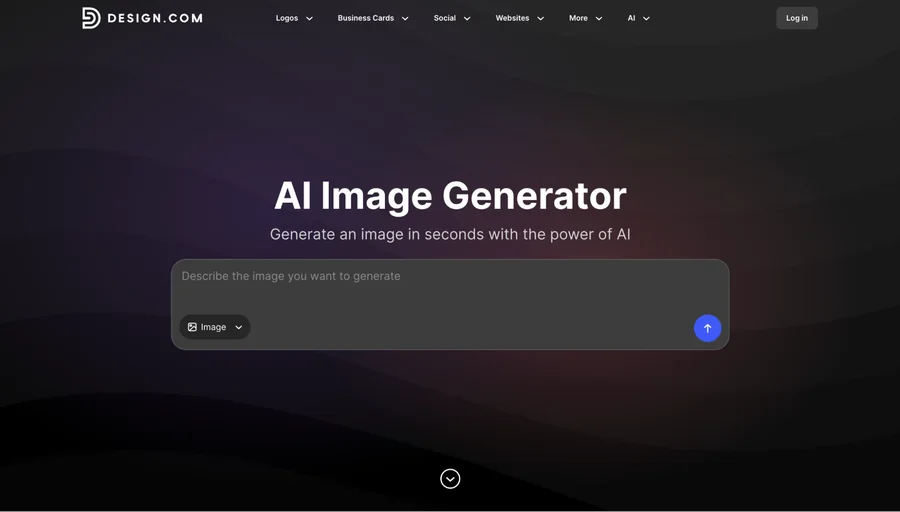
Design.com’s AI image generator turns a plain prompt into several image options in seconds. You can specify subject, setting, background, style, mood, lighting, colors, and composition, then revise the prompt and generate again until one fits. It handles realistic scenes, product concepts, illustrations, abstract imagery, and backgrounds.
What makes it different is that you can use the image you generated for other marketing materials, such as websites, business cards, flyers, posters, presentations, and social media designs, so it becomes a finished asset without leaving the platform. Design.com also has an AI logo generator if you still need a logo for your brand or campaign.
Best for: Social posts for Instagram, Facebook, TikTok, LinkedIn, and YouTube, as well as flyers, ads, website banners, and presentation graphics. Teams that want a finished asset, not just an image file, get the most from it.
Pricing: You can create images for free without an account, and AI editing is free for a set number of edits. The AI Design Plan costs $3/month billed annually and includes an AI image editor, 50 AI-generated images a month, 50+ design and AI tools, and 651,000+ templates. The AI Design Plan + Website costs $5/month, billed monthly.
Limitation: The paid plan caps AI generation at 50 images a month, so very high-volume teams may hit the ceiling.
2. Canva AI: Best for Designing Inside an Existing Workflow
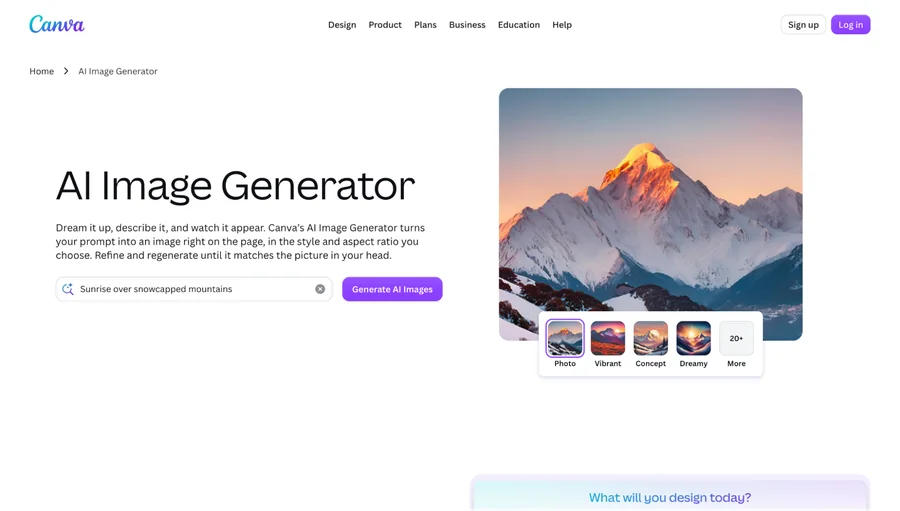
Canva AI puts image generation inside the Canva editor, so you can create an image and drop it into a presentation, social post, or ad without exporting. Magic Edit, Magic Eraser, and Magic Expand let you change parts of an image in place.
Magic Layers splits a flat image into editable layers, and brand kits keep colors and fonts consistent across designs.
Best for: Presentations, social posts, and teams with an existing Canva workflow.
Pricing: Free includes up to 20 AI uses. Pro costs $144/year and adds 10x more AI than Free, 3.6M+ templates, and 5 Brand Kits. Business costs $250/year per person, with 100 Brand Kits, approvals, and team admin tools.
Limitation: All AI tools draw from one shared allowance, and heavier tools use it up faster. It also gives you less control over the model than a dedicated generator.
3. Adobe Firefly: Review the Applicable Commercial-Use Terms
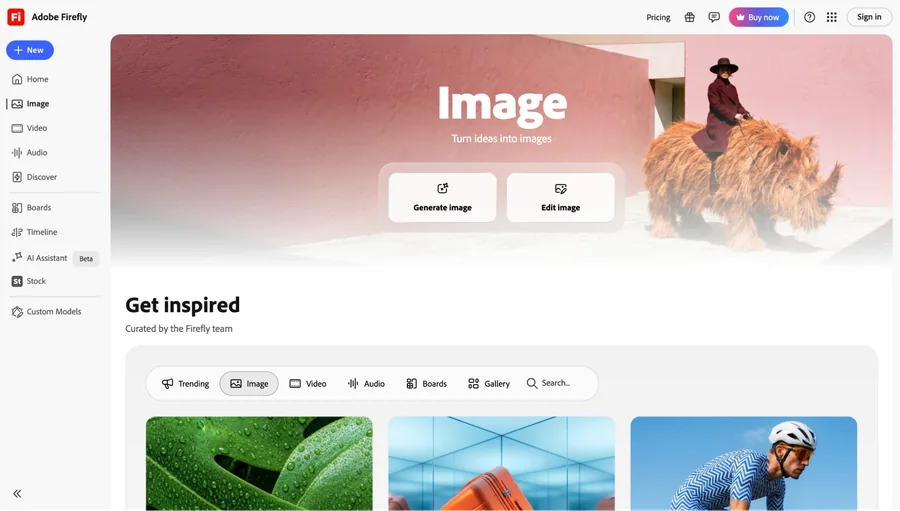
Adobe Firefly is Adobe’s generative AI platform for images, video, and audio. Adobe markets its models as commercially safe and trained on licensed content, which matters to teams worried about copyright claims.
Generative Fill adds or removes objects in a part of an image, and Firefly integrates with the wider Adobe ecosystem. Higher tiers add partner models from companies such as Google.
Best for: Client work, ad campaigns, and teams that need to document the sources of their images.
Pricing: Free includes 25 generative credits a month. Standard is $9.99/month for 2,000 credits, and Pro is $19.99/month for 4,000 credits. Paid plans include unlimited standard image generations.
Limitation: The credit system can be confusing once you use premium features, and finishing a design often requires opening another Adobe app.
4. ChatGPT Images: Best for Conversational Iteration
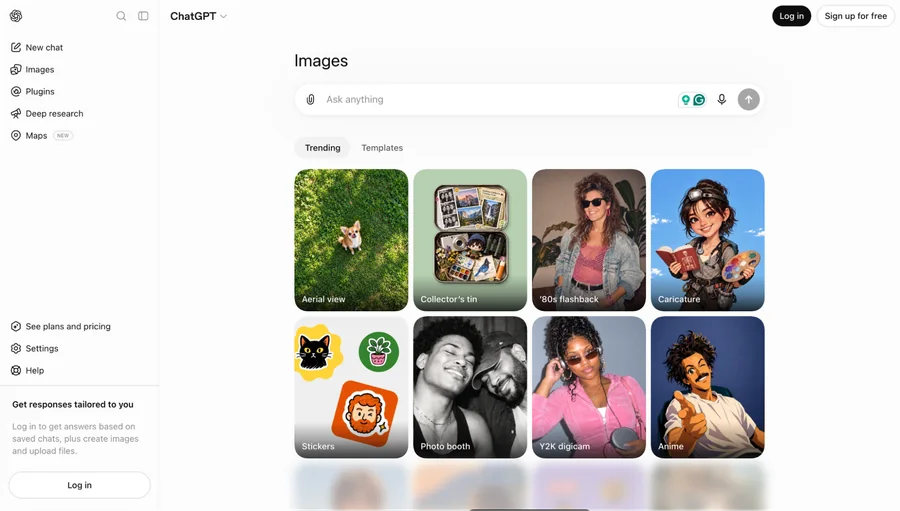
ChatGPT Images lets you create and revise images in a chat. You describe a picture, then ask for changes such as a darker background or space on the right for a headline.
OpenAI’s current model, ChatGPT Images 2.0, launched in April 2026 and follows detailed instructions well. Because it lives inside ChatGPT, you can also draft captions and research an audience in the same thread.
Best for: Brainstorming, quick concepts, and teams that already pay for ChatGPT.
Pricing: Free accounts get a limited number of images per day. Plus costs $20/month with much higher limits.
Limitation: It lacks templates, brand kits, or layout tools, so design work is done elsewhere.
5. Midjourney: Best for Artistic, Campaign-Level Visuals
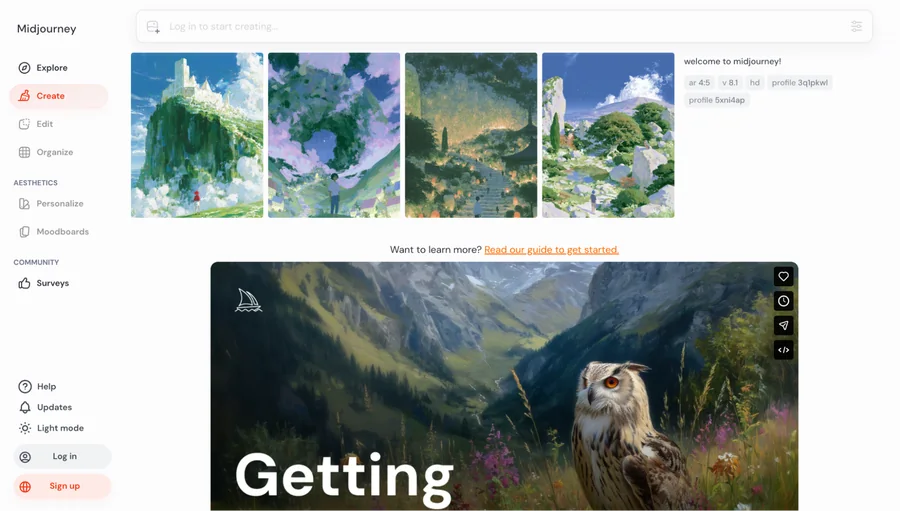
Midjourney produces stylized, painterly images with high visual impact. Art directors and illustrators use it for hero visuals and concept work.
It gives you strong style control through a web interface, and higher tiers add video generation. Relax mode gives unlimited, slower generations on Standard and above.
Best for: Hero images, concept art, mood boards, and brand exploration.
Pricing: There is no free tier. Basic is $10/month with about 3.3 fast GPU hours, Standard is $30/month, Pro is $60/month, and Mega is $120/month. Annual billing saves 20%.
Limitation: Companies earning over $1 million a year must use Pro or Mega, and there are few layout or template features.
6. Ideogram: Best for Images with Readable Text
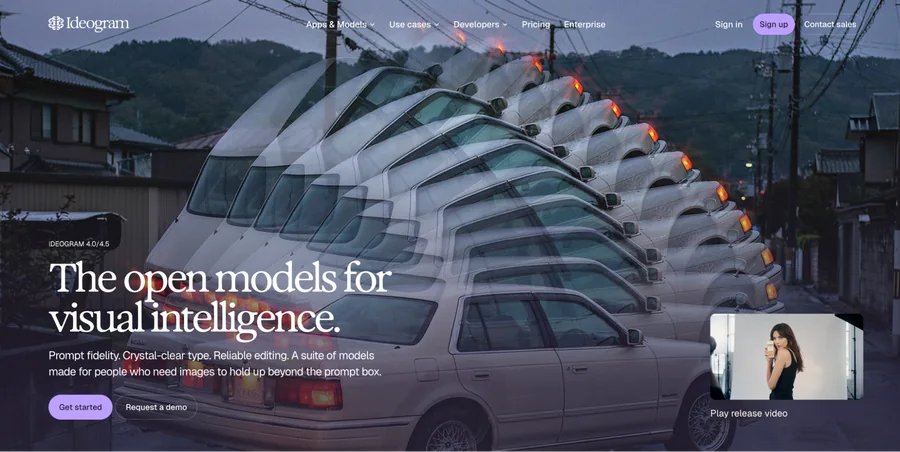
Ideogram is built to place clean, legible text inside images, which many generators get wrong. That helps when a visual needs a headline, label, or price.
It supports style references and photorealistic, design, and illustration looks. Its tools also include an Ad Resizer, Background Remover, and Object Remover.
Best for: Posters, social graphics with headlines, and typography-led designs.
Pricing: Free gives weekly slow credits to eligible accounts. Plus is $15/month billed annually ($20 monthly) with 2,400 priority credits, and Pro is $42/month billed annually ($60 monthly) with 7,500.
Limitation: Images are public by default unless you subscribe to Plus or Pro, and unused priority credits expire each billing cycle.
7. Recraft: Best for Brand Style and Vector Graphics
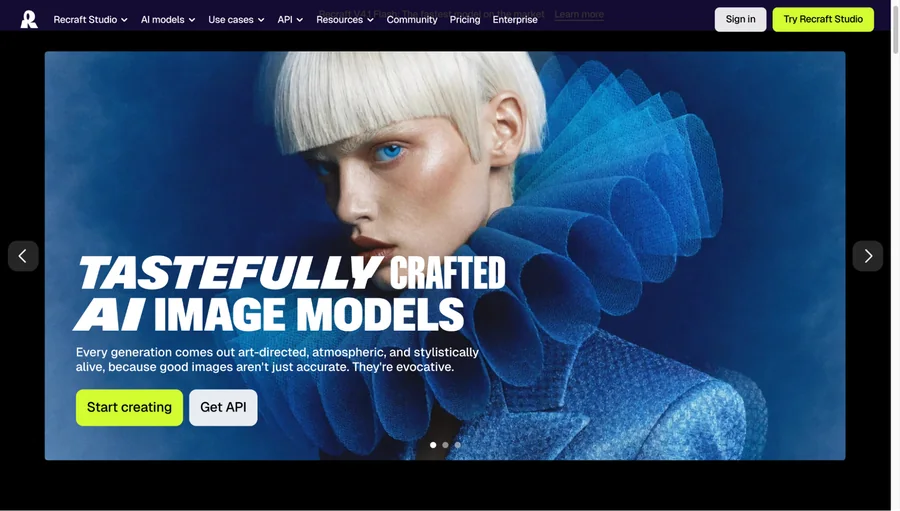
Recraft generates editable vector graphics as well as regular images. It is built around keeping a consistent visual style across a set of assets.
That makes it useful for icons, illustrations, and brand graphics that need to look like they belong together. It also includes a Creative Upscale tool for sharpening images.
Best for: Icons, illustrations, and graphics that need to match a brand style.
The original Recraft plan and licensing description is not recertified in this revision. Public visibility, a provider licence and public-domain status are different concepts; check the current terms and intended use rather than inferring rights from a free-plan label.
Limitation: Vector images cost more credits than regular ones, and monthly credits do not roll over.
8. Leonardo.Ai: Best for Model Variety and Creative Control
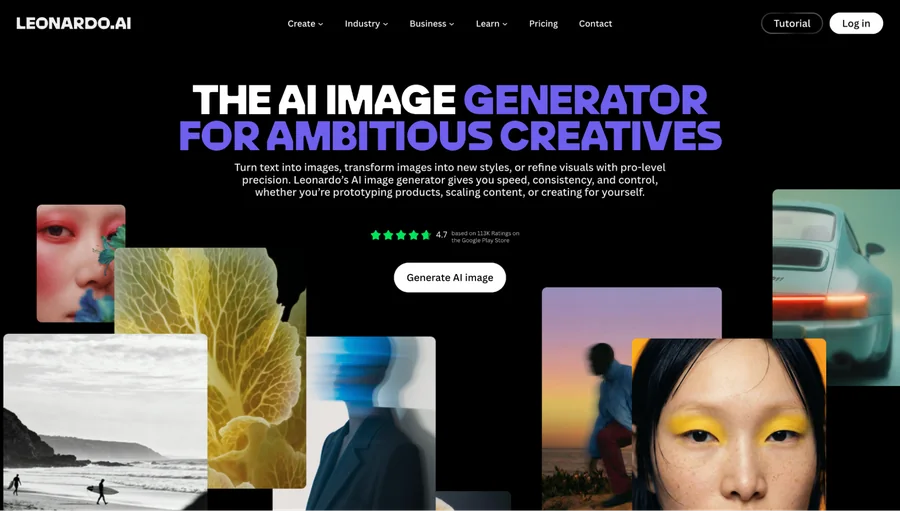
Leonardo.Ai gives you a choice of models, each tuned for a different look, from photorealism to concept art. You can adjust settings and refine images with canvas editing tools.
Paid tiers add custom model training, and higher plans add video generation. Canva acquired the company in 2024, and it still runs as its own product.
Best for: Game art, product imagery, and teams that want fine control over the result.
Pricing: The free plan gives 150 tokens per day, including public images. Apprentice is $12/month for 25,000 tokens, Artisan is $30/month for 25,000 tokens, and Maestro is $60/month for 60,000 tokens.
Limitation: Token costs vary by model and action, so spending is hard to predict.
9. Google Gemini: Best for Quick, Free Single Images
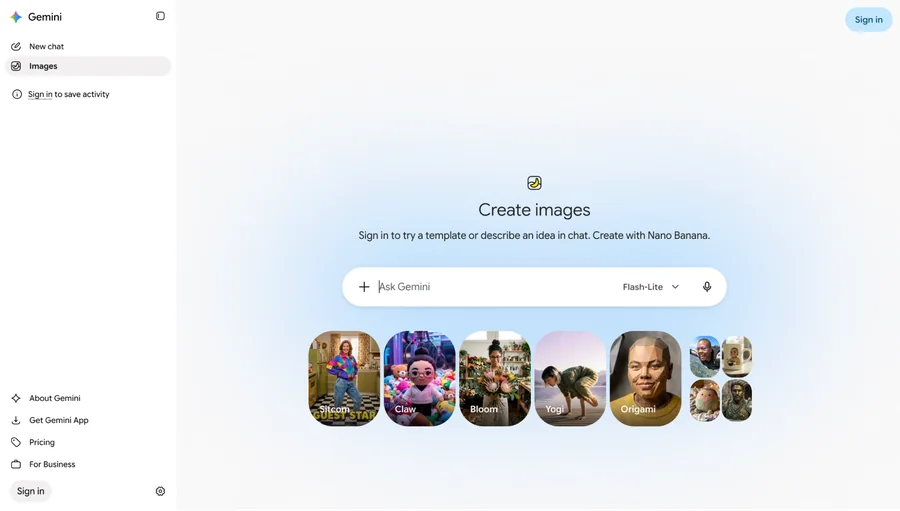
Google Gemini is a general AI assistant that also generates images in the browser and app. There is little to learn, so it suits fast, one-off visuals.
Google’s image models are called Nano Banana 2 and Nano Banana Pro, with the Pro model aimed at higher-quality output. Image edits count toward the same daily limit as new images.
Best for: Quick concepts, placeholder visuals, and one-off images.
Pricing: Free access includes a daily allowance that Google frequently adjusts. Google AI Plus is $7.99/month, and Google AI Pro is $19.99/month, both with higher limits.
Limitation: It lacks templates, brand kits, or layout tools, so design work is done elsewhere.
10. Photoroom: Best for Product Photos and Backgrounds
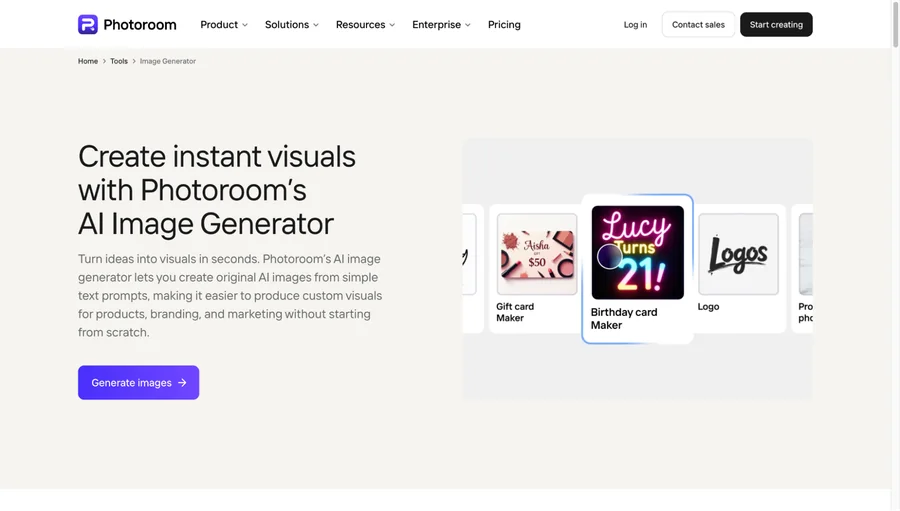
Photoroom is built for product imagery. It removes backgrounds, generates AI backgrounds and shadows, and cleans up photos so a catalog looks consistent.
Batch editing handles large sets of listings, and higher plans add a virtual model generator for fashion and a video generator.
Best for: Product photos, marketplace listings, and ecommerce catalogs.
Pricing: Paid plans start with Pro, followed by Max and Ultra. Prices changed during 2026, so check Photoroom’s pricing page for current rates.
Limitation: It is built around product shots, so it is less useful for general campaign art.
How to Get On-Brand Results from AI Image Tools
Most bad AI images come from vague prompts.
“A laptop on a desk” gets you a stock photo. “A laptop on a white desk, soft window light, teal and cream palette, wide shot with empty space on the right for text” gets you something you can use in an ad.
A few habits keep results consistent across a team:
- Put brand details in every prompt. Colors, style, mood, and composition belong in the first draft.
- Share a prompt library. Save the prompts that worked, so everyone starts from the same place.
- Change one thing per round. Pick the closest option, then adjust a single detail.
- Review before publishing. Check for odd text, visual glitches, and brand fit.
- Read the license for paid ads. Terms differ by tool and plan, so confirm before a campaign runs.
Final Verdict: The Best AI Image Generator for Marketing Teams
Plenty of tools can produce a good image. The gap shows up afterward, when someone has to resize it, brand it, and turn it into a post or an ad.
Design.com is the best option for marketing teams because it handles that whole path. You generate images for free without an account, then edit and brand them with its templates and design tools in the same place. Paid plans start at $3/month billed annually.
If you want to test it, run one prompt through the free generator and drop the best result into a template. A few minutes will tell you whether the workflow fits your team.
FAQs on AI Image Generation
What is the best AI image generator for marketing teams?
Design.com is the best overall pick for marketing teams that need finished, branded assets. It combines image generation with templates and design tools. Other tools suit narrower needs, such as artistic style or readable text.
Can marketing teams use AI-generated images commercially?
Often yes, but terms differ by tool and plan. Some free plans, including Recraft’s, do not include a commercial license. Read each vendor’s current terms before you use images in ads or client work.
Is there a free AI image generator for marketing?
Yes. Design.com lets you create images for free without an account, and several other tools offer limited free plans. Free plans often cap usage or make your images public.
How much do AI image generation tools cost?
Most tools have a free option, and entry-level paid plans typically range from $3 to $20 per month. Design.com starts at $3/month billed annually, and Adobe Firefly starts at $9.99/month. Midjourney starts at $10, Leonardo.Ai at $12, and ChatGPT Plus costs $20. Canva Pro is $144/year, and higher tiers cost much more, so check each vendor’s pricing page before you commit.
Do I need a separate design tool after generating an image?
Often yes. Many generators give you an image file and stop there. Design.com and Canva AI include editors and templates, so the image can go straight into a finished post, flyer, or ad.