What gets localized

The point is not only language. Localization creative automation means adapting the campaign fields that change by market while preserving the same approved design system.

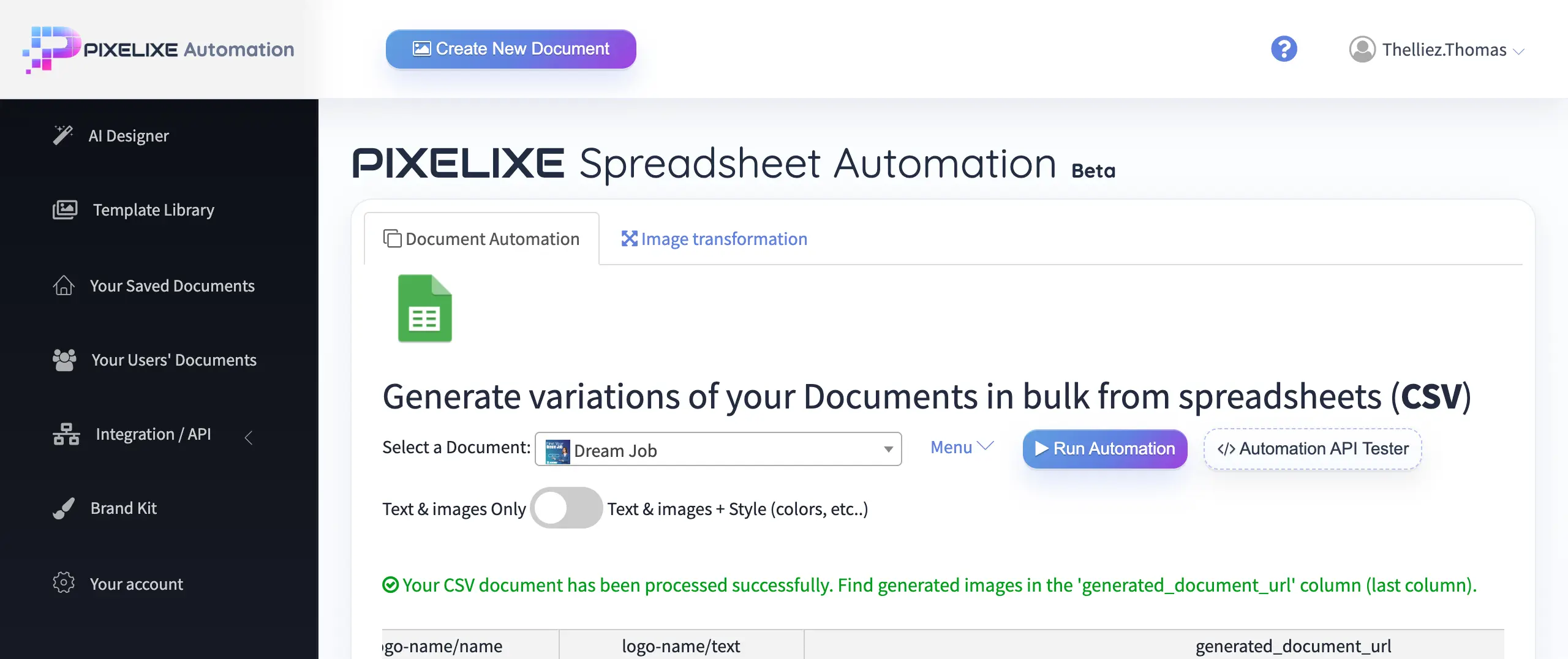
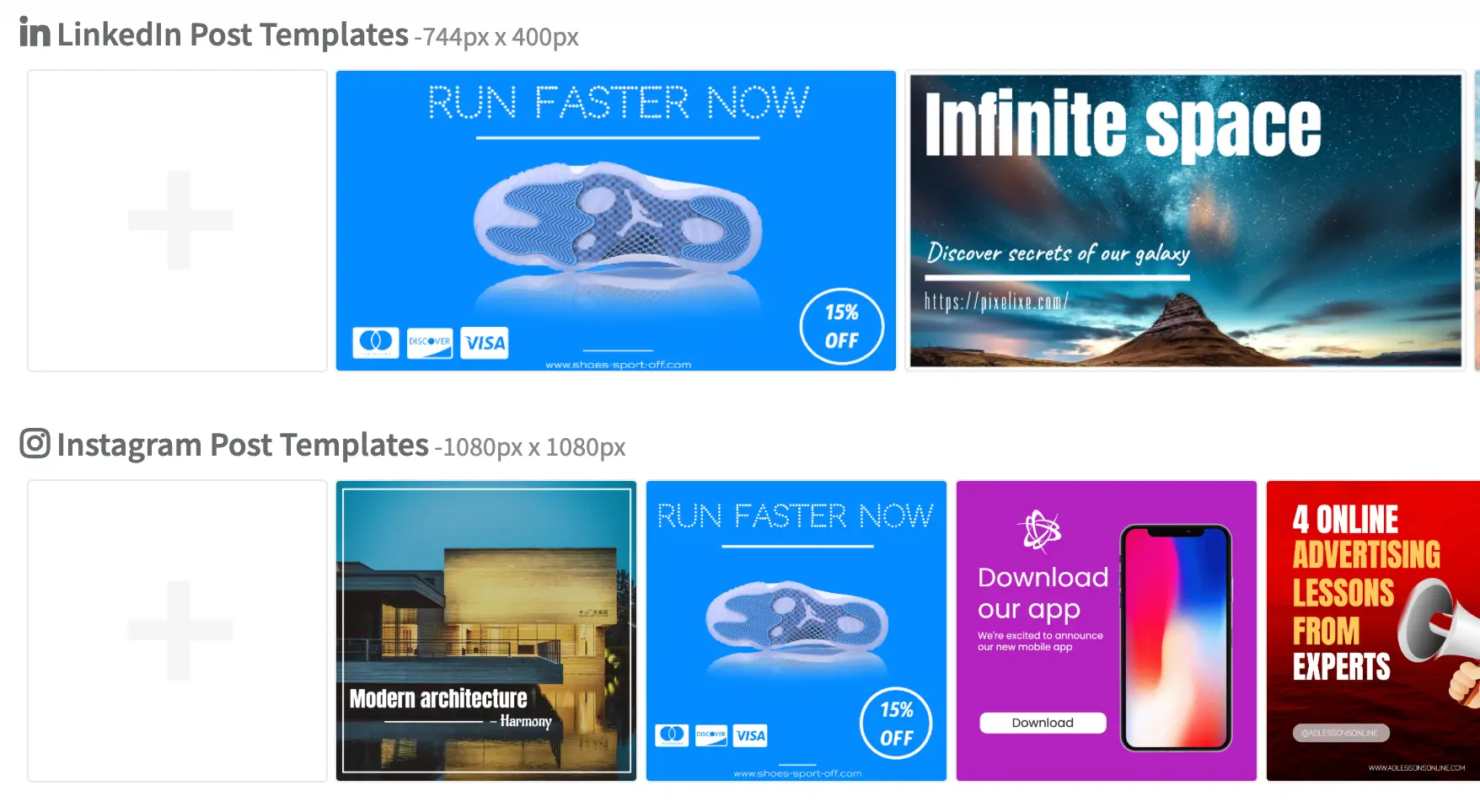
Reusable localization creative template system with multiple campaign formats

Language

Swap headlines, subheads, body copy, and tone by country or region.

Headline and copy

Change core message blocks while keeping the same layout logic and hierarchy.

Currency and pricing

Update prices, currency symbols, discounts, and offer framing by market.

Date and time formats

Adapt launch dates, seasonal periods, and event timing conventions by locale.


Country-specific offers

Use different discounts, bundles, or promotional positioning per market.

Legal and disclaimer lines

Update mandatory copy, disclaimers, and regulatory notices market by market.

CTA text

Adjust call-to-action wording, offer urgency, and destination URLs by segment.

Dimensions by channel

Generate the right ad, social, email, or landing visual size for each market plan.

Typical localization workflows

The strongest fit is when a campaign already exists and the operational challenge is adapting it across markets, languages, offers, and local rules without multiplying manual design work.


Ecommerce promos by country

Run the same promo in FR, UK, DE, ES, or other markets while changing copy, price, currency, dates, and offer details per country.

Franchise and retail networks

Keep one national campaign system, then localize by city, store, phone number, address, legal line, or local offer treatment.

SaaS multi-market campaigns

Keep the same product announcement structure, but adapt value proposition, language, persona cues, and CTA framing by region.

Travel, events, and seasonal campaigns

Change dates, destination markets, seasonal timing, and local messages while preserving the same visual campaign identity.


The localization problem is rarely “translate this image.” It is “keep the same campaign architecture, but adapt fields that change by country, channel, audience, or regulatory requirement.” Pixelixe is strongest when creative operations, marketing ops, and growth teams need one reusable system instead of many disconnected design files.

See broader marketing automation workflows ...

Inputs in, localized outputs out

Good localization systems are defined by the fields they accept and the outputs they can generate reliably, not by generic design claims.


Inputs

  • Spreadsheet rows for market-by-market localization batches
  • Airtable, CRM, or campaign planning tables
  • CMS content fields and promo copy sources
  • API payloads from internal systems or product backends
  • Catalog and pricing data for localized offers
  • AI agents that prepare or enrich localized content fields

Outputs

  • Localized ad banners for paid media and display campaigns
  • Localized social posts and channel-specific variants
  • Email headers and CRM promotional visuals
  • Product promos and offer banners by country
  • Landing visuals and campaign headers
  • Reusable branded variants for teams, partners, and markets


Explore spreadsheet generation

How it works

The workflow stays simple: approve one campaign system, connect localized fields, then generate the market variants you need.


1

Create one branded template

Design the approved campaign structure in Pixelixe Studio and keep it editable for future localization changes.

2

Connect content or market data

Use spreadsheets, CRM fields, CMS content, catalog data, or API payloads as the source of localized inputs.

3

Map localized fields

Bind language, pricing, currency, CTA text, offer copy, date formats, and legal lines to the right template layers.

4

Generate one variant per market

Produce one localized creative per country, segment, channel, or market combination without redesigning the base layout.

5

Export or push into your workflow

Ship the localized outputs to your publishing, review, campaign, or product workflow through exports, spreadsheets, or API-driven rendering.


Why teams use localization creative automation

This is less about design taste and more about operational leverage across markets.


Reduce design repetition

Stop rebuilding the same campaign for each language, country, or offer variation.

Keep brand consistency

Use one approved design system while varying the fields that should change by market.

Launch faster

Move international campaigns live sooner without waiting for manual rework in every locale.

Avoid copy-paste localization errors

Reduce the risk of wrong currency, wrong legal line, old CTA text, or mismatched channel sizes when the same campaign must scale across many markets.

Scale to more markets with the same team

Increase market coverage, channel coverage, and campaign velocity without increasing design headcount in the same proportion.


Example fields teams map into localized templates

This is one of the clearest ways to understand what Pixelixe is handling: structured market fields flowing into a reusable design system.


Localized creative automation becomes operationally useful when campaign teams can define the fields once and keep reusing them across markets. These are the kinds of fields Pixelixe can help map into reusable templates through spreadsheets, structured payloads, or API workflows.

  • Brand Kit keeps fonts, colors, and layout rules stable across all localized variants.
  • JSON to Image API is useful when localized fields already live in structured backend payloads.
  • White-label editor fits review or approval workflows inside your own platform.
country
language
currency
price
offer_title
store_name
date_format
legal_notice
cta_text
channel
locale
destination_url

Questions teams ask before localizing creatives at scale

Enough detail to make the workflow concrete without turning this page into technical documentation.


Can I generate one creative per country from a spreadsheet?

Yes. Pixelixe can reuse one approved template and generate one localized creative per market from spreadsheet rows that contain country, language, price, offer, legal, and channel-specific fields.

Can I change language and currency automatically?

Yes. Teams can map language, currency, pricing, CTA text, dates, and other market-specific fields into reusable Pixelixe templates through spreadsheets or API workflows.

Can I keep the same template across all markets?

Yes. The goal is to approve one branded campaign structure, then generate localized creative variants without redesigning each market version from scratch.

Can localized versions use different offers or legal text?

Yes. Pixelixe can update offer copy, prices, currency, disclaimers, legal notices, and CTA text while preserving the same underlying design system.

Can I create localized social, ad, and email assets from the same source?

Yes. The same campaign template logic can generate localized ad banners, social posts, email headers, product promos, and landing visuals from the same input structure.

Create one branded campaign. Generate each local market version.

Localization creative automation works when design, brand, and market fields stay connected. Pixelixe helps teams turn one approved template into repeatable output across countries, languages, offers, channels, and segments.