How to get started
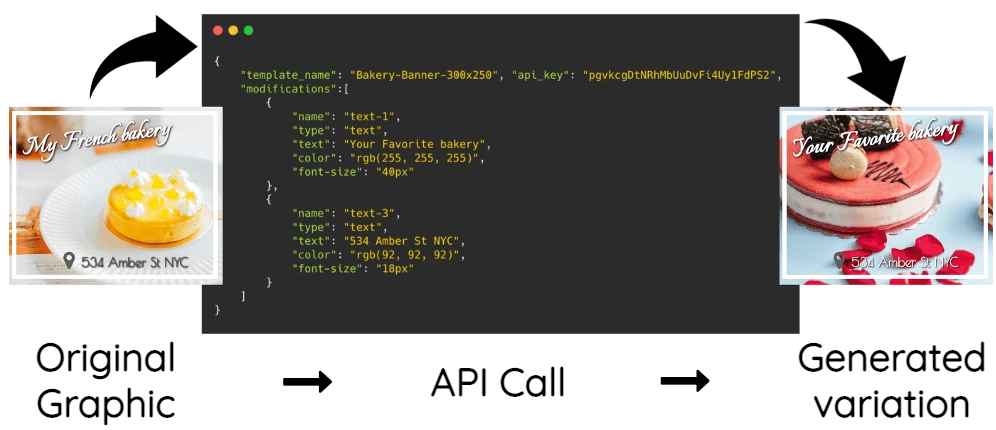
Create a layout with the JSON to Graphic API. Save the JSON example below as payload.json and replace YOUR_API_KEY with your API key. With save_document set to true, the response includes the saved document ID, editable HTML URL, and rendered image URL.
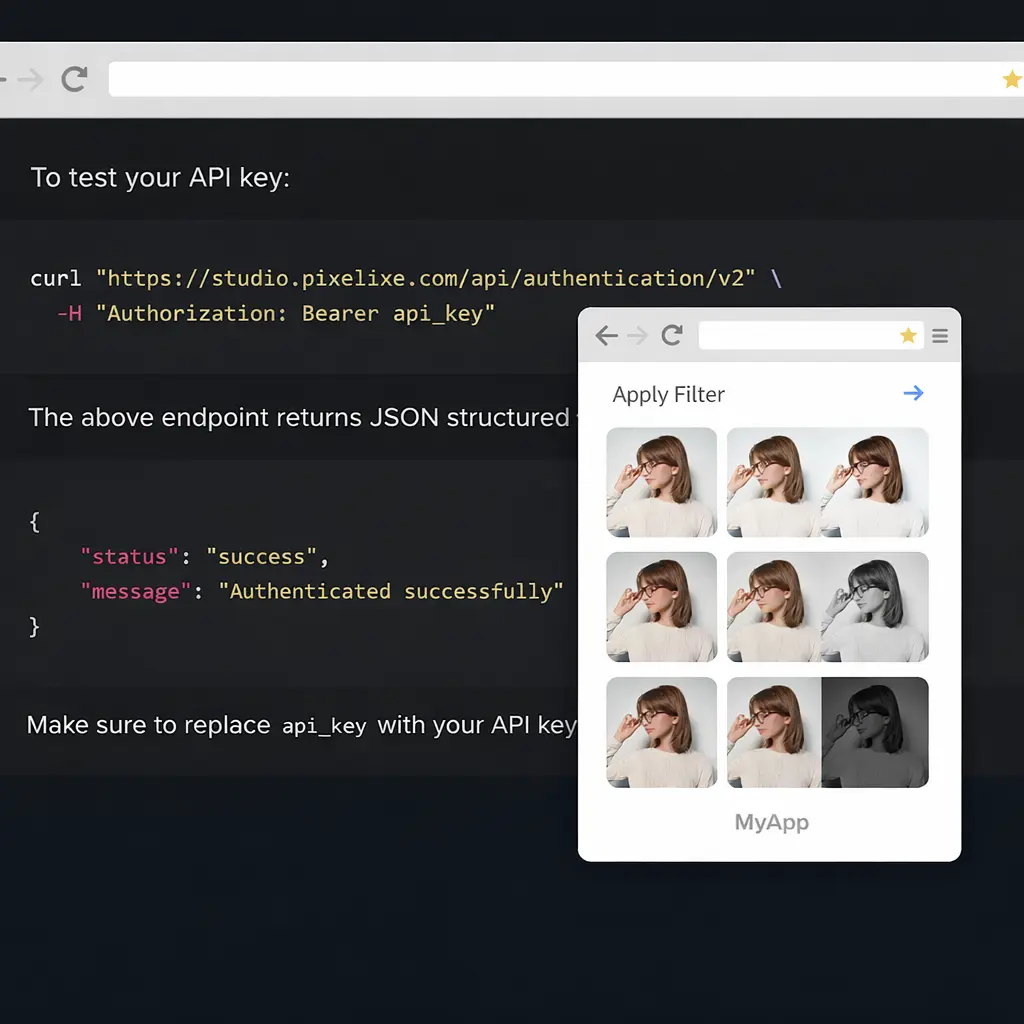
curl --request POST \
  --url https://studio.pixelixe.com/api/jsontographic/v2 \
  --header 'Authorization: Bearer YOUR_API_KEY' \
  --header 'Content-Type: application/json' \
  --data @payload.json
JSON example input
{
  "document_name": "launch_day",
  "save_document": true,
  "width": 1200,
  "height": 628,
  "background_color": "#F4F7FF",
  "modifications": [
    {
      "name": "headline",
      "type": "text",
      "text": "Launch day",
      "left": 80,
      "top": 120,
      "width": 1040,
      "height": 120,
      "font-size": 64,
      "color": "#243659"
    }
  ]
}
JSON example output
The identifiers and URLs below are placeholders for the values returned by the API.
{
  "status": "success",
  "document_uid": "GENERATED_DOCUMENT_UID",
  "html_url": "GENERATED_HTML_URL",
  "image_url": "GENERATED_IMAGE_URL"
}
To generate further variations from the saved layout, use its document_uid with the Image Automation API.