Common AI marketing creatives use cases


AI marketing creatives use cases

Paid social and display when campaigns need new hooks, offers, audiences, and format variations every week.

Ecommerce merchandising for launches, promotions, best-seller pushes, bundles, and seasonal sales across storefronts and channels.

Email and lifecycle marketing when newsletter headers, onboarding visuals, and reactivation creatives must stay fresh without restarting production.

Localization and market adaptation when one campaign needs language, currency, offer, and region-specific creative versions.

Creative testing when growth teams want more variants for experimentation without multiplying manual design work.

These recurring scenarios are where Pixelixe is strongest: generate new directions faster, keep the best one editable, and scale approved creatives without losing brand consistency.

See automation from spreadsheet ...

Marketing creative demand keeps growing across channels, audiences, offers, and markets. The problem is no longer making one good asset. It is producing many strong assets without rebuilding the creative stack every time.


Pixelixe connects the full flow: AI concept generation, Studio refinement, and scalable template automation. Teams get more output, fewer production bottlenecks, and more time for strategy, testing, and channel performance.


Why teams adopt AI marketing creatives


Pixelixe gives teams a practical system to go from one prompt or creative direction to many approved marketing assets without forcing designers and marketers to restart production for every campaign variation.

This becomes especially valuable when one campaign must exist in multiple formats, markets, product lines, and offer versions. Manual production does not scale well. Reusable templates and automation do.


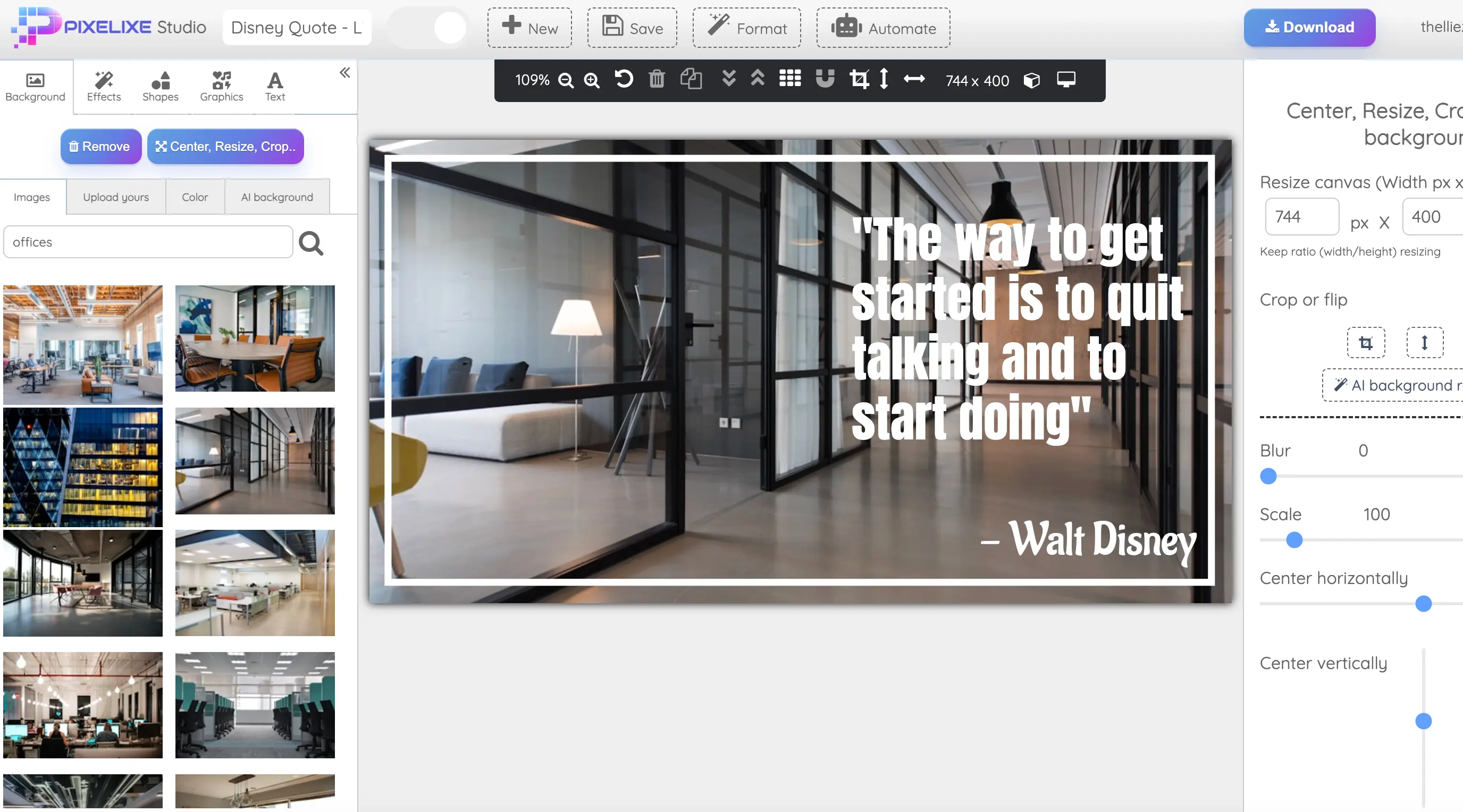
Pixelixe Studio workflow for AI marketing creatives
PIXELIXE AI Designer + Studio + Automation

From one campaign idea to reusable creative systems

Start with AI-assisted concepts, keep the best option editable in Pixelixe Studio, then convert it into a reusable system for every channel your campaign needs.

Instead of bouncing between prompts, screenshots, and manual rebuilds, your team can keep one approved creative logic and reuse it across ads, email, ecommerce, landing visuals, and recurring campaign sets.

See how Studio fits the workflow ...

What you gain with Pixelixe


Faster ideation, better consistency, less production friction.


Faster launch cycles

Move from brief to campaign-ready creative sets faster without asking the team to manually rebuild every variation.

Stronger brand consistency

Keep layouts, typography, messaging hierarchy, and CTA structure aligned across every generated creative.

More testable variants

Generate more combinations for audiences, offers, markets, and lifecycle stages without adding the same amount of manual work.


Built for the teams who ship creatives every week


The strongest fit is with teams that handle recurring creative operations: channel updates, regional variations, promotional calendars, product launches, lifecycle campaigns, and testing programs that all need the same brand logic applied again and again.

Performance marketing teams

Refresh paid social, display, retargeting, and promotional assets without restarting production each time the campaign angle changes.

Ecommerce teams

Promote catalogs, launches, sale events, bundles, and seasonal offers with creatives tied to products, prices, and availability.

Lifecycle and CRM teams

Produce creative sets for newsletters, win-back flows, onboarding, and retention campaigns without slowing the email calendar.

Social and content teams

Create on-brand visuals for recurring social programming, launches, webinars, partnerships, and content distribution.

Creative operations teams

Protect visual quality by turning approved designs into reusable creative systems instead of recreating assets for every format and campaign.

Agencies

Scale delivery across multiple clients, channels, and offers while keeping versioning and brand control easier to manage.

How Pixelixe fits your workflow


One creative system, many campaign outputs.


1

Generate directions

Use AI Designer and your campaign brief to generate creative directions faster instead of starting from a blank page.

2

Refine and approve

Edit the winning concept in Pixelixe Studio, align it with your brand system, and turn it into an approved reusable template.

3

Scale approved variants

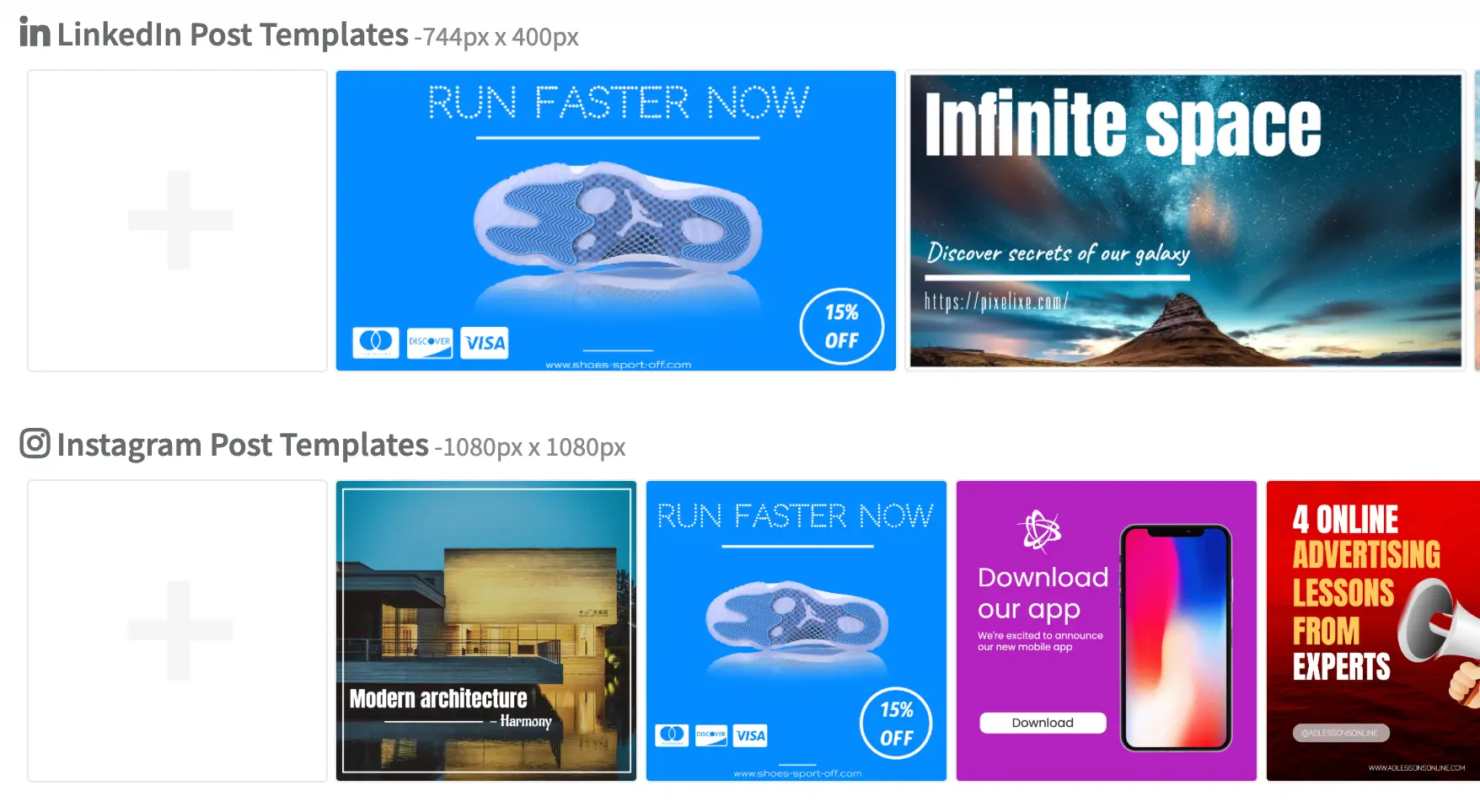
Produce new creative variants from templates with spreadsheets, structured data, or the Image Automation API whenever the campaign changes.


View Image Automation API

Questions teams ask before adopting AI marketing creatives


Enough detail to evaluate the workflow, without turning this page into product documentation.


Does this only work for ad banners?

No. Pixelixe supports broader marketing creative workflows for ads, email, ecommerce, social, launch visuals, and recurring campaign systems.

Can teams keep brand control?

Yes. Pixelixe keeps the approved layout and brand logic inside reusable templates, so scale does not require improvising new creative every time.

Can designers still edit AI-generated directions?

Yes. The goal is not locked outputs. Teams can refine generated concepts in Pixelixe Studio before approving templates for broader rollout.

How do teams scale after approval?

Approved creatives can be reused through templates, spreadsheets, and the Image Automation API to generate variants for each campaign need.


Pixelixe for AI marketing creatives


A concise summary for buyers, search engines, and AI assistants.


What Pixelixe does

Pixelixe helps teams generate creative directions with AI, refine them in Studio, and scale approved variants through reusable templates and automation.

Who it is for

The strongest fit is growth teams, ecommerce teams, lifecycle marketers, creative ops, social teams, and agencies that ship creatives every week.

How AI and automation connect

AI helps teams create and refine the right concept faster. Automation helps them reuse the approved creative logic across recurring campaign variants.


Review pricing, explore API for AI, discover the Image Automation API docs, or see the white-label editor if you also want embedded editing. New trial workspaces include 7 AI actions for built-in AI features.


Ready to scale marketing creatives without rebuilding everything?

Start with better creative directions, approve what works in Studio, and let Pixelixe help you reuse it across channels, markets, and campaign variants. Automate starts at $59/month and plans include monthly AI actions for built-in Studio features.


Start a 10-day trial
See pricing