One campaign system for many markets


Campaign localization often breaks when each market edits visuals separately. Pixelixe keeps the approved layout intact while letting each market change structured fields such as language, currency, CTA, offer, date, disclaimer, and product imagery.


Localization model

Localize fields without breaking the approved layout

Create one master campaign template, define localized fields, map translations or market data from a spreadsheet/API, and generate variants for each market and channel size.

  • Keep logo position, typography, safe areas, and offer hierarchy stable.
  • Localize language, currency, price, market label, date format, CTA, and disclaimer text.
  • Generate channel-specific creative variants for ads, email, social, and landing pages.
  • Use spreadsheets first, then API workflows when the localization process becomes recurring.

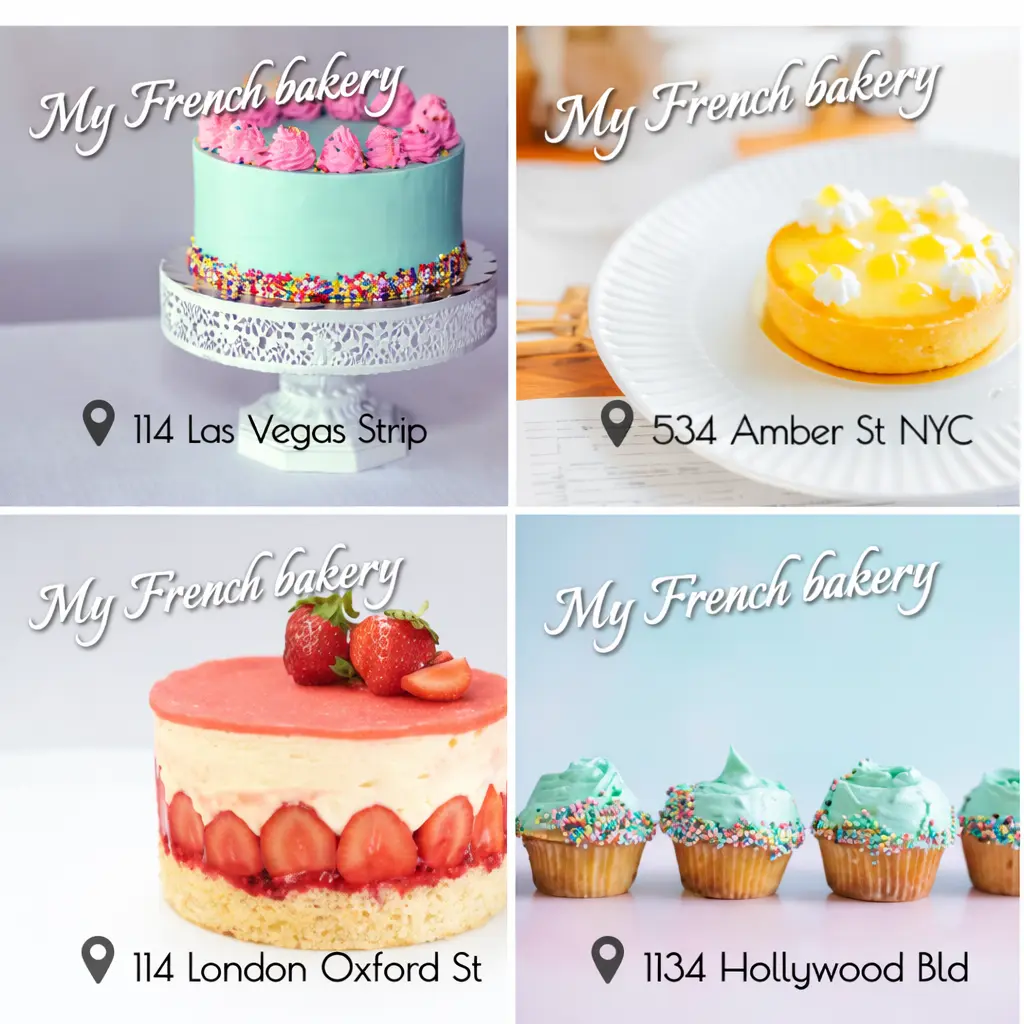
Pixelixe template rendering preview for localized campaign creatives

From market row to localized asset

Market data

Language, market, currency, offer, CTA, legal text, product image, and output size.

Approved template

Each market row fills named layers while brand structure and legal placement stay controlled.

Localized output

Pixelixe returns ready-to-use creative variants for each market and channel.

Why localized creatives need templates


Localization should adapt the message and market details while preserving campaign recognition, readability, and approval rules.


Market variants

Generate localized campaign assets from one approved template system.

Localized fields

Support different languages, currencies, prices, and disclaimers.

Regional autonomy

Reduce manual production for regional teams.

Consistent templates

Keep campaign visuals consistent across ads, email, social, and landing pages.


Localization generation pattern


Use a market row as the source of truth, then let the approved template absorb localized fields and generate predictable creative variants.


Field mapping example

Market fieldTemplate layerCreative role
headlineheadlineMain localized message
offerofferPromotion value
currencyprice_currencyMarket pricing context
legallegal_textRequired local disclaimer
Tip: validate text expansion before rollout. Some languages need more space, different line breaks, or alternate CTA lengths.

Minimal data proof

This solution page keeps implementation light. Use this market row to validate the content model, then move to spreadsheets or API rendering for production.

{
  "market": "en-US",
  "headline": "Spring offer",
  "offer": "-30%",
  "currency": "USD",
  "cta": "Shop now",
  "legal": "Offer valid until May 31",
  "template": "spring_campaign_square"
}

Open the full localization use case

Best first localization workflows


Start where markets already share one campaign idea but need local details and channel-specific output sizes.


Seasonal promotions

Localize offer, price, currency, deadline, CTA, and legal text across regions.

Product launches

Adapt product imagery, market labels, localized names, and launch copy by country.

Email campaigns

Generate market-specific email headers while keeping brand structure consistent.

Paid ad variants

Prepare localized square, story, banner, and display creative variants from one campaign system.

Legal variants

Swap required disclaimers, date formats, and local restrictions without moving the visual hierarchy.

Retail market assets

Generate visuals for store groups, regions, local product lines, and country-specific offers.


How integration works


Use localization data as input, Pixelixe templates as the controlled visual system, and generated files as campaign outputs.


1

Step 1

Create the master campaign template.

2

Step 2

Prepare localization rows or API data per market.

3

Step 3

Map translated fields to template layers.

4

Step 4

Generate market and channel-specific creative variants.


Localization FAQ


Can Pixelixe generate one campaign in many languages?

Yes. Use translated text and market-specific values as structured inputs while preserving the approved layout.

Can different markets use different legal text?

Yes. Legal lines, disclaimers, dates, and local offer details can be mapped to dedicated template layers.

Can localization use spreadsheets?

Yes. Spreadsheets are a practical starting point for market rows, translations, currencies, and output variants.

Related implementation guides


Standardize logo placement, typography, offer hierarchy, safe areas, output dimensions, and required legal text. Localize copy, imagery, price, currency, date format, CTA, and market labels.


Localization creative automation

Open the related Pixelixe page for implementation context, API details, or workflow planning.
Marketing automation

Open the related Pixelixe page for implementation context, API details, or workflow planning.

Ecommerce product feed images

Open the related Pixelixe page for implementation context, API details, or workflow planning.

Spreadsheet generation

Open the related Pixelixe page for implementation context, API details, or workflow planning.

Brand Kit

Open the related Pixelixe page for implementation context, API details, or workflow planning.


Ready to generate localized campaign creatives?

Create one reusable campaign template, map market fields into named layers, and generate consistent localized visuals for every region and channel.


Start a 10-day trial
See localization use case