Product feeds to campaign-ready assets


Product feeds are structured but not campaign-ready. Pixelixe fills the gap by turning product title, image, price, discount, category, rating, and availability fields into designed visuals.


Feed implementation model

Map feed columns to Pixelixe template layers

Start with sale cards, collection banners, abandoned cart images, back-in-stock visuals, and localized offers. These assets repeat often, depend on structured data, and benefit from strict brand consistency.

  • Start from product feed rows, Shopify exports, PIM data, marketplace data, or spreadsheet rows.
  • Map product title, product image, price, sale price, campaign, category, and locale fields to named layers.
  • Request format: "json" to receive a hosted image_url for downstream publishing.
  • Use Design Sets or batch workflows when one feed row must produce several formats.

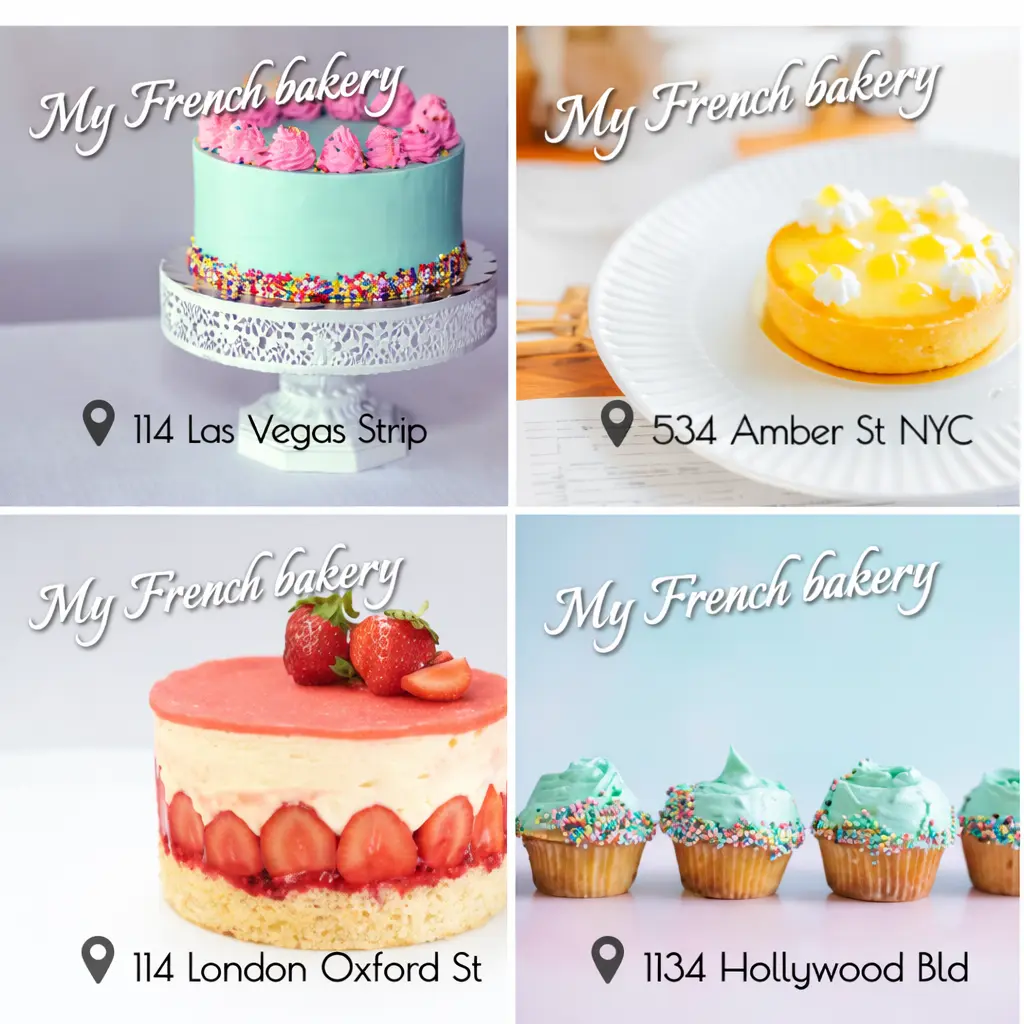
Pixelixe template rendering preview for ecommerce product feed images

From feed row to generated image

Input data

Product title, product image, price, sale price, collection, market, campaign label, and availability.

Template mapping

Each feed field fills a named Pixelixe layer, so the design stays controlled while the content changes.

Output

Pixelixe returns a generated image URL that can be reused in ads, emails, marketplaces, CMS, or merchandising workflows.

Why product feed images need templates


Feed data changes often. The visual system should stay predictable, readable, and approved.


Feed data inputs

Use product data to generate sale and merchandising visuals.

Campaign variants

Create repeatable layouts for every campaign and channel.

Markets and channels

Adapt visuals by market, currency, language, or collection.

Less manual production

Avoid manual design work for recurring catalog updates.


Backend or spreadsheet generation pattern


Normalize the feed row, send only the visual fields needed by the template, then reuse the returned image URL in your publishing workflow.


Field mapping example

Feed fieldTemplate layerVisual role
product_titleproduct_nameMain product copy
product_imagehero_imageProduct visual
sale_pricenew_priceOffer highlight
campaignbadgePromotion label
Tip: keep feed normalization separate from template design. The approved Pixelixe template should not change every time the product feed schema changes.

Minimal API proof

For technical implementation details, use the developer guide. On this solution page, this short payload only shows how structured product data fills template layers.

{
  "document_uid": "product_feed_template_uid",
  "api_key": "YOUR_API_KEY",
  "format": "json",
  "image_type": "png",
  "custom_field": "catalog-product-8842",
  "modifications": [
    { "element_name": "product_name", "type": "text", "text": "Trail Running Backpack" },
    { "element_name": "hero_image", "type": "image", "image_url": "https://example.com/products/backpack.png" },
    { "element_name": "new_price", "type": "text", "text": "$89" }
  ]
}

Open the full Product Image Automation API guide

Best first feed image workflows


Start with recurring assets where the data is already structured and the creative format repeats.


Sale cards

Render product, old price, new price, discount, badge, and CTA from campaign feed rows.

Collection promos

Generate collection visuals from product group, hero image, category, season, and campaign label fields.

Back-in-stock images

Trigger branded visuals when inventory status changes and products become promotable again.

Localized offers

Swap language, currency, disclaimer, market label, and image variants while preserving the template.

Email merchandising

Generate product banners for lifecycle campaigns, abandoned cart flows, launches, and newsletters.

Ad creative batches

Prepare consistent visual variants for paid social, marketplace ads, and retargeting campaigns.


How integration works


Use product data as input, Pixelixe templates as the rendering system, and generated URLs as the delivery artifact.


1

Step 1

Choose a product feed or spreadsheet source.

2

Step 2

Select the campaign template and output sizes.

3

Step 3

Map feed columns to named layers.

4

Step 4

Generate and review the finished image set.


Product feed FAQ


Can Pixelixe generate images from product feed rows?

Yes. Product feed rows can be mapped to template layers through spreadsheets, backend jobs, or API requests.

Is this only for Shopify?

No. The same workflow can use Shopify, WooCommerce, custom catalogs, CSV files, PIM exports, or marketplace data.

Can I localize product feed images?

Yes. Send localized copy, currency, labels, and market-specific imagery while keeping one approved layout system.

Related implementation guides


Prompt-only generation can be useful for concepts, but product feed production needs predictable layouts, readable text, consistent logos, and repeatable offer hierarchy.


Product Image Automation API

Open the related Pixelixe page for implementation context, API details, or workflow planning.
Shopify product image automation

Open the related Pixelixe page for implementation context, API details, or workflow planning.

Product feed promo automation

Open the related Pixelixe page for implementation context, API details, or workflow planning.

Ecommerce banners

Open the related Pixelixe page for implementation context, API details, or workflow planning.

Spreadsheet generation

Open the related Pixelixe page for implementation context, API details, or workflow planning.


Ready to turn product feeds into campaign visuals?

Create reusable Pixelixe templates, map feed columns into named layers, and generate consistent product images for every recurring ecommerce campaign.


Start a 10-day trial
View product image API