
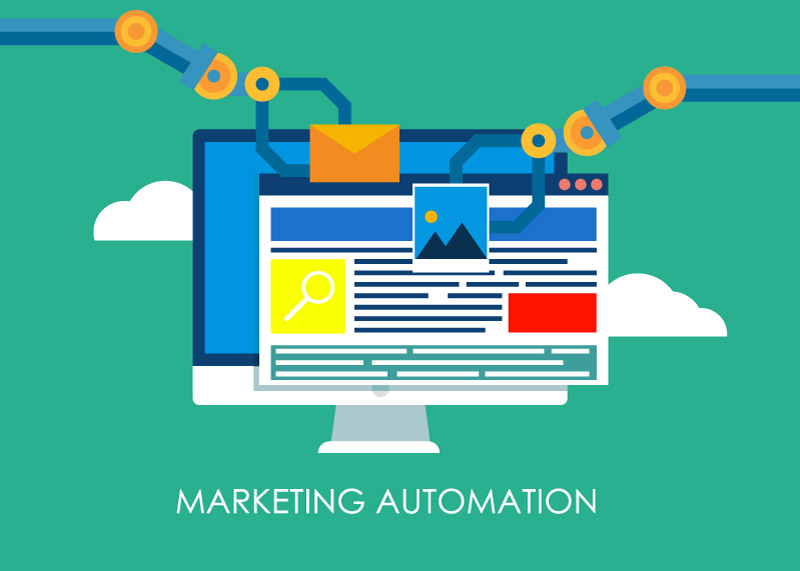
Pixelixe is rolling out a fun and creative tool as part of its mission to make design accessible to all. The image generation API automates the development of various types of images like ad banners, social media graphics and all types of image based marketing content directly from apps, websites, and web apps. Users will be able to create ad banners directly from a product catalog and use them for leading targeted banner advertising campaigns.
Direct Answer
Product-catalog banner automation connects SKU data to branded templates so every price, discount, product image, badge, and CTA can be rendered as a current ad creative. This is a transactional workflow because teams need a system, not just advice.
Catalog fields that drive banner generation
| Catalog field | Banner element | Automation benefit |
|---|---|---|
| Product image | Hero visual | Keeps ads aligned with inventory |
| Price and discount | Offer text and badge | Reduces outdated promotions |
| Category | Template selection | Applies the right layout by product type |
| Audience segment | Headline and CTA | Supports personalization at scale |
Why Pixelixe fits this workflow
Pixelixe can turn a product feed, spreadsheet, or backend payload into banner variants from approved templates. That makes it relevant for ecommerce teams running ongoing promotions, retargeting, and seasonal campaigns.
Author and update note
Updated on May 20, 2026 by the Pixelixe team to reflect Google AI Search, AI Overviews, AI Mode, and practical visual automation workflows. Pixelixe builds tools for branded image automation, template-based creative production, embedded editing, and API-driven visual generation.
FAQ
Why automate catalog banners?
Manual banner production breaks when prices, stock, discounts, or audiences change frequently. Automation keeps creative current and scalable.
What is the minimum setup?
A reusable template, clean product data, image URLs, required output sizes, and an API workflow that maps each field to an editable template element.
So you may be wondering: what is a targeted advertisement banner and how can I use it for my needs? In this blog we will answer these questions and show you why you should create product catalog-based banners for your next marketing campaign.
What is targeted banner advertising?
Targeted banner advertising is where dynamic banner ads are used to attract a certain audience of your preference. This audience usually belongs to a certain demographic like same age, race, education status, gender, location, interests, and so forth. By using tools like analytics, data is collected on your audiences after the advertisements are tested.
Sometimes you may also use a banner displayed in the form of a GIF or a static image to target your audience base. Typically, targeted banner advertising is used to generate high levels of traffic and a desirable return on investment. Big e-commerce brands have successfully used and achieved high levels of profit from targeted banner ads.
There are many ways in which you can leverage your banner ads to engage the maximum number of audiences. Targeting audiences using keywords is a great strategy to improve the SEO ranking of your message as well as its relevance for your audiences. For instance, advertising about entrepreneurship will lead to greater conversions and therefore more profit for you. A person who is interested in learning more about how to launch a start-up will be looking at your content and ads.
You may also choose a certain topic as the focus of your banner ad. Ad Network can assist with showing your target audiences these ads. Another option is to use Google which, through ad placement, allows you to select multiple websites containing reserved spots for placing your ads. You may manually determine where you wish to place your ad so that you can reach your target clientele.
How to auto generate ad bannersor marketing content?
You can use Pixelixe’s image automation tool to develop creative banner advertisements. The Image and Graphic Editor will help you design fun and attractive images in a few easy steps, while the reverse image search feature makes it easy to find the original or similar images online. Then, the REST API will let you automate the creation of infinite variations of templates of saved images.
Based on your marketing objectives, you can choose a pricing plan that works best for your needs. You can customize your banner ad by using custom image dimensions as well as your organization’s logos and graphics. At the same time, you can also use photos offered by Pixelixe.
Want to use banner ads for your next digital marketing campaign? Check out the Pixelixe Image generation information on the website or send an email at inquiries@pixelixe.com.
