01
Prepare your recipient rows
Give each row a recipient name, course title, issue date and issuer. Check spellings and accents before generating the batch.
Create personalized certificates from spreadsheet rows. Try a browser batch, download a reusable template and generate PNG or PDF certificates with Pixelixe APIs.
One row per recipient. Required headers: recipient_name, course_title, issue_date, issuer_name. Up to 10 rows in this browser demo.
Loading the certificate template…
Data stays in this page. Browser PDFs embed a raster image on a custom 1315.5 × 930 pt page. For editable templates and server rendering, use the API workflow below. Check long names and print size before distribution.
Give each row a recipient name, course title, issue date and issuer. Check spellings and accents before generating the batch.
Reuse the supplied JSON template or build your own in Pixelixe. Keep text fields named consistently and test the longest names.
Generate an output per row. Match files back to recipients and review the batch before emailing, printing or publishing it.
The JSON to Graphic API creates a saved template in your own Pixelixe account. Then the Image Automation API replaces named text fields for each recipient.
The downloadable Python starter creates the template once, reads the CSV, requests one PNG or PDF per row and writes a manifest. Keep your private API key in a server environment variable. API calls use your account allowance.
The example uses a custom landscape ratio, not a predefined A4 paper size. Set and verify your target print dimensions in the template before a production run. For broader spreadsheet workflows, see images from spreadsheets.
python3 automation-batch.py \
  --template certificate-template.json \
  --csv certificate-example.csv \
  --format pdf --output certificates
Set PIXELIXE_API_KEY in your server environment first. Start with a few sample recipients; the script defaults to a maximum of 100 rows.
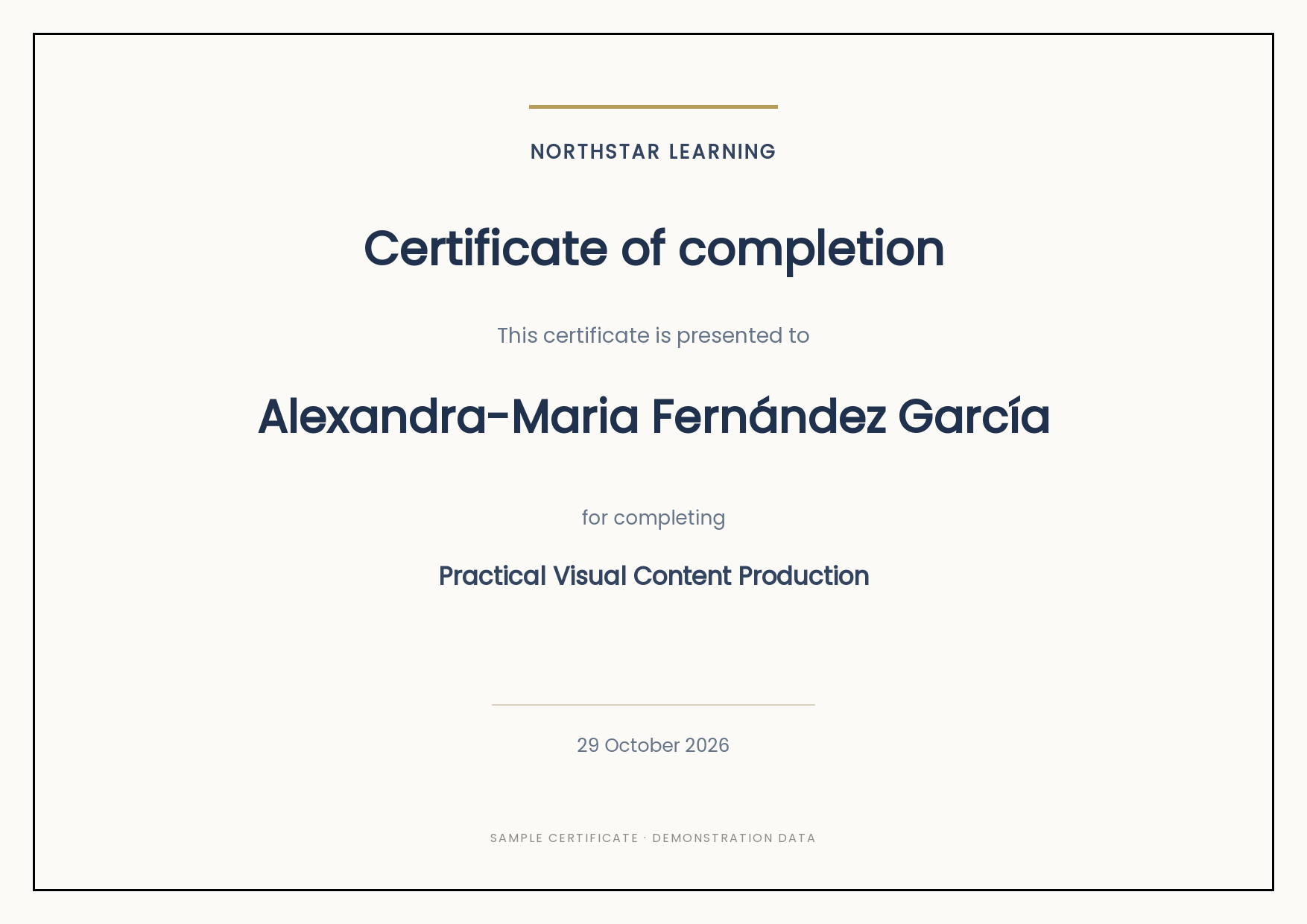
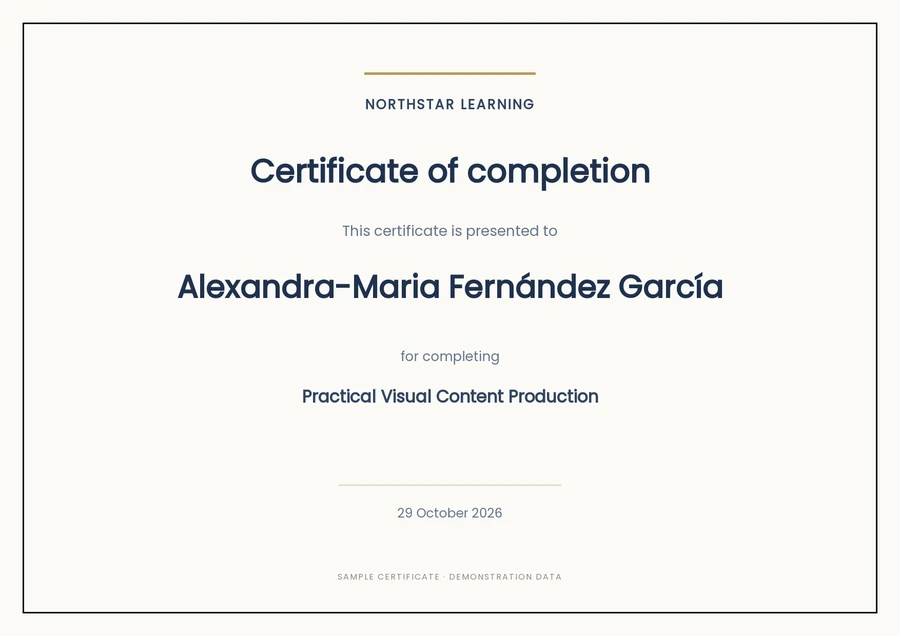
Two actual Pixelixe API outputs show a standard name and a longer accented name. All recipient and course details are demonstration data.

Export a CSV with recipient_name, course_title, issue_date and issuer_name columns. Try up to 10 rows in the browser tool, or use the downloadable backend starter with the Pixelixe APIs for your own workflow.
Yes. The browser demo can package individual raster PDF certificates in a ZIP. The Image Automation API also supports PDF output from a saved template; the downloadable samples show actual API output.
No. Create one approved layout and replace its named text fields for each row. Keep the issuer, border and other shared elements in the template.
Test the longest names before generating a full batch. The browser demo fits text within the template boxes; the backend starter reduces the recipient name size for names longer than 24 characters. Review unusual names and long course titles before sending.
The workflow generates visual PNG or PDF files. It does not issue accredited credentials, digitally sign certificates or provide an authenticity registry. Connect your own verification system if you need one.
Your backend or automation can trigger rendering after course completion and then deliver the resulting files. Pixelixe supplies the graphic generation step; your learning platform or email service handles completion rules and delivery.
The browser example is a local rendering demo with a 10-row limit and raster PDF export. API rendering runs on Pixelixe, supports reusable saved documents and follows your account plan. Fonts and text layout can differ slightly between renderers.
Explore the Pixelixe workflow that fits your production process.