Home / Reproducible experiment
Measured on 29 October 2026

100 certificate images from one CSV: a reproducible API test

One saved template, 100 fictional recipients and 100 sequential PNG renders. Inspect the measurements, download every output and repeat the experiment with your own Pixelixe account.

100 verified PNGs1754 × 1240 pixelsCSV + runner + raw measurements

What happened in this run

Verified outputs

100 / 100

Sequential API batch

279.58 seconds

Median API request

2.75 seconds

95th percentile request

3.12 seconds

The API returned successful image URLs for all 100 requests. All 100 downloaded files decoded as 1754 × 1240 PNGs, with 100 distinct SHA-256 checksums. Downloads took a further 49.78 seconds and are excluded from the API batch time.

These are observations from one run, not a performance guarantee. Setup, manual preparation and human visual checks are excluded. No manual-time or financial savings were measured.

The method and its limits

One fixed design, 100 data rows

A saved certificate template with a Poppins font, a decorative frame and named text layers. The UTF-8 CSV changes recipient_name, course_title, issue_date and issuer_name. Names include accents, a long recipient and escaped quotation marks. All recipients and the issuer are fictional.

Sequential requests, separate downloads

The runner calls the Image Automation API with format=json, image_type=png, one request at a time and no retries. API latency is curl time_total: it includes network and API response time. The batch clock stops before the PNG downloads begin. The 95th percentile uses the nearest-rank method.
Template creation was completed before this timed run. The runner checks PNG signatures and dimensions, and every downloaded file was then fully decoded for this published experiment. Three representative outputs were visually checked. The client, network conditions, template complexity and service load can change the results; this is not a capacity or concurrency test.

Inspect real outputs from the test

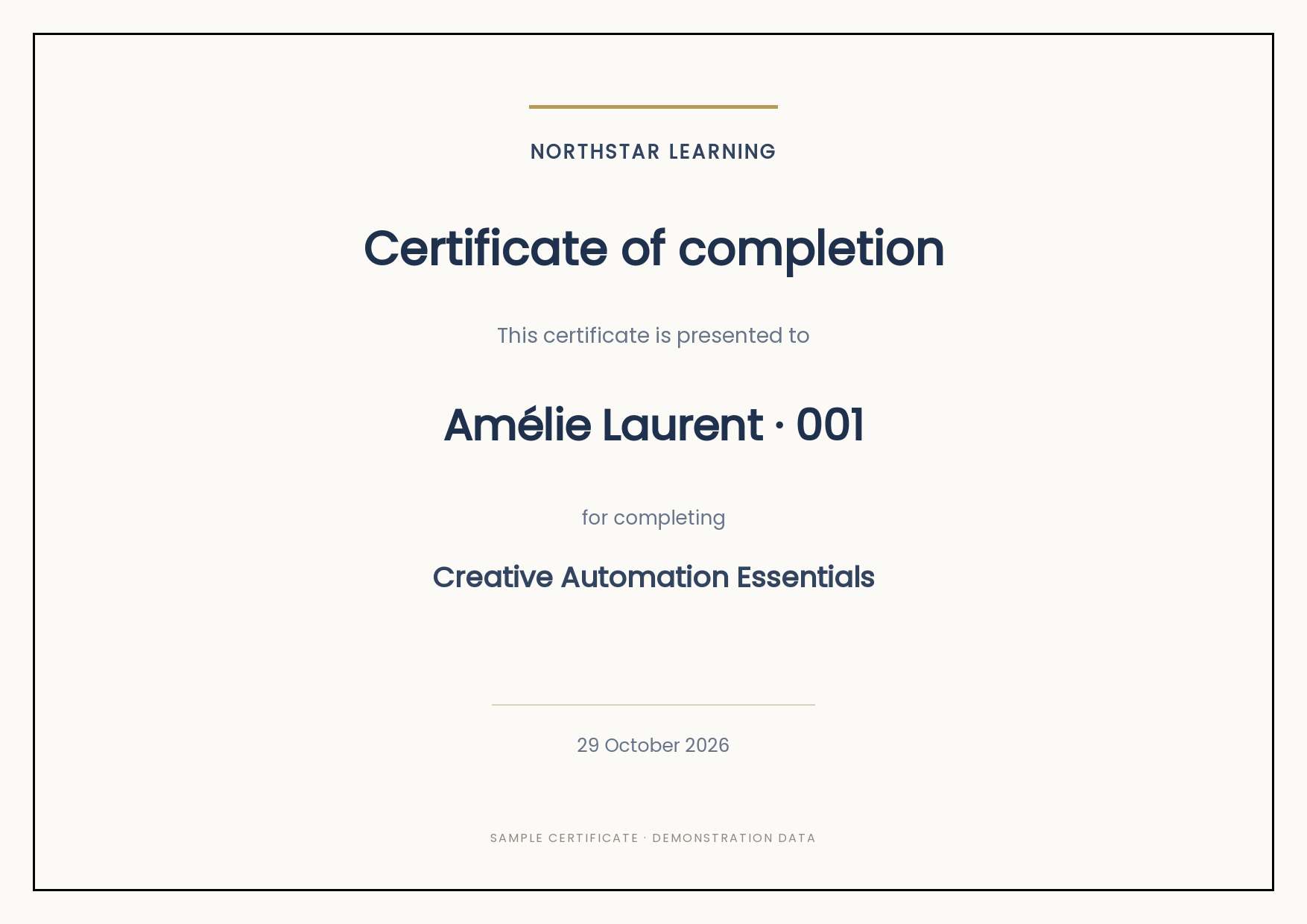
Accented recipient name

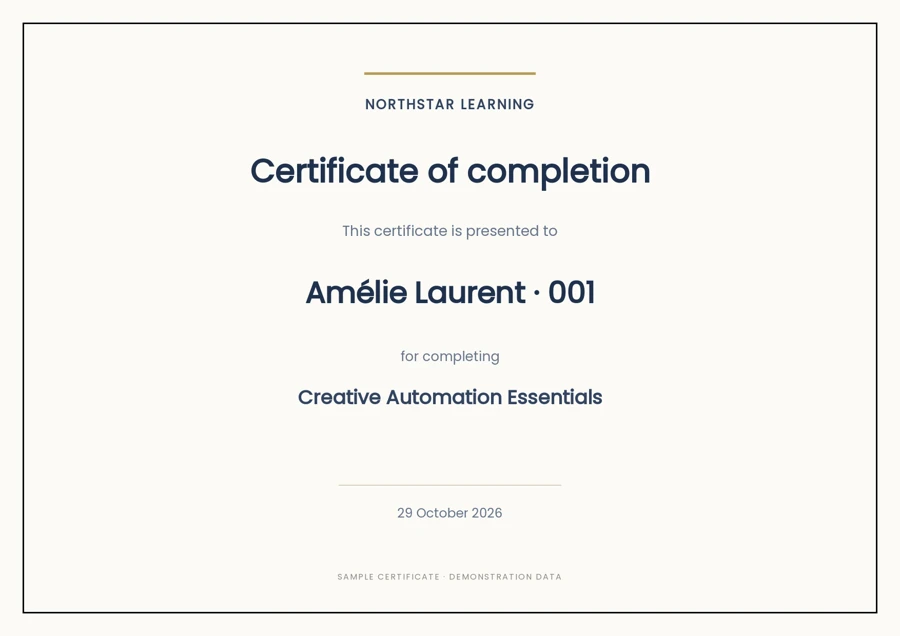
Sample certificate from measured run: Amélie Laurent · 001
Row 1 · Amélie Laurent · 001

Inspect original PNG

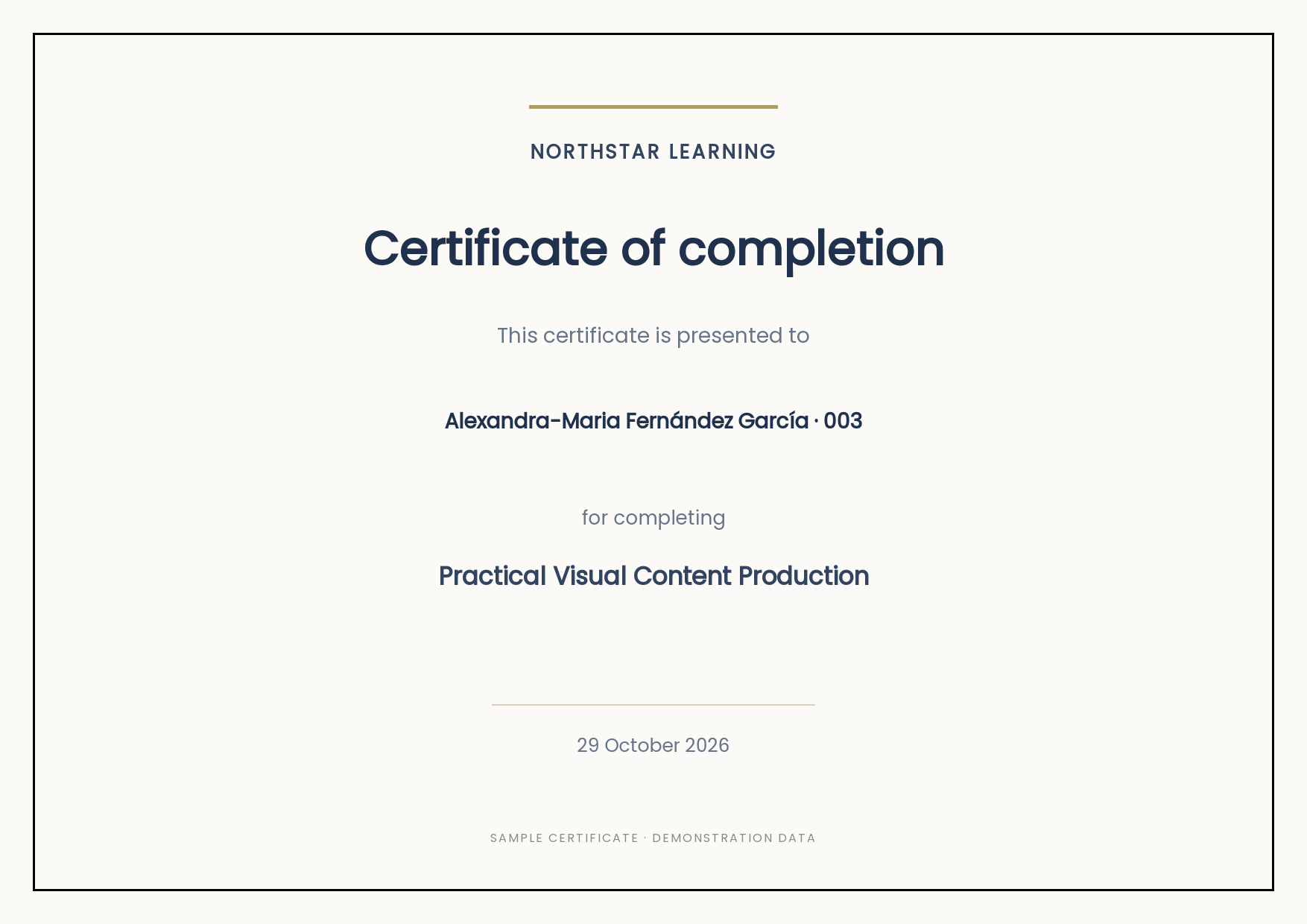
Long recipient name

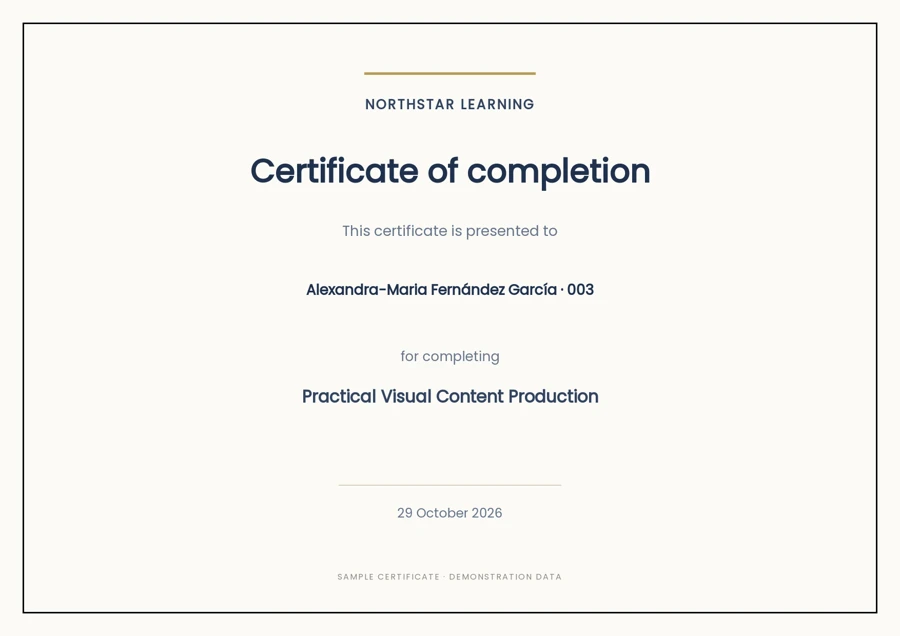
Sample certificate from measured run: Alexandra-Maria Fernández García · 003
Row 3 · Alexandra-Maria Fernández García · 003

Inspect original PNG

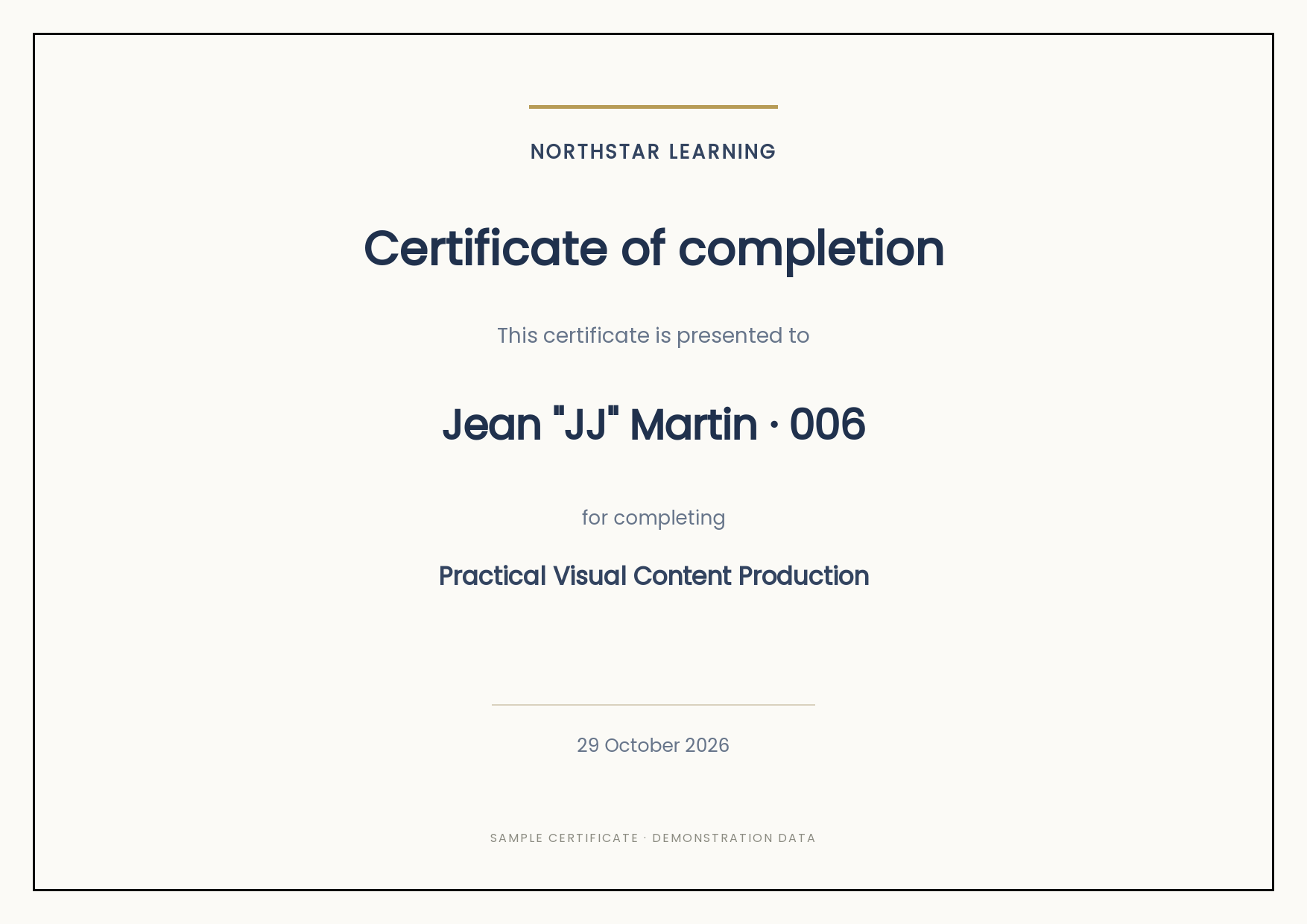
Quoted recipient name

Sample certificate from measured run: Jean "JJ" Martin · 006
Row 6 · Jean "JJ" Martin · 006

Inspect original PNG

Check the row-level measurements

First 10 rows; all 100 measurements are downloadable below.
CSV rowFictional recipientAPI requestDecoded PNG
1Amélie Laurent · 0013.555 s1754 × 1240
2Samir Rao · 0023.114 s1754 × 1240
3Alexandra-Maria Fernández García · 0032.970 s1754 × 1240
4Łukasz Nowak · 0043.104 s1754 × 1240
5Zoë Müller · 0052.764 s1754 × 1240
6Jean "JJ" Martin · 0062.814 s1754 × 1240
7Márton Varga · 0073.222 s1754 × 1240
8Søren Hansen · 0082.897 s1754 × 1240
9Chloé Bernard · 0092.810 s1754 × 1240
10Ana María Silva · 0102.673 s1754 × 1240

Download all measurements: CSV · JSON

Download the files and reproduce the run

Repeat the experiment

Download the Python runner, the 100-row CSV and the portable source design. Create the template once in your own account, keep your key in PIXELIXE_API_KEY, and run sequentially. Python 3.9+ and curl are required. Rendering uses the allowance and limits of your plan.

Download the runner · Input CSV · Source template

Inspect all 100 images

The ZIP includes every PNG from this run, the input rows, the measurements, the source template and the runner. No account key or returned account storage URL is included.

Download the complete result ZIP

# Create your own template first; keep the API key in your environment.
python3 run-benchmark.py --csv certificate-100.csv \
  --document-uid YOUR_CERTIFICATE_DOCUMENT_UID \
  --count 100 --output my-certificate-run

The API key is sent only to studio.pixelixe.com in an HTTPS Authorization header. Returned storage URLs are used in memory for downloading and are omitted from the public report. See the Image Automation API documentation for account setup.

Use the result in your own workflow

Certificate generation

Inspect the starter design and test a few recipient rows before running a larger batch.

Open the certificate tool

Automate with n8n

Start from the tested CSV workflow and connect your own credentials, template and data source.

n8n starter

Estimate your own economics

Use your actual preparation, review and maintenance time when calculating payback. This timing experiment does not establish manual savings.

Open the ROI calculator