Keep an editable design to refine
Review wording, image placement and brand treatment in the editor before choosing the reusable version.
Explore editable layouts →
Use a creative direction as a starting point, then approve a layout before producing data-driven variants.
Review wording, image placement and brand treatment in the editor before choosing the reusable version.
Explore editable layouts →The dynamic-banner workflow explains how a saved template and named element modifications fit together.
See the template workflow →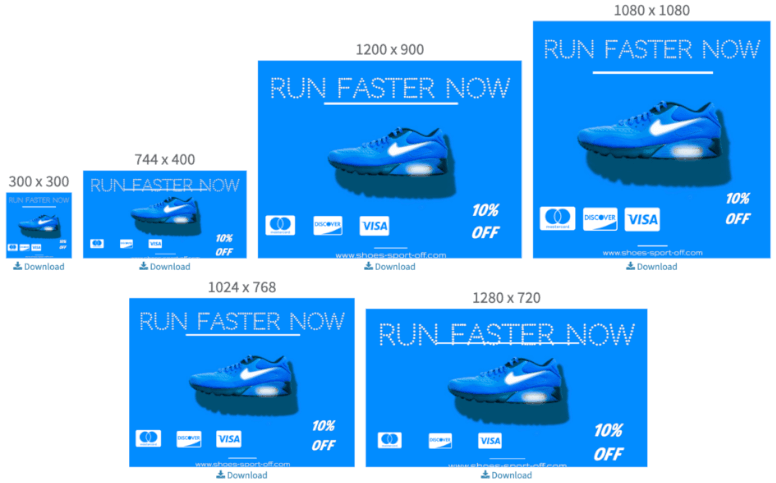
Replace repetitive resizing, copy edits, price updates, and catalog swaps with one reusable template workflow that keeps every banner aligned with your brand rules.
For teams running high campaign velocity, the result is practical: more banner output, fewer production delays, and more time spent on testing and strategy instead of recreating the same layout.
Banner demand keeps growing across ad formats, ecommerce placements, lifecycle campaigns, and regional launches. Pixelixe gives teams a practical banner automation layer: start the concept with AI, edit it in Studio, then generate the right variant at the right time without rebuilding assets manually.
This becomes especially valuable when one campaign must exist in multiple sizes, languages, currencies, and offer versions. Manual banner production gets expensive fast, while a template-based workflow scales cleanly.
Launch promotions, product updates, price changes, and new copy angles without waiting on repetitive design tasks.
Keep layout, typography, product positioning, and CTA hierarchy aligned across every generated banner size and channel.
Refresh banner creatives for audiences, offers, markets, and lifecycle stages without adding the same amount of manual work.
The strongest fit is with teams that handle recurring banner operations: paid media refreshes, product launches, regional promotions, lifecycle sends, merchandising updates, and testing programs that all need the same brand logic applied again and again.
Generate the first banner direction faster with AI Designer, then keep the winning option editable in Pixelixe Studio.
Update products, prices, headlines, offer text, images, and localized content from spreadsheets, feeds, or your backend.
Produce reusable banner outputs for every size, placement, audience, and market through automation workflows or the API.
Pixelixe helps teams start banner concepts with AI, edit reusable templates in Studio, and automate banner variants for recurring campaigns.
The strongest fit is performance marketing teams, ecommerce teams, CRM teams, marketplaces, agencies, and creative ops groups that ship banners every week.
AI helps teams find the first direction faster. Pixelixe Studio and banner automation turn that direction into reusable layouts for every channel, offer, and market.
Pixelixe is used by marketers, ecommerce teams, lifecycle teams, and agencies to generate banner ideas with AI, edit reusable templates, and automate banner images across campaigns. Review pricing, explore the Image Generation API, go deeper into dynamic banner generation, or see the white-label editor if you also want embedded editing.
See how teams scale recurring campaign assets across ads, email, social, and lifecycle programs.
Extend banner systems into newsletter headers, lifecycle email visuals, and segmented email offers.
Generate banner families from one saved template with structured data and backend workflows.
Turn campaign rows, product feeds, and localization tables into fresh banner variations without code.
Use reusable client templates to generate recurring ads, social banners, local campaign visuals, and approval-ready creative variants.
Turn local offers, events, seasonal campaigns, and review cards into reusable banner systems for local and franchise marketing.
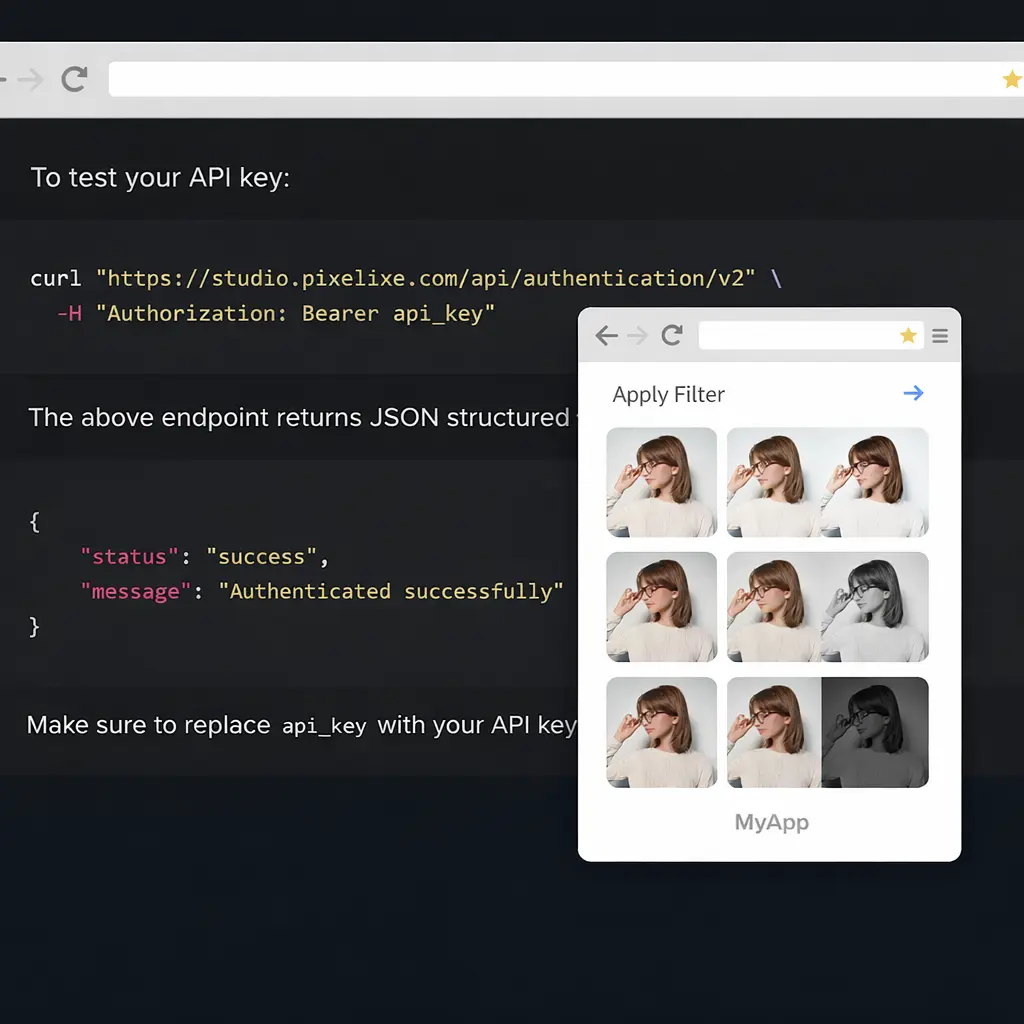
Render reusable banner variants from code, structured payloads, and connected campaign systems.
Start with a better banner direction, keep the winning layout editable in Studio, and let Pixelixe generate the variants your channels require. Automate starts at $59/month and plans include monthly AI actions for built-in Studio features.