Common AI banner generator use cases


AI banner generator use cases

Paid media refreshes when you need new offers, new copy angles or fresh product combinations every week.

Ecommerce merchandising for product launches, discount waves, best-seller highlights and seasonal storefront campaigns.

Localization when one global campaign needs market-specific prices, languages, currencies and cultural adaptation.

Lifecycle marketing for newsletters, win-back campaigns and promotional flows that depend on dynamic content.

Creative testing when teams want more variants for A/B testing without multiplying manual design overhead.

These recurring scenarios are exactly where automation improves marketing operations: the team responds faster, publishes more often, and still keeps creative quality under control.

See automation from spreadsheet ...

Replace repetitive banner resizing, copy updates and catalog refreshes with one automation workflow that keeps every asset aligned with your brand system.


For teams managing high campaign velocity, the outcome is measurable: more banner output, fewer production delays, and more time spent on testing and strategy instead of resizing files.


Why teams adopt an AI banner generator


Banner demand keeps growing across channels, audiences and product lines. Pixelixe gives teams a practical automation layer: design once, connect data, then generate the right banner variation at the right time without rebuilding assets manually.

This becomes especially valuable when one campaign must exist in multiple formats, multiple languages, and multiple offer versions. The cost of manual production rises fast, while a template-based automation workflow scales cleanly.


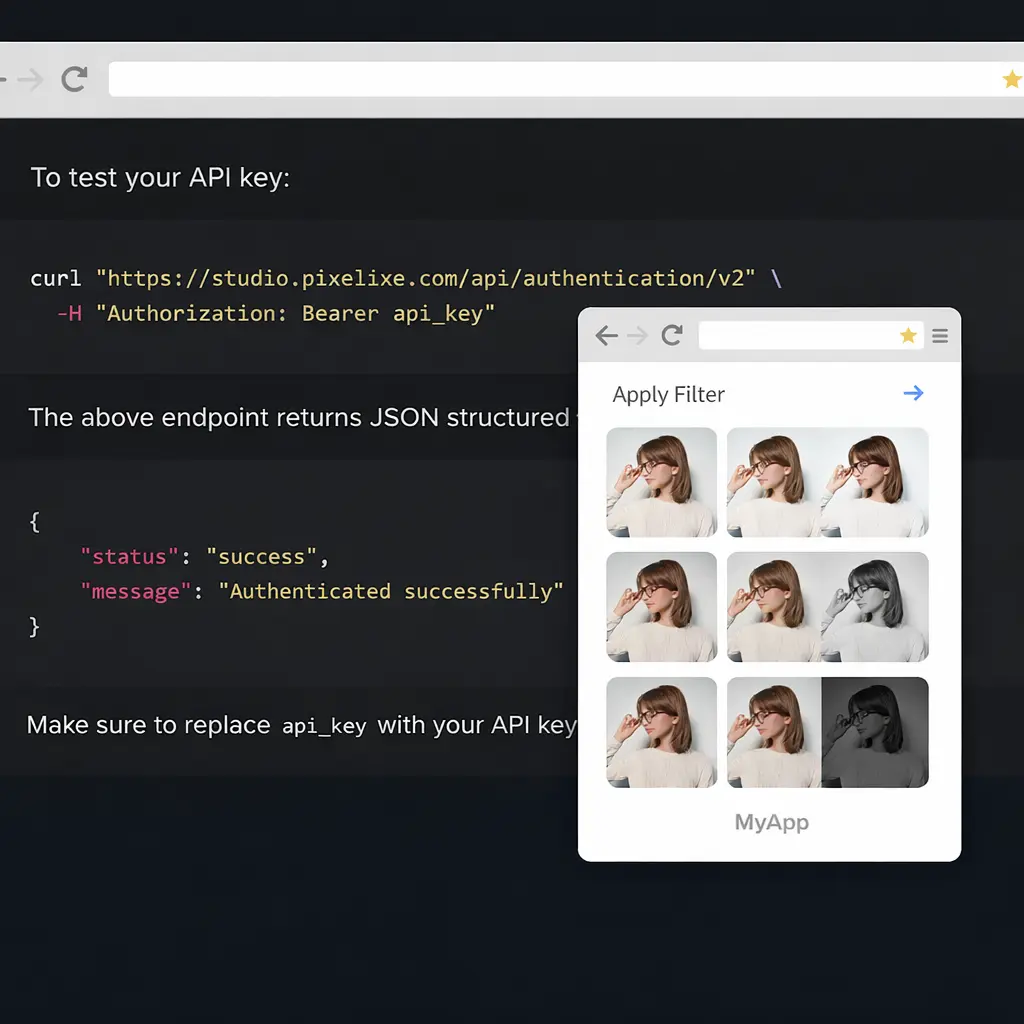
Pixelixe image automation dashboard
PIXELIXE Image Automation API

From one campaign idea to every banner format

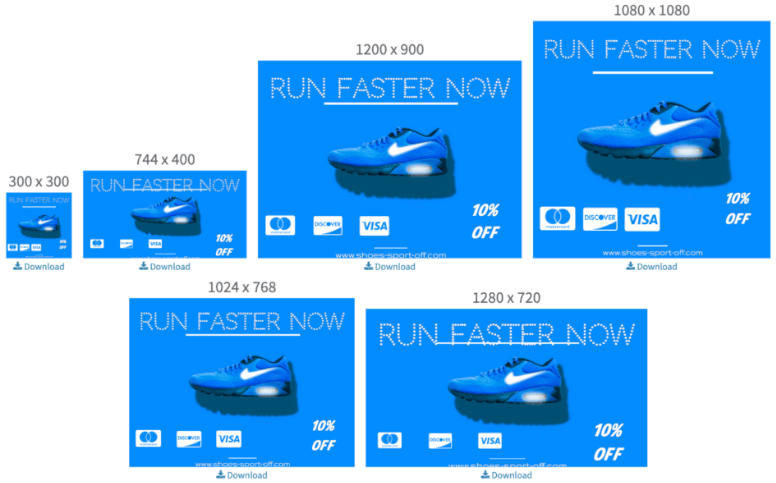
Create a master creative once, then let Pixelixe update texts, images, prices, colors or offers across all the banner versions your team needs. It is a strong fit for seasonal pushes, product launches, retargeting and always-on acquisition campaigns.

Instead of requesting dozens of manual exports, your team can generate approved banner families on demand and keep creative output moving at the speed of the campaign calendar.

See how image automation works ...

What you gain with Pixelixe


Faster launches, better consistency, less production friction.


Faster campaign execution

Launch promotions, price changes and new product pushes without waiting on repetitive design production.

Stronger brand consistency

Keep layouts, typography, product positioning and CTA structure aligned across every generated banner.

Continuous personalization

Refresh creatives for audiences, markets, catalogs and lifecycle stages with data-driven banner variations.


Built for the teams who ship creative every week


The strongest fit is with teams that handle recurring creative operations: product updates, regional variations, paid media refreshes, promotional calendars, and campaign launches that all need the same brand logic applied again and again.

Marketers

Generate banner variants for acquisition, retargeting, paid social and CRM campaigns without restarting production each time the offer changes.

Ecommerce teams

Promote product catalogs, flash sales, bundles and seasonal offers with banners connected to pricing, products and stock-driven messaging.

Creative teams

Protect visual quality by turning approved designs into reusable templates instead of asking designers to manually resize dozens of banners.

Marketplaces & retail

Create banners per category, country, store or event with a standardized system that still feels tailored to the end customer.

Email & lifecycle teams

Produce on-brand hero visuals for newsletters, reactivation sequences and promotional sends without slowing the campaign pipeline.

Agencies

Scale banner delivery across multiple clients while keeping versioning, formats and brand control far easier to manage.

How Pixelixe fits your workflow


One template system, many campaign outputs.


1

Design once

Build a reusable banner template in Pixelixe Studio with the layout, brand rules and CTA structure your team approves.

2

Connect campaign data

Update products, prices, headlines, images, languages or offers from spreadsheets, feeds or your own backend.

3

Generate at scale

Produce banner variations for every placement and audience with the Image Automation API, whenever the campaign changes.


View Image Automation API

Questions teams ask before automating


Enough detail to understand the value, without turning this page into product documentation.


Will automation reduce creative quality?

No. Pixelixe starts from approved templates, so automation protects design consistency instead of improvising layouts from scratch.

Can non-developers still use it?

Yes. Teams can automate from the Pixelixe platform, from spreadsheets, or through the API depending on the workflow they want.

What changes can we automate?

Texts, product images, prices, offers, colors and other visual elements can be updated to generate new banner versions quickly.

Where do we find the technical details?

This page is the use-case overview. Full API endpoints and implementation details live in the Pixelixe documentation.


Ready to automate banner production?

Start with one approved template, connect your campaign data, and let Pixelixe generate the banner variations your channels require.


Start a 10-day trial
See pricing