


Keep the text and assets constant
Compare the same title length, logo, image and output dimensions across the tools you evaluate. The files here are local design references.
Inspect the template-based approach →Open Graph image generation is a high-value SEO and conversion workflow because every route, article, changelog, product page, and programmatic landing page needs a trustworthy social preview.
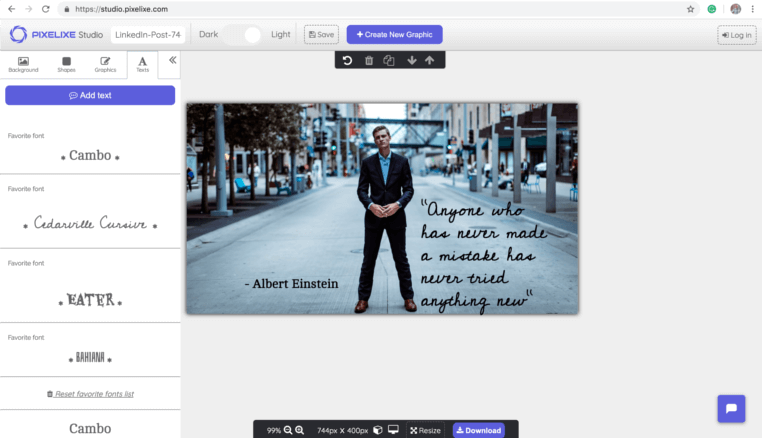
Create reusable social card templates for routes, CMS records, docs, changelogs, and programmatic pages.
Use a reference card and a variant with accented text to make the visual comparison concrete.

A local visual reference for comparing layout and text rendering.
Download example
A second reference uses accented characters in the headline.
Download exampleCompare the same title length, logo, image and output dimensions across the tools you evaluate. The files here are local design references.
Inspect the template-based approach →Check font rendering, cropping and public image access. Verify each vendor’s current limits before selecting a workflow.
Compare a new-layout workflow →Fictional local design references, not customer results or API responses. Dimensions illustrate these files, not universal platform requirements. Confirm the intended placement before publishing.
Evaluate each option by ownership model, not only by whether it can output a 1200x630 image.
| Option | Best fit | Watch for |
|---|---|---|
| Pixelixe | Branded OG image templates, editable social cards, CMS workflows, Next.js metadata, and API rendering. | Best when non-developers need template control or review. |
| Vercel OG / Satori | Code-first OG images in React-like rendering pipelines. | Best when developers own the visual system and deployment path. |
| Bannerbear | API-driven social image generation from templates. | Evaluate template operations and fit for your publishing workflow. |
| Placid | Creative automation for social cards and multi-channel campaign assets. | Evaluate breadth versus the specific OG image workflow you need. |
| Cloudinary transformations | Dynamic transformations and delivery for images at scale. | Best when media infrastructure matters more than editable template production. |
These use cases drive qualified traffic because they connect organic discovery, social sharing, and production scale.
Generate og:image cards when new docs, app routes, landing pages, or content records are published.
Create social previews for thousands of location, format, template, or vertical pages from one design system.
Publish consistent launch cards for product updates, feature releases, and roadmap announcements.
Render market-specific titles, badges, and imagery while preserving one approved template layout.
The best Open Graph image generator depends on who owns the card design. If developers own the entire visual layer, a code-first renderer may be enough. If marketing, docs, product, and SEO teams need consistent previews across many routes, Pixelixe provides the editable template and API path.
Use Pixelixe for branded, editable, template-based OG images across routes and content systems.
Use Vercel OG or Satori-style code rendering when the design system is fully developer-owned.
Use a media platform when image delivery and transformations are the core requirement.
A production OG image workflow should be predictable enough for developers and editable enough for marketing teams.
Create one reusable 1200x630 template with named layers.
Connect route fields such as title, category, cover, author, locale, and CTA.
Generate the image during publish, build, queue, or backend route execution.
Store the returned image URL and expose it through Open Graph and Twitter/X metadata.
Use these connected pages to validate the buying path, implementation path, and Pixelixe workflow fit.
This page uses public product positioning and practical implementation criteria. Validate final vendor fit against current official documentation before procurement.
It is a tool or API that creates the image referenced by og:image metadata for web pages, social sharing, and messaging previews.
Yes. Pixelixe can render branded social card templates from route data and return image URLs for Next.js metadata workflows.
Use code when developers own the design. Use a template API when brand, marketing, editorial, or SEO teams need to control the card system.
The best review is not a generic demo. Use one real template, one real data source, and one real publishing path to decide whether Pixelixe should own this visual automation workflow.