Why ChatGPT + Pixelixe


Move from prompt handling to reusable creative execution.


Prompt understanding

ChatGPT can turn user requests into a clear creative brief, clarify constraints, and prepare the right next step for the workflow.

Workflow-ready execution

Pixelixe gives ChatGPT a clear creative workflow instead of forcing teams to improvise final production assets from generic image generation.

Reusable outcomes

The output can be saved, edited, reviewed, and turned into template-based variants that fit operational teams and product workflows.


What ChatGPT can automate with Pixelixe

This pairing works best when a conversation needs to become a reusable creative workflow.


Prompt to design brief

Turn an open-ended request into content, format requirements, and brand instructions ready for Pixelixe.

Internal tool output

Generate on-brand assets for sales enablement, product launches, support workflows, or internal marketing operations.

Template-aware production

Reuse approved layouts and design sets instead of creating every asset from scratch, which keeps output more predictable.

Variant orchestration

Produce localized, segmented, or channel-specific variants once the base layout is approved and ready for reuse.

Workflow pattern


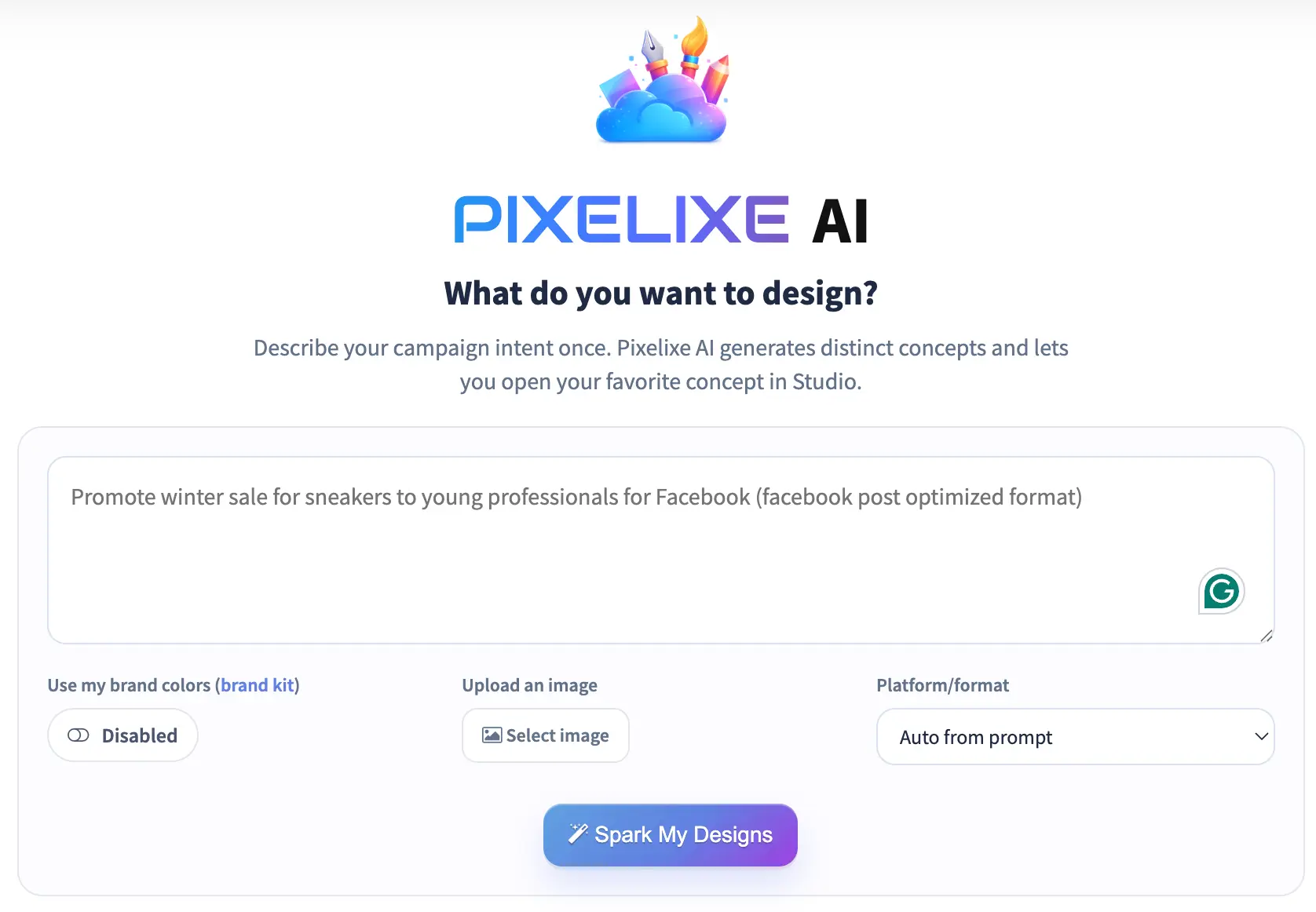
ChatGPT gathers intent. Pixelixe turns the request into controlled visual output.


1

User prompt

A user or system request arrives with campaign context, product details, or channel goals.

2

Workflow selection

ChatGPT decides whether to start from a new design, reuse an approved template, or create a new variant for the campaign.

3

Pixelixe render

Pixelixe returns editable output, saveable Studio documents, or approved-template results that fit the requested workflow.

4

Production handoff

The result moves into review, delivery, or automation rather than staying trapped inside a one-off conversational artifact.


Great for apps and internal tools

ChatGPT is often embedded inside an internal assistant or product workflow. Pixelixe gives that workflow a production-grade graphic layer instead of forcing a manual handoff after the conversation ends.

  • Internal copilots can create repeatable branded assets for non-design teams.
  • Apps can move from prompt UX to reusable creative output with clearer controls.
  • Operations teams can store and reuse approved output instead of restarting from zero.
  • Marketing teams can keep the same templates, Brand Kit inputs, and review process.

Reusable outputs beat random generation

Prompt-only image generation:
- hard to reuse
- hard to edit
- hard to operationalize

ChatGPT + Pixelixe:
- clear design brief
- editable result
- reusable template
- scalable variants

Brand-safe outputs

Pixelixe gives ChatGPT a clearer target for visual production: templates, Brand Kit inputs, and output modes that teams can operationalize.


Brand rules stay explicit

Colors, logos, and reusable assets can be applied through reusable brand logic instead of being re-described from scratch in every prompt.

Humans can still review

Editable output gives a marketer or designer a real review surface before the workflow turns into production-scale automation.

Templates remain reusable

Once approved, the same layout system can support more prompts, feeds, or downstream production requests without design drift.

Popular use cases


Strong fit when conversational UX needs to produce reusable assets instead of static one-offs.


Internal marketing assistants

Let non-design teams ask for creative support inside a conversational interface without losing template and review controls.

App-generated campaign visuals

Connect a product UI or workflow assistant to branded asset generation that can still be edited and reused later.

Support and sales enablement

Create fast, editable visuals for launches, onboarding, promo packs, or internal communications without manual rebuild work.

Content repurposing

Turn one article, product update, or campaign announcement into multiple reusable social and lifecycle graphic variants.


Compare other integrations

ChatGPT is one route into the same Pixelixe creative layer. Compare the other surfaces when your workflow starts from planning, orchestration, or broader connector evaluation.


MCP server overview

Use the main MCP landing to evaluate Pixelixe as the on-brand design layer for agents, templates, and automation.

MCP server for on-brand graphic generation

Claude + Pixelixe

Use the Claude page when the workflow leans more on reasoning, planning, and approval before the design is rendered.

Claude + Pixelixe

n8n + Pixelixe

Use the n8n page when the workflow is driven by triggers, sheets, CRM events, approvals, and downstream delivery automation.

n8n + Pixelixe

Frequently asked questions

How is Pixelixe different from asking ChatGPT for a single image?

Pixelixe focuses on reusable creative production. Instead of returning a flat one-off image, it helps ChatGPT produce editable outputs, reusable templates, and scalable brand-safe variants.

Is this useful for internal tools and app workflows?

Yes. Pixelixe fits well when ChatGPT is embedded in an app, internal assistant, or operational workflow that needs predictable branded graphic output.

Can ChatGPT use Pixelixe for both new designs and template variants?

Yes. ChatGPT can use Pixelixe to create a new editable design or to generate more variants from reusable templates and design sets.

Where should teams look for ChatGPT setup details?

Use the dedicated Pixelixe help-center guide for ChatGPT setup details, or the MCP setup hub if your team is still comparing platforms.


Turn ChatGPT prompts into reusable creative production

Use Pixelixe when conversational workflows need more than an image response. Editable outputs, Brand Kit logic, template reuse, and automation-ready variants make the result operational.


Open ChatGPT guide
All setup guides