Creating posters is one of the best ways to advertise an event, product, or service, whether you use them as part of your online advertising campaign or as printed promotional materials. A good poster design quickly catches people’s eyes and effectively passes on the information you need to share.
Most of today’s online platforms make it easy to design posters using pre-designed templates, drag-and-drop editors, and even AI-powered tools. Below is a review of three online platforms that help people easily and quickly create posters.
What to Look for in a Poster Design Tool
A good poster design platform needs to be both creative and efficient. Many users prefer a lot of pre-made templates, easy-to-use design tools, and access to quality graphics to help them create visually appealing posters fast.
Users who are creating business materials will also want their design platform to include automated design elements, branding features, and multiple ways to export their designs so they look the same on multiple platforms.
Poster Creation Has Shifted From One-Off Editing to Reusable Visual Systems
For individuals, a poster maker is often just a fast way to design one layout. For marketing teams, agencies, retailers, and event organizers, the need is usually much broader. They often need one approved visual direction that can be adapted across print, web, email, social promotion, and localized campaign variants without rebuilding the design from scratch every time.
That is why poster design tools are increasingly judged not only by the number of templates they offer, but by whether they support reusable layouts, consistent branding, flexible exports, and efficient adaptation across formats. A platform such as Pixelixe is especially relevant in that context because it is built around reusable branded asset production rather than isolated one-off files. Teams can create the first poster layout in Pixelixe Studio, keep logos, colors, fonts, and reusable rules aligned with Brand Kit, and then continue using that same design logic across future campaigns.
This becomes particularly useful when the same poster concept must also exist as a print-ready handout, a PDF layout, a digital promo asset, or a resized campaign visual for another channel. In practice, the most valuable poster workflow is often the one that makes repeatable branded production easier, not just the one that offers the biggest template gallery.
#1. Design.com
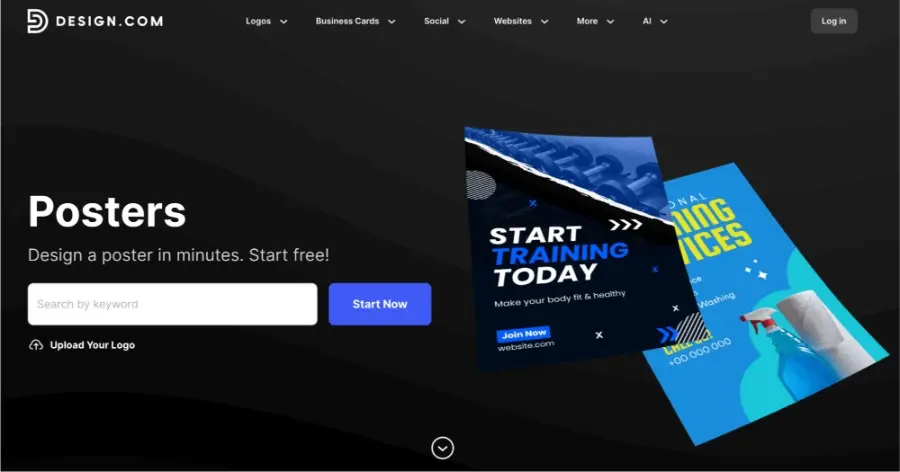
Design.com is a powerful AI design platform that makes creating professional <a href=”http://www.design.com/posters“ “sponsored” >posters quick and accessible. Instead of starting from scratch, users can generate poster layouts instantly and customize them using a large library of templates, fonts, and graphics.
The platform is especially useful for businesses, event organizers, and marketers who need visually striking posters for promotions, announcements, or campaigns.
Poster Design
AI Poster Generator- Quickly design a layout for your next campaign, promotion, or event.
Thousands of customizable templates - Thousands of pre-made templates available to customize that fit your business and marketing needs.
Flexible designs - Create both digital and printed products that will give you the same level of professionalism when used on multiple platforms.
Royalty-free poster templates - A wide range of professionally designed, royalty-free templates to use without worrying about licensing or additional costs.
AI+ expert combination - Combine AI-powered designs with expert-crafted templates for visually appealing results with minimal effort.
Free to start - Get started at no cost, with access to essential design tools and templates before upgrading to premium features.
100% free posters - a selection of poster templates on Design.com can be downloaded at absolutely no cost.
Unlimited customization - Fully customize your posters with flexible editing tools, including fonts, colors, images, and layouts to match your brand identity.
AI-Powered Designs
Design.com has evolved into much more than simply a poster maker; it is now an entire AI-powered design platform with capabilities including:
Logo Maker
Website Builder
Business Card Designer
Flyer Designer
Presentation Maker
Business Name Generator
Background Remover
File Downloads and Flexibility
There is flexibility in what formats you can download your designs as:
Vector: SVG, EPS, PDF
Raster: PNG, JPG
Animated: GIF, MP4
Branding & Additional Benefits
50+ design tools for social media, flyers, presentations, QR codes, menus, websites
Automatic brand color application
Domain registration and merchandise printing options
400,000+ logo templates; 1 million+ total design templates
750+ fonts, 525 exclusive fonts
62,000+ custom vector shapes and icons
Support and Accessibility
Email and live chat support 24/7
Access to multiple languages
Multiple currency support
Poster Samples
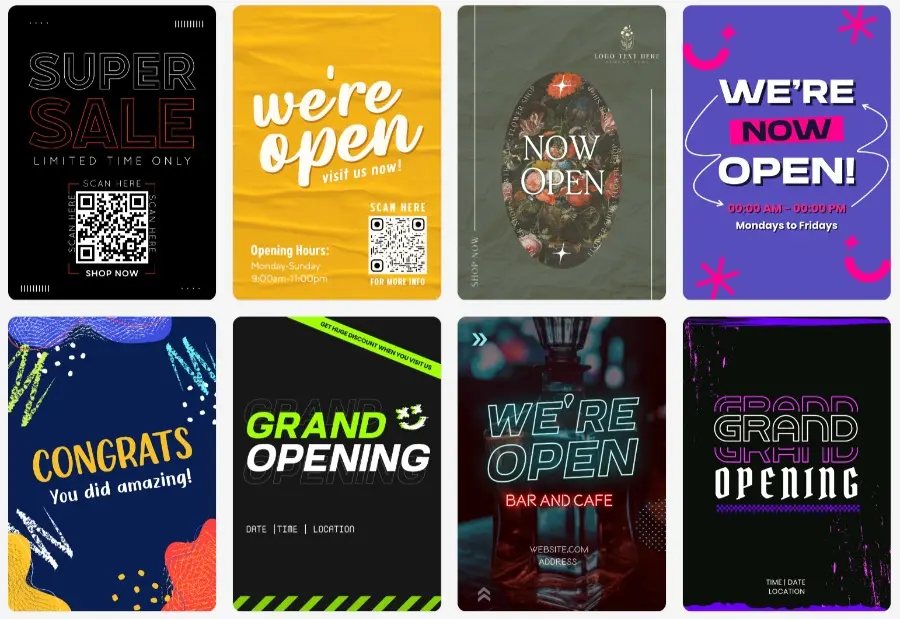
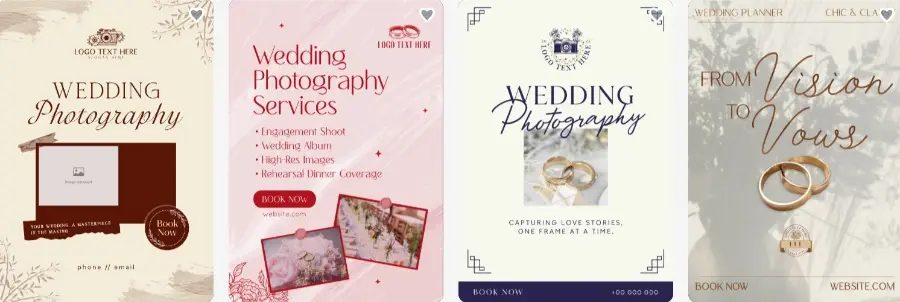
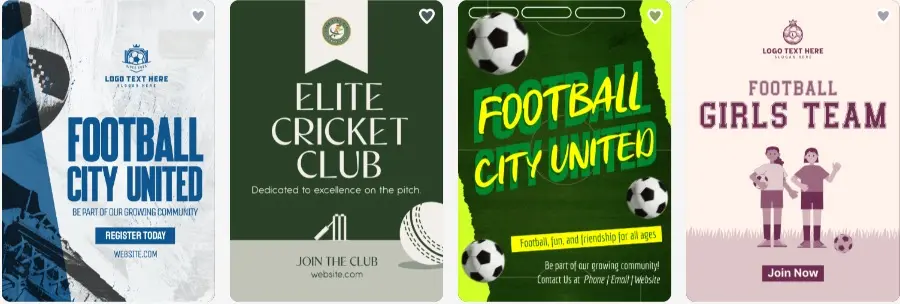
Design.com combines the most advanced AI automation capabilities with one of the largest design libraries in existence, allowing for the rapid creation of posters as well as a full and consistent visual brand identity for your business.
#2. BrandCrowd
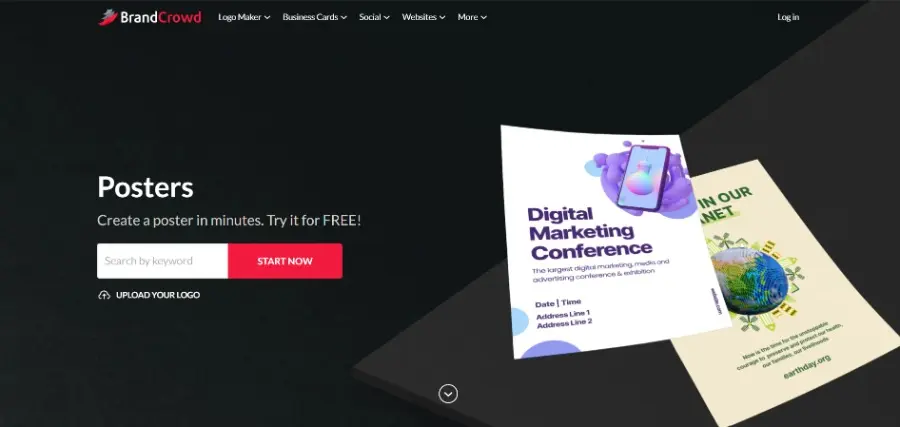
BrandCrowd is a comprehensive design platform made for creators working across all kinds of industries. It offers advanced AI features, ensures quick and unique results, with strong tools to create impressive posters.
Poster Design Tools
Template discovery system - Enter business name or keywords to instantly get relevant poster templates.
Extensive template library - Thousands of professionally crafted poster templates with a combination of AI + human touch to ensure exclusivity.
Drag-and-drop editing - Move texts, icons, customize fonts, spacing, add shapes, and more.
Ease of use - A super accessible interface to be used by anyone regardless of prior experience in design.
Brand consistency - Posters automatically inherit logo colors and brand identity.
AI-Powered Designs
Instant designs within a few seconds through AI tools.
AI-powered advanced toolset for generating business cards, logos, and more.
File Downloads and Flexibility
High-resolution file downloads: PNG, JPG for digital use, and SVG, EPS, PDF for print-ready scalability.
Files are available immediately after purchase/download and stored in your account.
Branding & Additional Benefits
50+ additional designs, including logos, email signatures, letterheads, and more.
100% commercial safety for all the designs created on BrandCrowd.
Over 380,000+ logo templates available with 1 million design templates.
Free access to a wide range of logos and additional design tools.
Support and Accessibility
Technical support on a 24/7 basis.
Multicurrency support, including over 9 global currencies.
Multiple languages available, such as Portuguese, German, and more, making the platform accessible worldwide.
Poster Samples
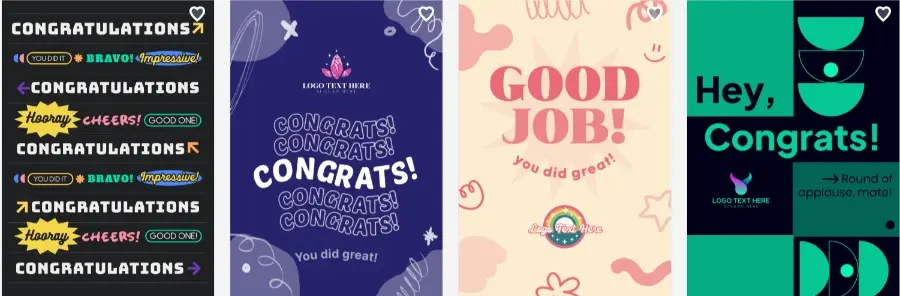
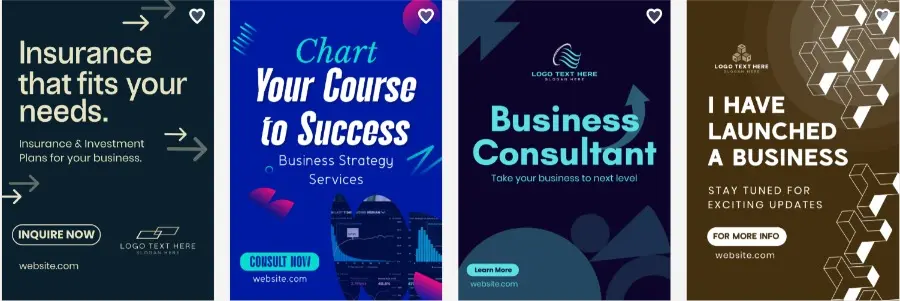
#3. PhotoADKing
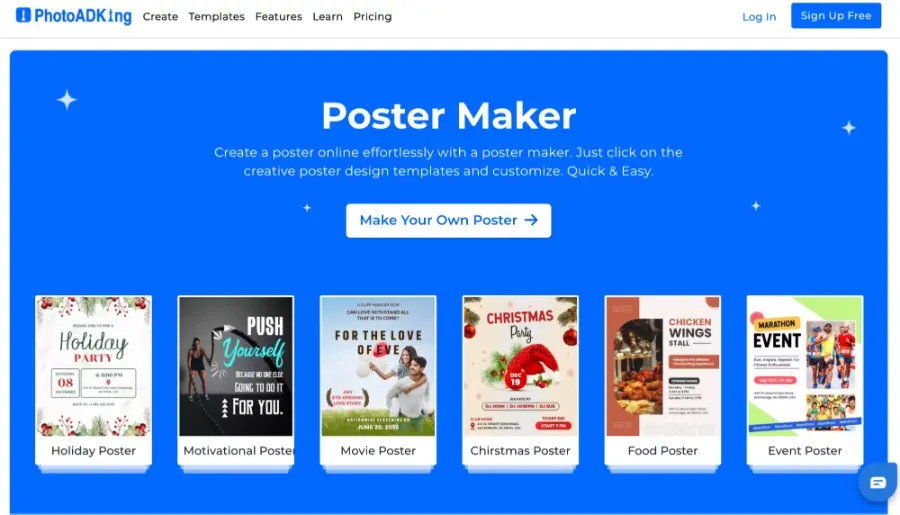
The primary focus at PhotoADKing is on designing templates for creating designs. Users are able to create designs for posters quickly by dragging and dropping objects in an easy-to-use editor that has thousands of ready-to-edit designs available.
Poster Design Tools
Thousands of ready-to-edit poster templates for events, promotions, and campaigns
Drag-and-drop editing for text, images, and layouts
Design Elements
Built-in photos, icons, and graphics
Templates for flyers, banners, and social media posts
Ease-of-Use
Beginner-friendly interface designed for fast edits
Ideal for quick poster customization without a steep learning curve
Poster Samples
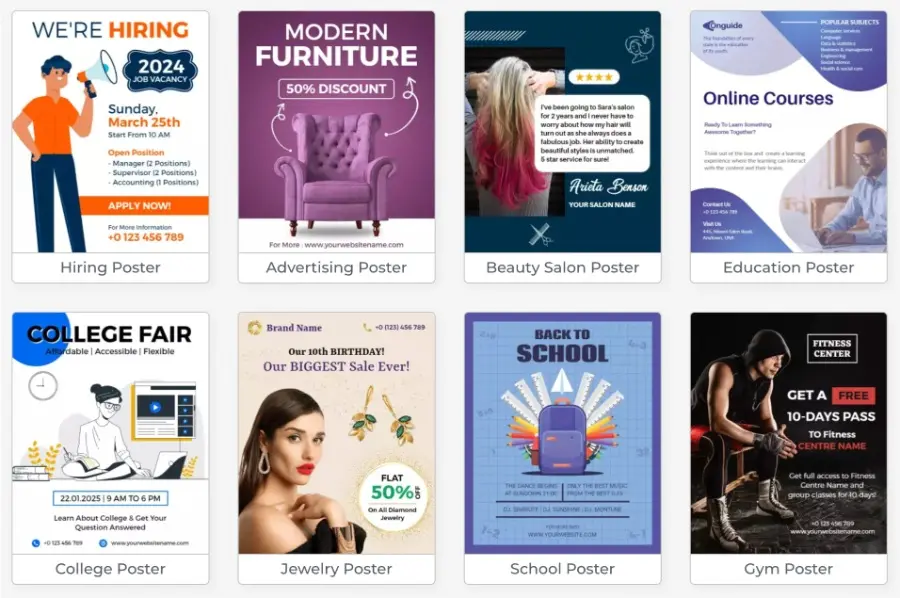
Overall, PhotoADKing is great for users looking for a quick method to customize existing poster templates with minimal time required for adjusting their designs.
4. Adobe Express
Adobe Express is a fast, intuitive poster maker built for marketers, event organizers, and small businesses who need professional-quality results with minimal effort. It combines Adobe’s design standards with a beginner-friendly interface, making it easy to create polished posters from any device without prior design experience.
Poster Design Tools
AI poster generator for creating layouts from text prompts in seconds
Extensive library of professionally designed templates for events, promotions, and campaigns
Drag-and-drop editing for fonts, colors, images, and layouts
Mobile app for designing on the go
Brand color and font consistency across all designs
AI-Powered Designs
Adobe Firefly-powered image generation for custom visuals
One-click background removal and image enhancement
Content Credentials for verifying AI-generated content authenticity
File Downloads and Flexibility
PNG and JPG for digital use
SVG and PDF for print-ready exports
High-resolution formats for large-format printing
Branding & Additional Benefits
Integration with Adobe Creative Cloud for advanced workflows
Free plan with access to core design tools and templates
Premium subscription unlocks full template library and advanced AI features
#5. Picmaker
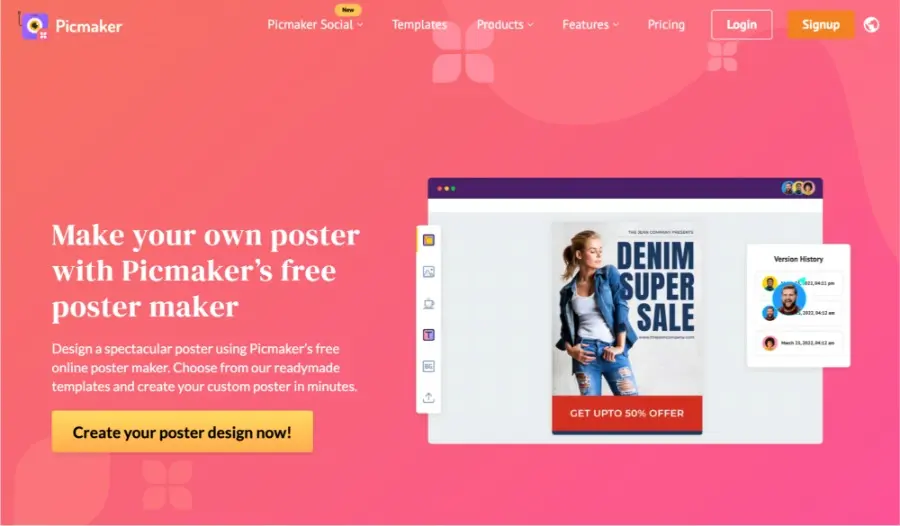
Picmaker is an AI-based design tool that helps in making a lot of graphic content for digital marketing. Although it’s often associated with creating social media graphics, you can use it to create poster-style visual content.
Design Assistance with AI
Suggests layouts and makes design adjustments based on a user’s input
Provides rapid resizing options for multiple format types
Branding Kit
Allows you to save your brand’s colors and font to ensure that you use them consistently
Available templates for social media, promotional materials, and marketing graphics
Strengths
Very efficient for creating digital marketing content.
Has limited posters compared to Design.com and PhotoADKing
Poster Samples
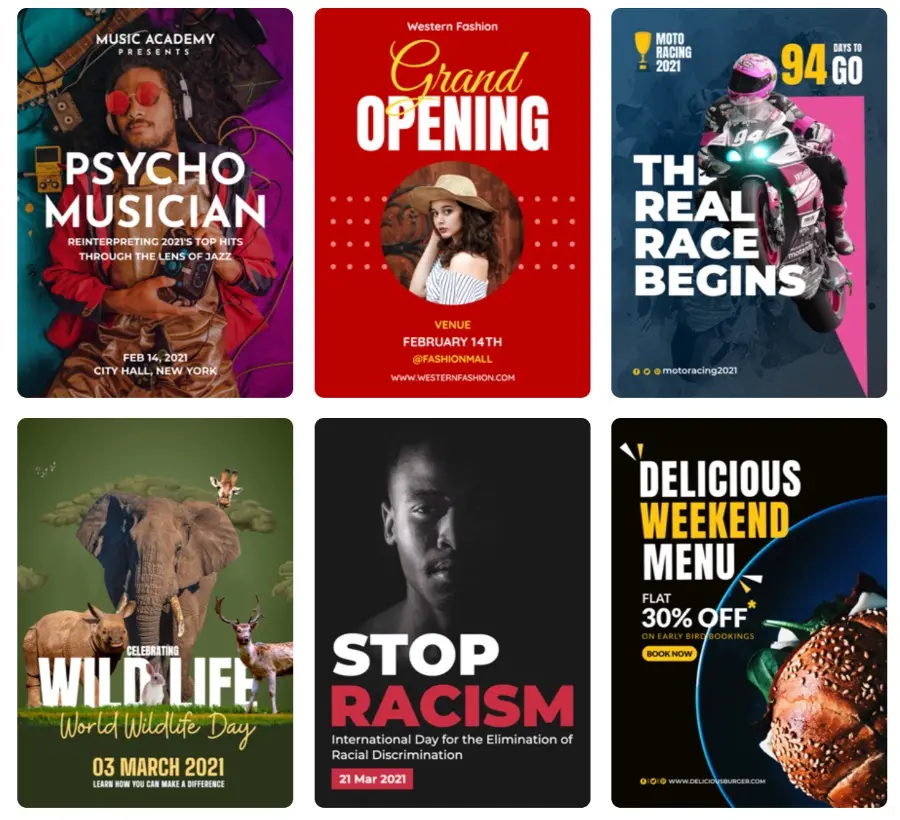
The biggest advantage of using Picmaker is its ability to assist with creating digital marketing content; however, it does have fewer template options available to create posters compared to other tools for developing your company’s branding.
Where Pixelixe Fits for Teams That Need Poster Variants at Scale
While many poster creators are designed mainly for one-off editing, Pixelixe becomes especially useful for teams that need poster-style visuals as part of a larger campaign system. An event brand may need one master design for multiple cities. A retail business may need the same poster with different product images, prices, or store locations. A franchise or multi-location company may need localized versions that stay visually consistent while adapting the message for each market.
That is where Pixelixe’s template-based workflow stands out. Teams can start with one approved design, then generate new variants through spreadsheet-driven image generation, the Image Generation API, or the JSON to Image API. Instead of rebuilding every poster manually, operators can connect the same layout to spreadsheet rows, product data, campaign inputs, or backend payloads and generate repeatable outputs much faster.
For businesses managing recurring launches, seasonal promotions, local events, or large poster batches, this kind of workflow is often more valuable than a poster editor that only helps with the first design.
Posters Now Need to Work Across Print, Localization, and Personalized Campaigns
The role of posters has expanded. A poster is no longer just something that gets printed and displayed physically. The same core visual often needs to exist as a printable PDF, an event promo, a digital campaign asset, a social graphic, an email header, or a localized market variation.
That shift makes connected production workflows much more important. Pixelixe supports print-oriented workflows through its online print design tool, reusable layout creation in Pixelixe Studio, and variable-based visual generation through the Image Personalization API when audience fields, locale, offer details, or segment-specific messaging need to change.
For marketing teams, agencies, marketplaces, and SaaS products, that makes poster creation part of a scalable visual system instead of a disconnected design task. The design still starts with one strong creative direction, but the workflow becomes much better suited to the way modern campaigns actually operate.
Why Poster Workflows Matter for Discoverability Too
Poster-style visuals increasingly support more than print campaigns. They are also used on event pages, landing pages, email programs, local campaigns, and promotional assets shared across digital channels. That means they now play a role not only in design execution, but also in how campaigns are distributed, localized, and understood across the web.
For that reason, the strongest poster workflow is usually the one that connects visual consistency with reusable structure. When layouts can be adapted cleanly across markets, formats, offers, and campaign contexts, teams are better positioned to keep their visual communication aligned with the rest of their marketing system. This is one reason Pixelixe fits well for businesses that need more than a poster editor alone: it helps turn a poster concept into a repeatable branded asset workflow that can support print, digital promotion, and campaign scaling together.
Final Review
Each of the platforms reviewed provides useful tooling for creating a poster, yet each has slightly differing needs for its design capabilities.
PhotoADKing allows you to customize your templates very simply, while Picmaker creates marketing graphics with the assistance of artificial intelligence. Design.com is the most complete design environment of the three reviewed options, which include artificial intelligence, a large library of pre-made templates, and built-in tools for branding.
Therefore, Design.com would be rated highest in this review if you are creating professional-quality posters and want to manage all other aspects of your marketing and branding.”
