01
Collect approved source text
Prepare the quote, reviewer attribution, brand name and rating. Use feedback you have permission to publish and retain the original source.
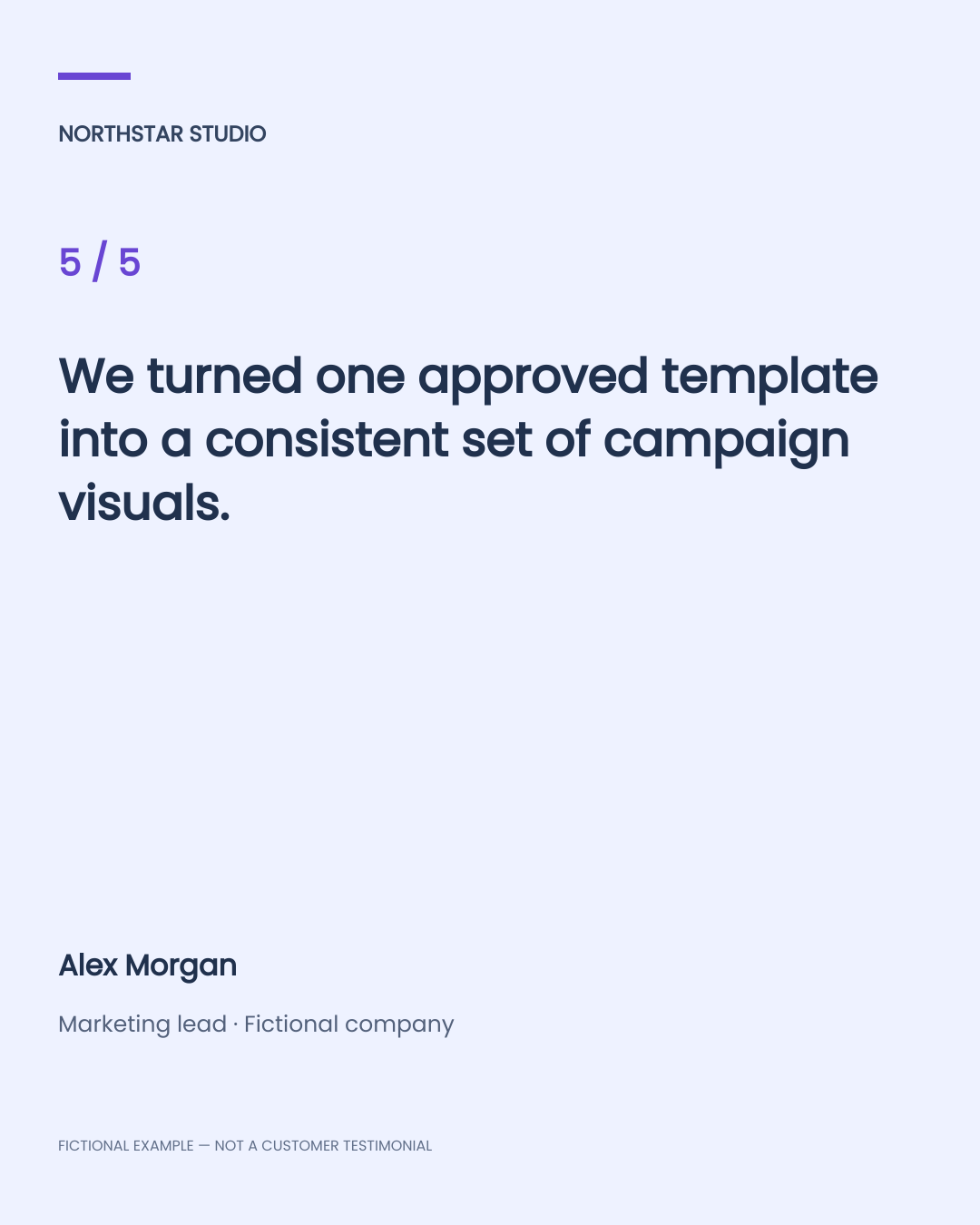
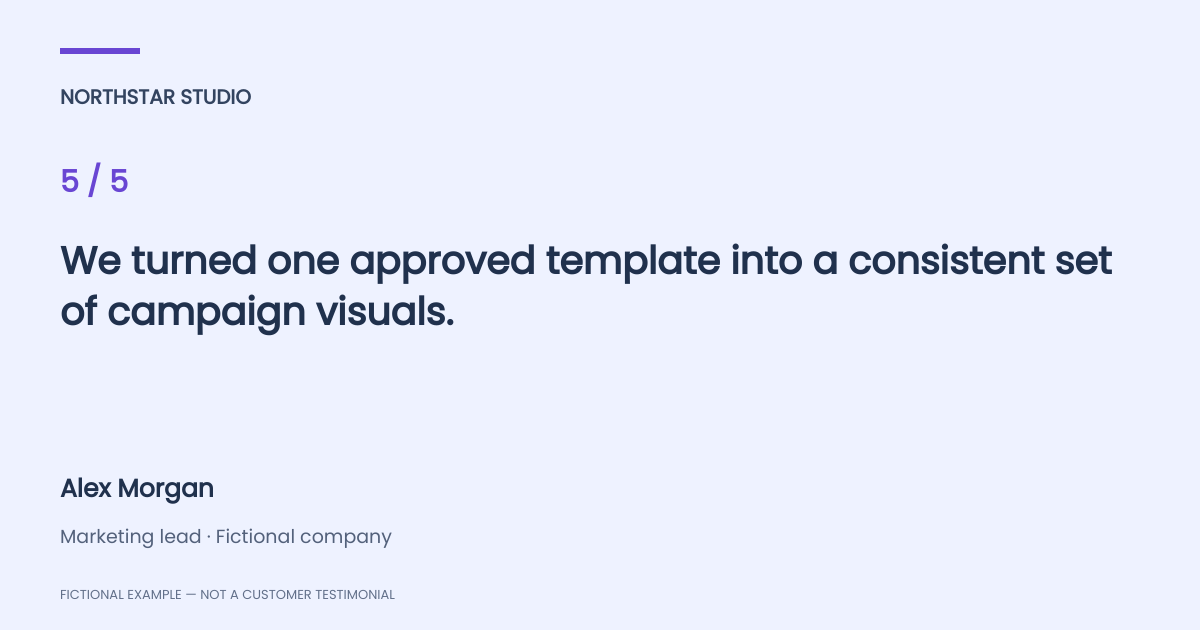
Generate testimonial and review images from structured CSV fields. Try square, portrait and landscape cards, then automate approved layouts with Pixelixe APIs.
CSV headers: quote, reviewer_name, reviewer_role, brand_name, rating. Up to 10 rows. ZIP uses the selected format; rating must be a whole number from 1 to 5.
Loading the review-card template…
Entered text and CSV files are rendered in your browser. The examples are invented demonstration data and do not represent real Pixelixe customers or reviews.
Prepare the quote, reviewer attribution, brand name and rating. Use feedback you have permission to publish and retain the original source.
Keep the quote, reviewer and rating as separate named fields. Approve one layout per target size and test short and long entries.
Render each row into a card, inspect attribution and line wrapping, and publish through your normal marketing workflow.
Send your structured review fields to the Image Automation API. Create your own saved template with the JSON source, then replace the quote, reviewer, role, brand and rating for each row.
Square, portrait and landscape downloads use separate layouts. This avoids assuming that one text layout can be resized into every aspect ratio without review. Each template’s named fields are consistent.
The starter reads CSV files you provide. It does not fetch reviews from Google, Trustpilot or another review service. Add your own approved data ingestion step if you need one.
Store the source review, approved wording, reviewer attribution and permission status alongside your data. The visual generation step cannot verify that a review is authentic or that you have permission to use it. Use your own approved production data and remove the fictional sample label only when adapting the template for that purpose.
These are actual Pixelixe API renders using the same example data in three separately prepared templates. They are fictional examples, not customer endorsements.

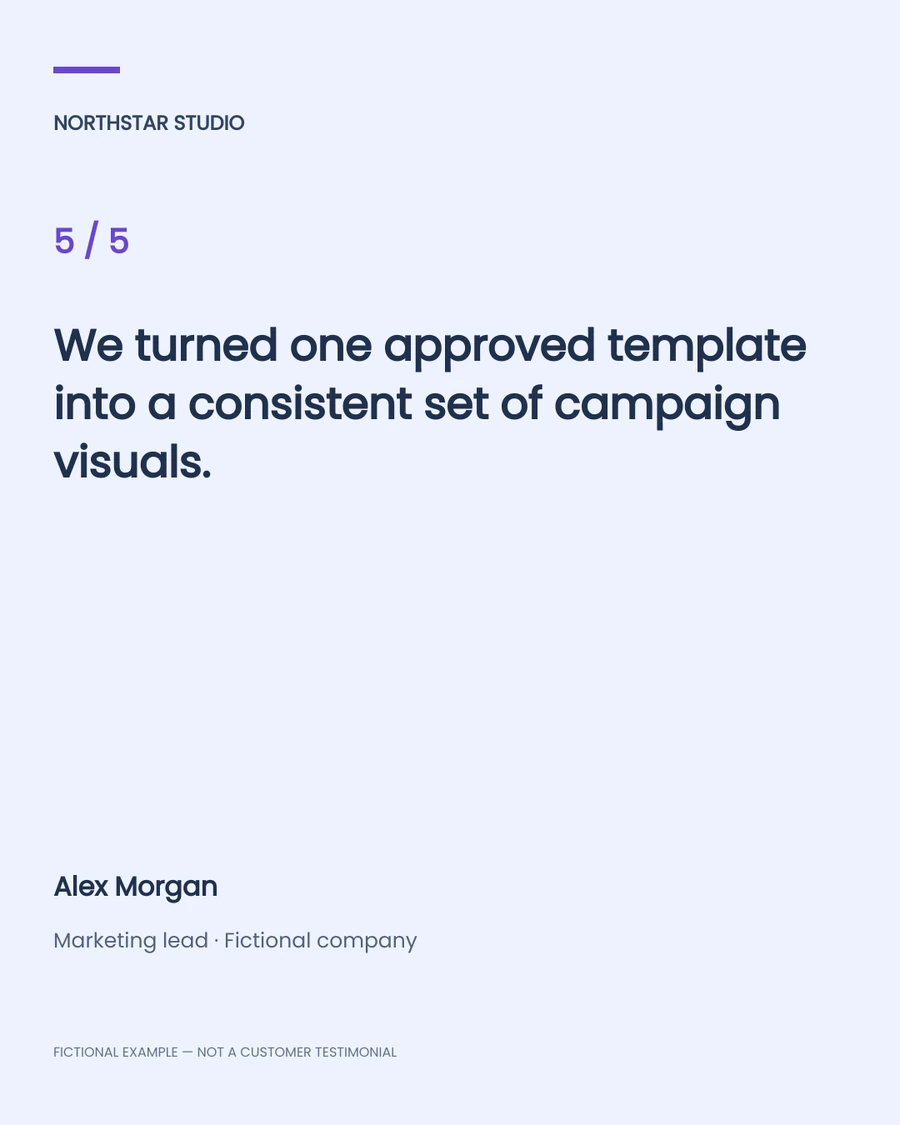
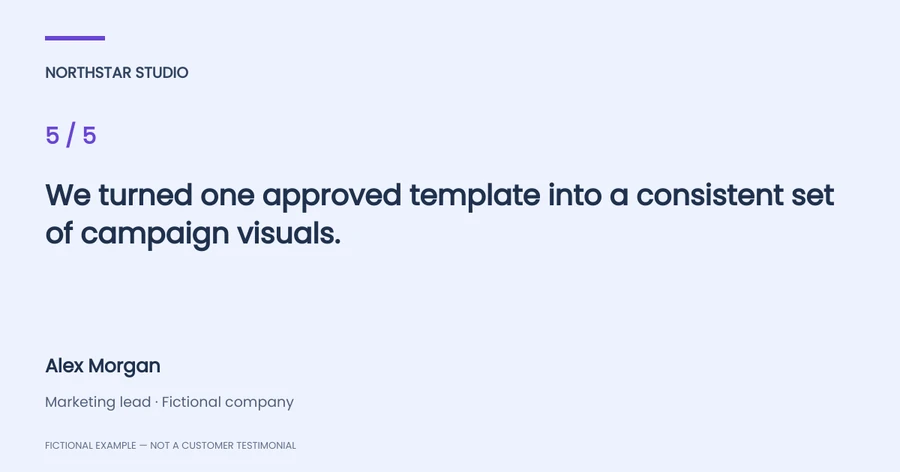
Prepare an approved quote, reviewer attribution, brand name and rating in a CSV. Map these fields to a reusable layout and render a card for each row. The tool above demonstrates square, portrait and landscape outputs.
Export your approved review data as CSV and use the named headers in the example. The browser demo accepts up to 10 rows; the backend starter uses your Pixelixe account for larger rendering workflows.
Yes. The supplied portrait and square layouts share the same field names, so you can reuse the same CSV with each layout. Generate and review each format separately.
This example does not include a native review import connector. It renders the CSV data you provide. Connect your own authorized review source or data workflow before the generation step.
Yes. The starter has separate reviewer_name, reviewer_role, brand_name and rating fields alongside the quote. Rating is a whole number from 1 to 5; you can adapt your own template for other display needs.
No. All supplied examples are fictional demonstration data and are visibly labeled as such. Use authentic, approved customer feedback in your production workflow.
The browser demo accepts quotes up to 360 characters and reduces text size to fit the available box, rejecting content that still cannot fit. Test the longest quotes and inspect every target format before publishing.
Explore the Pixelixe workflow that fits your production process.