
5 Best AI Image Generators for Marketing Posters and Brand Graphics With Accurate Text & Editing (2026)
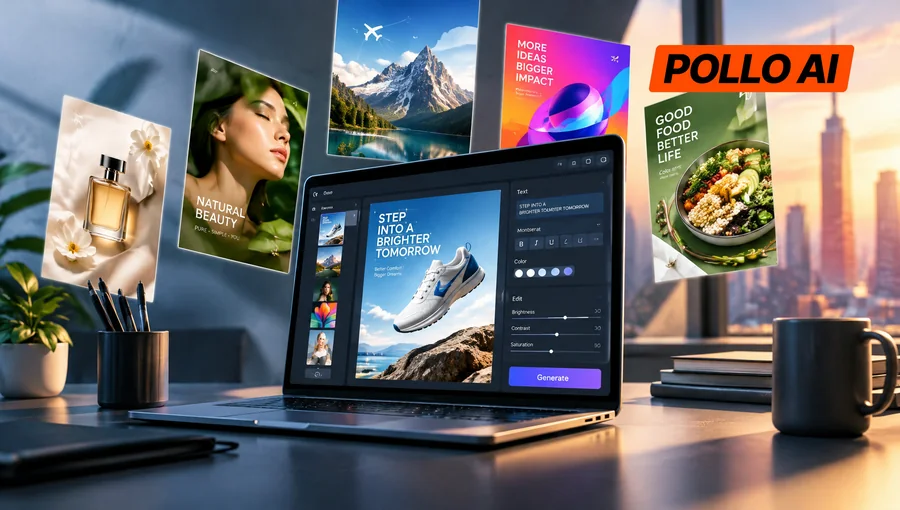
Marketing posters need clear text, recognizable products, and visuals that actually fit the brand. The tricky part is finding an AI image generator that can handle all three without endless revisions. Here are five tools worth considering in 2026, compared by their text accuracy, editing features, and usefulness for everyday marketing work.
5 Best AI Image Generators for Marketing Posters and Brand Graphics
1. Pollo AI Image to Image AI – Best for Repurposing Brand Visuals
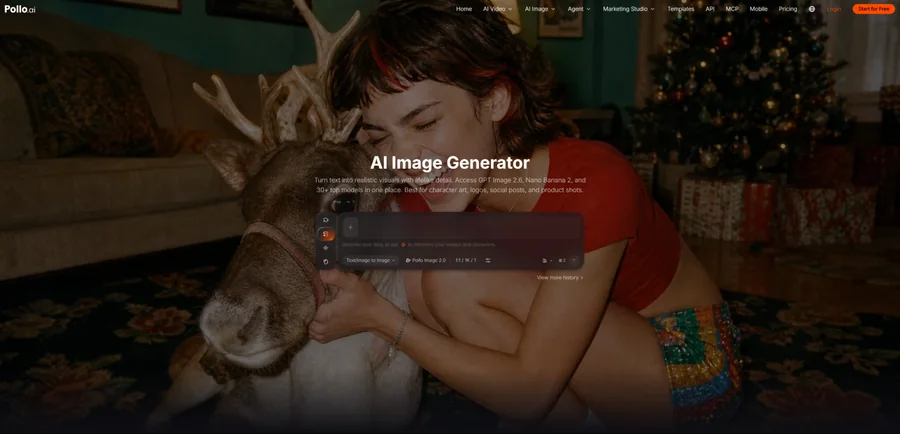
Image generator AI can help marketers refresh existing visuals without starting from a blank canvas. Pollo AI offers an AI-powered tool that transforms existing images using text prompts. Marketers can upload product photos, campaign artwork, or reference images and turn them into fresh designs.
The tool handles background changes, lighting adjustments, style transformations, and other visual edits. Through the broader Pollo AI platform, users can also access multiple image models, including GPT Image 2.5 and Nano Banana, to explore different looks and text-rendering approaches.
Say a skincare brand already has a clean product photo but needs graphics for a summer sale. With image to image AI, the team can turn that photo into a beach-themed promotion, try different lighting, or create a more minimal studio-style design. Using the original product image as a reference means there’s less need to recreate everything from scratch.
Pollo AI also includes text-to-image generation and an AI Photo Editor, allowing teams to develop new concepts and refine existing visuals without switching between separate platforms.
Pros
- Multiple models provide more creative options.
- Makes existing product photography useful across different campaigns.
- Combines image generation and editing workflows.
Cons
- Text accuracy and editing results vary by model.
- Detailed typography and complex layouts may need a separate design editor.
Best for: E-commerce sellers and marketing teams turning existing brand assets into seasonal posters, product promotions, and social media graphics.
2. Lexica AI – Best for Poster Backgrounds and Visual Inspiration
Lexica AI is an image generation platform built around its Aperture model and a searchable gallery of AI-generated artwork. It creates photorealistic images, illustrations, and stylized compositions from text prompts.
For marketers, the gallery is arguably just as useful as the generator. Browsing different images and prompts can help narrow down a campaign’s visual direction before anyone starts designing the final poster. Users can then generate their own artwork with specific subjects, lighting, colors, and compositions.
A coffee shop, for instance, could explore warm café interiors, tropical summer imagery, or close-up product shots for an upcoming promotion. Once the right visual is generated, it can be brought into another design tool for headlines, prices, and branding.
Lexica also offers custom dimensions and image uploads on supported plans. However, it makes more sense as a source of campaign imagery than as a complete poster editor, especially when exact text placement matters.
Pros
- Large searchable gallery for exploring visual styles.
- Good fit for atmospheric and photorealistic artwork.
- Supports different image formats and compositions.
Cons
- Less reliable for posters with substantial text.
- Limited control over finished layouts.
Best for: Brands developing creative concepts, lifestyle backgrounds, and marketing artwork that doesn’t depend on embedded typography.
3. Ideogram AI – Best for Posters With Prominent Headlines
Ideogram AI is an AI image generator with a particular focus on typography and graphic design. Unlike many image-first generators, it is built to incorporate readable words into artwork, making it a useful option for event posters, promotional graphics, and advertisements.
Users can specify the exact headline alongside the desired lettering style, colors, layout, and surrounding visuals. This matters when the text isn’t just information added afterward but a major part of the design itself.
For example, a fitness studio could generate a poster featuring “SUMMER FITNESS CHALLENGE” in bold lettering, with energetic workout imagery arranged around the headline. The result gives the team a design concept that already combines the message and visual theme.
Ideogram also provides Canvas tools such as Magic Fill and Extend for editing selected areas or expanding images. Its Layerize Text feature can turn supported generated text into editable layers, which is handy when a campaign headline needs a small change.
Pros
- Strong text rendering for headline-driven designs.
- Better suited to typography-heavy artwork than many general image generators.
- Includes tools for localized edits and supported text layers.
Cons
- Generated headlines still need proofreading.
- Decorative lettering may not always become clean editable text.
Best for: Retailers, event organizers, and marketers creating promotional posters where the headline needs to stand out.
4. Adobe Firefly – Best for Refining Existing Campaign Images
Adobe Firefly is a generative AI platform for creating and editing images with text instructions. Alongside text-to-image generation, it offers Generative Fill, Generative Expand, and controls that use visual references to guide the output.
Firefly is particularly useful when the source image is already close to what a campaign needs. Rather than generating a completely new design, marketers can select specific areas to change, remove unwanted objects, or extend a background to fit a different format.
Consider a fashion retailer with a product photograph that works for Instagram but needs to become a wider website banner. Firefly can extend the surrounding scene, giving the designer more room for a headline without changing the original framing entirely.
It also fits naturally into Adobe-based workflows. Generated or edited images can be taken into tools such as Adobe Express, where designers can add editable text, logos, and other campaign elements.
Pros
- Useful selection-based editing controls.
- Works with established Adobe design workflows.
- Helps adapt existing creative assets to new placements.
Cons
- Some finishing tasks require other Adobe applications.
- Features and generative credit allowances vary by plan.
Best for: Designers and marketing teams that already have campaign images but need cleaner compositions, background edits, or alternative formats.
5. Canva – Best for Editable Posters and Everyday Brand Graphics
Canva is an online design platform that brings together templates, AI image generation, and visual editing. Its Dream Lab feature generates images from prompts, while the main editor lets users arrange text, graphics, and other design elements.
The biggest practical difference is how Canva handles poster text. Instead of asking AI to generate an entire poster with perfectly spelled headlines and prices, marketers can create the background separately and add those details as editable text.
A restaurant promoting a weekend special, for example, could generate a food-themed image, drop it into a poster template, and add the offer details. When the price or date changes, the team can update the wording without recreating the artwork.
Canva also offers Brand Kit features for organizing fonts, colors, and logos. That makes it particularly convenient for businesses producing similar graphics every week across social media, digital ads, and print materials.
Pros
- Text and layout elements remain easy to edit.
- Templates speed up recurring marketing tasks.
- Brand Kit helps maintain consistent visual styles.
Cons
- AI-generated images may need extra refinement.
- Some advanced AI and branding features are paid.
Best for: Small businesses and social media teams producing branded posters, sale announcements, and graphics that need frequent updates.
Which AI Image Generator Should Marketers Choose?
It depends on what’s slowing down the design process.
Pollo AI Image to Image AI is a strong starting point for brands working with existing product photos. Its combination of image editing and multiple generation models gives marketers room to try different campaign styles while keeping their original visuals as references.
Ideogram makes more sense when a bold headline is central to the poster. For graphics with regularly changing dates, prices, or offers, Canva is the more practical choice because the text stays editable.
Adobe Firefly suits teams that need careful adjustments to existing campaign photography. Lexica is worth considering when the main challenge is finding the right visual style or creating an appealing background.
One thing applies to all five: AI-generated text, logos, and product details still need checking. Even a convincing poster isn’t ready to publish if the discount is wrong or the brand name is misspelled.
Conclusion
The best AI image generator isn’t necessarily the one that produces the most impressive picture. It’s the one that makes creating and revising marketing assets easier.
For teams looking to get more mileage out of existing product photography, Pollo AI Image to Image AI is worth trying. It offers a practical way to test new campaign looks, edit branded visuals, and create promotional graphics without rebuilding every design from scratch.