
Years ago, creating a simple calendar took more time than most people had. You had to plan every detail by hand, adjust each layout, and rebuild the design every month.
Today, you don’t need to work that hard. Incorporating custom art or full-color artwork into your branded calendars can greatly enhance their visual appeal and make your brand stand out. When you automate branded calendars, you skip the slow steps and get clean, consistent designs in minutes. Technology has made that easier, and it’s time for you to tap into it.
Don’t know how? I’ll show you how to automate branded calendars with easy tools so you can work faster and smarter.
What is a branded calendar?
A branded calendar is a calendar designed to showcase your brand’s activities. Branded calendars come in various calendar styles and formats, such as wall, desk, or poster calendars, allowing you to choose the best option for your needs. While some brands display theirs monthly, others create a year-long version to cover all events and campaigns at a glance.
Additionally, if a branded calendar is more interactive, brands call it a planner to show it’s more than just dates.
A branded calendar or planner often includes the following key elements:
Your brand logo
Brand colors and fonts
Company messaging or slogans
Important dates like holidays, events, or deadlines
Visuals such as images, icons, or illustrations
Calendar templates for structuring and customizing the calendar
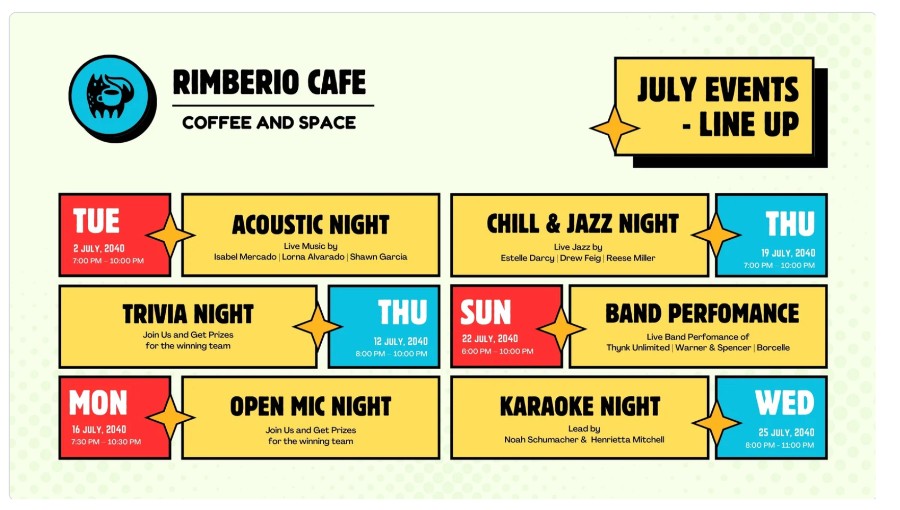
For example, a marketing team might use a branded calendar to track campaign deadlines, social media posts, and product launches. The image below is an example of Rimbeiro Cafe’s branded calendar for the month of July:
A branded calendar combines your logo, colors, and messaging with dates to keep your brand visible and organized. Choosing the right format and calendar style helps tailor the calendar to your brand’s needs.
Automated Branded Calendars
Once you understand what a branded calendar is, the next step is automation. Automation tools can help you maintain a custom design for each calendar, ensuring personalized layouts and branding for every use case. An automated branded calendar is a calendar set up to update and generate schedules automatically while keeping your brand elements consistent.
It removes the need to rebuild layouts or adjust designs every month, which allows you focus on planning and strategy.
Creating a calendar manually can take hours. With automated branded calendars, all of this becomes much easier.
Automating your branded calendar has the following benefits:
Save you time
Keeps your branding consistent
Reduces manual errors
Helps you scale easily
Allows you to delegate easily
Automating branded calendars saves time, ensures consistency, and keeps your teams on track. Automated branded calendars can also be easily printed, making it simple to distribute high-quality, tangible calendars for promotional or internal use.
Benefits of Custom Calendars
Custom calendars are a powerful tool for businesses and individuals looking to maximize brand recognition and stay organized all year long. By featuring your company logo, business name, and contact info on every page, custom calendars keep your brand front and center with clients and customers—whether they’re displayed on a desk, hung on a wall, or stuck to a fridge as a magnetic calendar. This constant visibility helps reinforce your brand and ensures your business stays top-of-mind throughout the year.
One of the standout advantages of custom calendars is their flexibility. You can choose from a wide range of styles and formats to fit your needs and budget, from sleek desk calendars and vibrant wall calendars to handy magnetic calendars. Each calendar can be fully customized with your logo, full color artwork, company message, and even fun themes or photos that reflect your brand’s personality. With the option to upload your own images and designs, you can create a truly unique calendar that showcases your business in the best light.
Beyond their marketing impact, custom calendars are highly functional. They help your clients and employees track important dates, appointments, and schedules with ease. Whether you prefer a weekly or monthly layout, there’s plenty of space for notes, reminders, and personalized touches. This makes custom calendars not only a practical office accessory but also a thoughtful gift that your customers will appreciate and use every day.
Custom calendars also serve as effective promotional tools. Use them as giveaways at events, include them in client welcome packages, or sell them directly on your website. Adding a promo code or special offer to your calendar can drive traffic to your site and encourage repeat business. With fast shipping and a variety of customizable options, it’s easy to order promotional calendars that fit your timeline and marketing goals.
In summary, custom calendars offer a unique blend of year-long brand exposure, practical organization, and creative expression. They help keep your brand visible, your clients engaged, and your business growing—all while adding a personal touch to every day of the year. Whether you’re looking to advertise your services, reward loyal customers, or simply add some fun to the office, custom calendars are a smart investment for any company.
Tools To Automate Branded Calendars
There are several tools used to automate branded calendars. Below are the most useful creative tools for design and how each one helps you automate the process:
Many of these tools feature online interfaces where you can easily browse a wide selection of calendar templates and styles to find the perfect fit for your brand.
Pixelixe
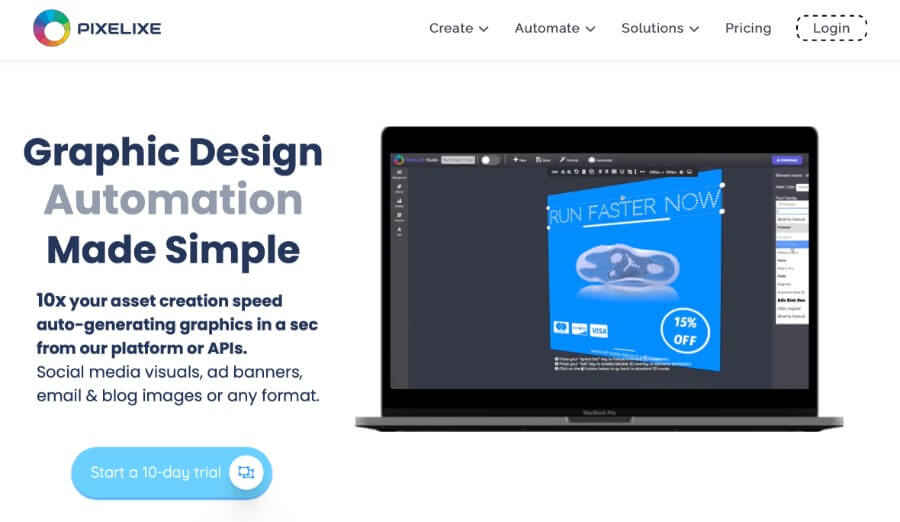
Pixelixe lets you design branded calendars with your logo, colors, and fonts. You can create one layout, save it as a reusable template, and then update the dates or events each month.
Adobe Express
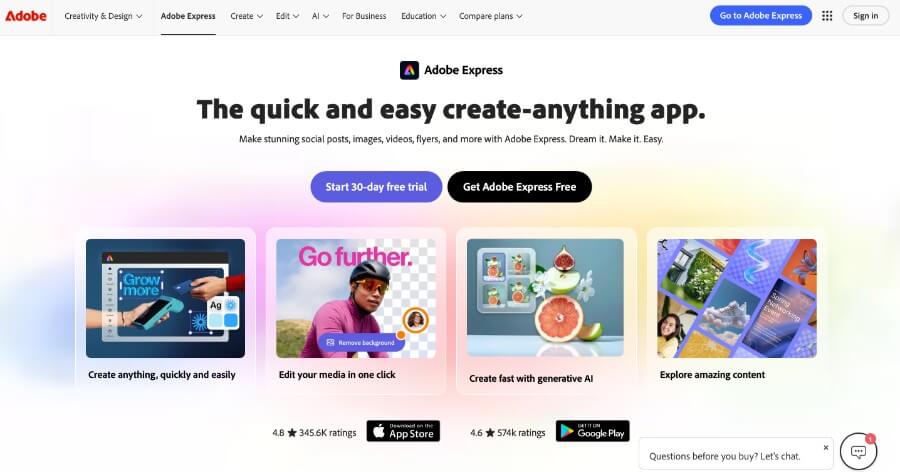
You can create calendars on Adobe Express with ready-to-use templates in minutes. Once you make your branded version, you can duplicate it for new months and change the details quickly.
Visme
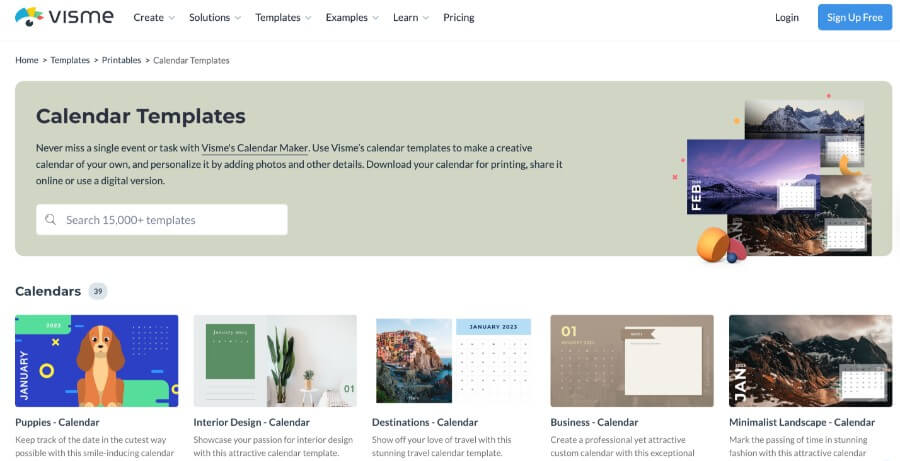
Visme helps you build visual and interactive calendars. You can add icons, images, or illustrations that match your brand. After setting up your main layout, updating future versions is fast and simple.
Notion
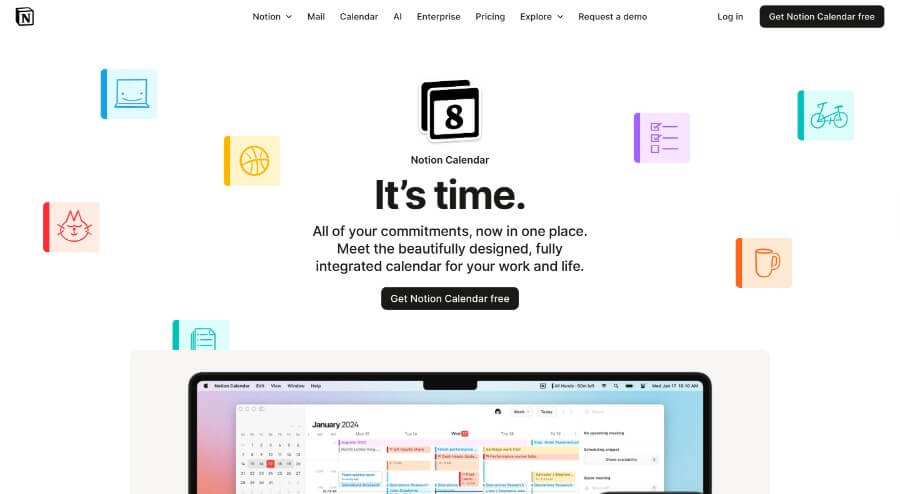
With Notion, you can create an automated branded calendar database for campaigns, content plans, or events. Notion lets you set automation rules that update statuses, send alerts, or move tasks automatically.
Airtable
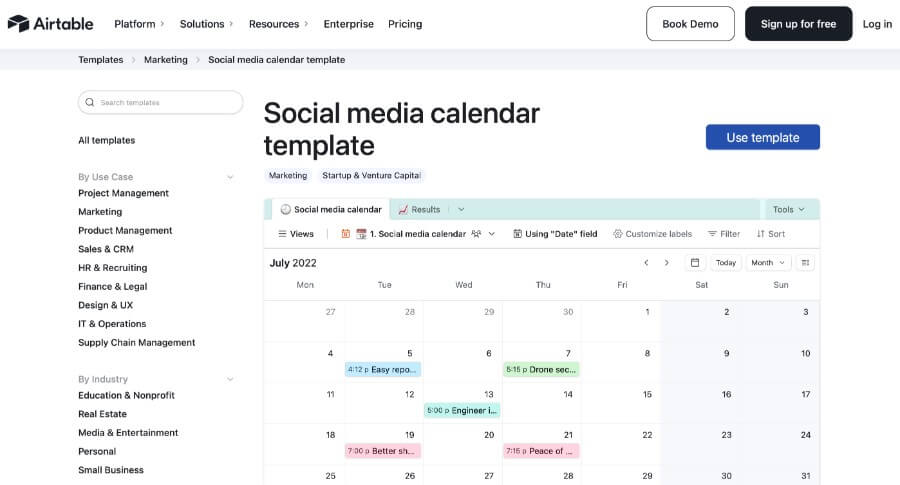
If you need a branded social media calendar or content calendar, Airtable might just be the tool for you. With Airtable, you can automate record updates, reminders, and notifications.
Canva
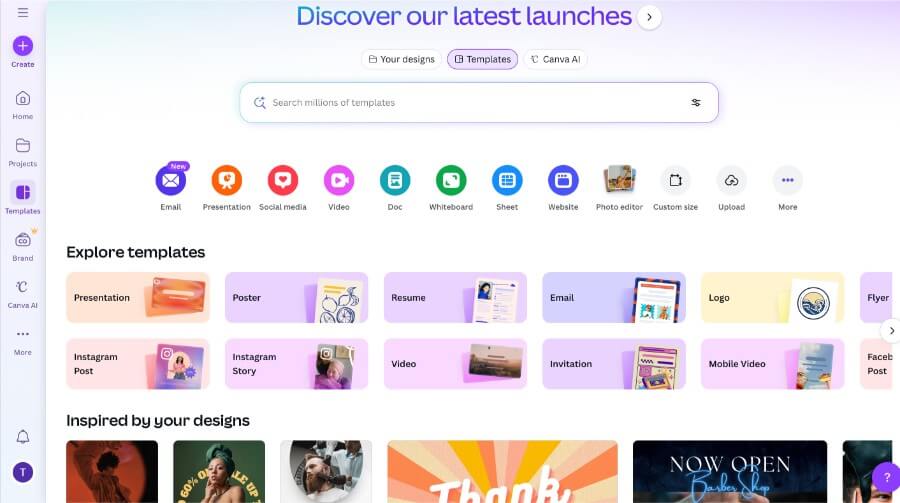
Canva offers many editable templates and a brand kit feature. You can apply your brand colors, logo, and fonts instantly. After creating a calendar layout, you can reuse it multiple times.
You can also check out more alternative tools if these don’t fit into your workflow.
These tools make it easy to design, update, and manage your branded calendars with less manual work. With these tools, you can focus on planning instead of rebuilding layouts.
How To Automate Branded Calendars Promptly
Once you choose your tool, the next step is to set up your calendar in a way that saves time every month. The goal is to create one strong layout, add your brand elements, and then let the tool handle the updates for you. Automating business calendars and custom business calendars ensures timely delivery, making it easy to distribute your promotional calendars before the new year and maximize their impact.
Below are the steps you can follow to automate your branded calendars promptly:
1. Pick A Tool That Fits Your Workflow
Choose a tool that matches how you work. If you want bold design features, use Canva, Pixelixe, or Adobe Express. If you prefer a planning system, use Notion, Trello, or ClickUp.
2. Create Your Main Calendar Layout
Start with one template that will hold your monthly structure. Then, add your brand colors, fonts, logo, and any icons you use. This becomes the “master calendar” you will reuse.
3. Add Your Fixed Dates And Events
Include key dates like holidays, product launches, reporting days, or meetings for the month or year. These dates repeat often, so adding them now reduces weekly or monthly work.
4. Set Up A Reusable Template
Save your calendar as a template inside your tool. This allows you to duplicate the same layout without starting over.
5. Add Automation Rules
Most tools allow simple automation steps, such as:
Repeating events
Sending reminders
Updating statuses
Creating recurring tasks
Syncing dates across calendars
These rules will help your automated branded calendar update itself.
6. Import Or Sync Your Data
If your events live in other tools, connect them. For example, you can sync Google Calendar with Zapier or link tasks from ClickUp or Trello. This keeps your schedule accurate without manual updates. Syncing your branded calendar with your computer also helps keep your workspace organized and ensures you have easy access to your schedules.
7. Review And Update Monthly
Each new month, open your template, update the events, and export or publish your final version. This takes only a few minutes when your base is already set.
The step is simple. Plan, customize, and automate your workflow to make your automated branded calendars fast and easy.
Integrating Calendars With Your Team Workflow
A branded calendar becomes more powerful when it blends smoothly into your team’s workflow. Personalized calendars and promo calendars can be tailored to your team’s specific needs, making them effective tools to boost engagement and keep everyone connected. It helps everyone stay aligned, see upcoming tasks, and understand how their work fits into the bigger picture.
It also gives your team a shared reference point, similar to what you see in a public roadmap used by companies.
Here’s how to make your automated branded calendar work smoothly with your team:
Connect your calendar to tools your team already uses
Share access with team leads so updates spread quickly
Assign owners for recurring tasks or campaigns
Use project labels or color codes to keep things clear
Sync your calendar with communication channels like Slack or email
Use a shared onboarding checklist when bringing new members to your calendar workflow
Review it weekly so your team stays aligned and proactive
Integration ensures everyone stays on the same page and reduces confusion. An integrated branded calendar will help your team streamline its workflow and boost collaboration.
Get Extra Support When You Need It
There comes a point when automation alone isn’t giving you enough extra time. When this happens, it’s a clear sign that it’s time to hire a personal assistant.
The following signs indicate you need extra support:
Repeating small tasks like updates or template fixes
No time for strategy due to admin overload
Struggling to manage multiple projects or deadlines
Feeling stressed or overwhelmed by your workload
Struggling to manage multiple teams or clients
Delegating calendar creation to a VA can save you time, which allows you focus on higher-level tasks.
Partner With Pixelixe For Your Automated Branded Calendar
Pixelixe gives you a simple way to automate branded calendars without rebuilding your layout every month. The printed calendars are known for their high quality, using premium paper and ensuring reliable stock availability.
With Pixelixe, you also get automated support through the design API and bulk creation features. This means you can generate many calendar versions quickly, which helps when you manage several campaigns or need monthly updates. Popular sellers like Triumph calendars and themed options such as cars are available, often boasting a high average rating and offered at a competitive price.
Final Thoughts
Automating branded calendars is a small change that can save hours of work and keep your brand consistent.
By using tools like Adobe Express or Pixelixe, integrating calendars into your workflow, and knowing when to delegate tasks, you can simplify planning and improve collaboration.
Take a few minutes to set up your automated branded calendar with Pixelixe today.